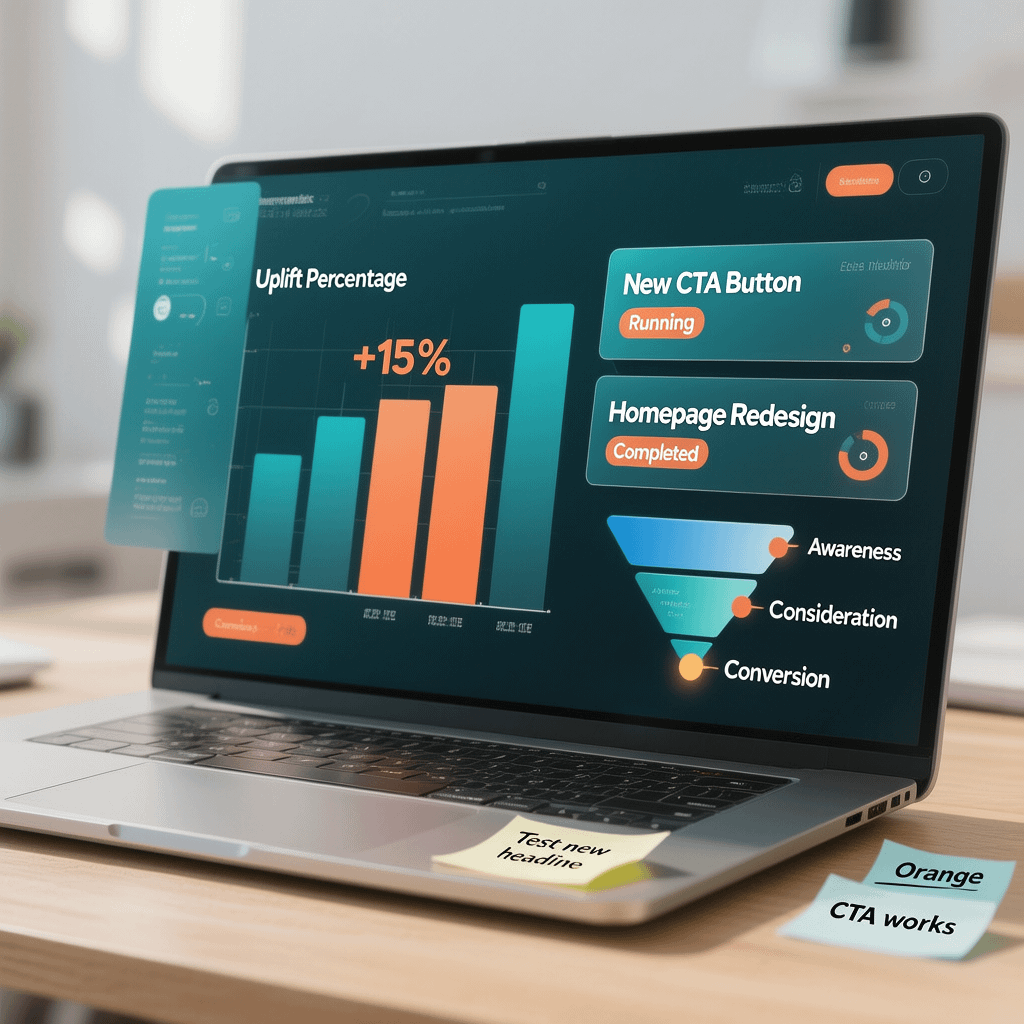
Visualizing the power of micro-interactions in driving business success
Micro-Interactions Business Impact: 7 Profit Boosters
Have you ever wondered why some websites keep users hooked while others see quick bounces? The secret often lies in subtle details like micro-interactions. These small, responsive elements can have a massive micro-interactions business impact, boosting conversions and building loyalty. At Brand Nexus Studios, we specialize in digital marketing and website design that leverages these features to drive real results. For instance, research shows they can increase engagement by up to 50% and satisfaction by 22%.
In today’s competitive online landscape, every click counts. Micro-interactions provide instant feedback, guiding users seamlessly toward actions like purchases or sign-ups. This not only reduces frustration but also enhances the overall experience, turning visitors into loyal customers.

The Business Case for Micro-Interactions
Let’s dive into why micro-interactions matter for your bottom line. These tiny animations and responses aren’t just eye candy; they build trust and reduce user friction. When a user hovers over a button and sees a smooth color shift, it reassures them the site is responsive.
From a business perspective, this translates to higher conversion rates. For example, instant form validation prevents errors before submission, cutting abandonment rates. Studies indicate that well-implemented micro-interactions can boost user engagement significantly, leading to more sales and repeat visits.
Moreover, they help in creating a memorable brand experience. Users feel more connected when interfaces respond intuitively, fostering loyalty. At Brand Nexus Studios, our website design services incorporate these elements to maximize your site’s potential.
Consider e-commerce sites where adding an item to the cart triggers a subtle animation. This feedback confirms the action, encouraging further browsing. The result? Increased average order values and reduced cart abandonment.
But how do we quantify this? Data from various sources shows a direct link. One report notes a 22% rise in user satisfaction, while another highlights up to 50% more engagement. These metrics aren’t abstract; they drive revenue growth.

Reducing cognitive load is another key benefit. Users don’t have to wonder if their action registered; the interface tells them immediately. This seamless flow keeps them on-site longer, improving SEO through better dwell times. For more on optimization, check our SEO services.
In B2B contexts, micro-interactions can guide users through complex forms or dashboards, making professional tools feel approachable. This positions your brand as user-friendly, a competitive edge in crowded markets.
Ultimately, investing in these details pays off. They turn passive visitors into active participants, amplifying your marketing efforts. Brand Nexus Studios, leaders in digital marketing and site maintenance, can help implement them effectively.
Real-World Examples of Business Wins
Take Facebook’s like button animation. That heart bounce isn’t random; it encourages more interactions, boosting time on site. Businesses see similar gains when applying this to CTAs.
Another case: Airbnb’s date picker with smooth transitions. It reduces booking friction, leading to higher completion rates. These examples show how micro-interactions directly influence revenue.
- Instant feedback on form fields cuts errors by 30%.
- Animated progress bars increase completion rates for multi-step processes.
- Subtle loading animations reduce perceived wait times, lowering bounce rates.
By focusing on these, companies report improved metrics across the board. It’s not just about aesthetics; it’s strategic design for business growth.
Key Components of Micro-Interactions
Understanding the structure helps in effective implementation. According to design principles, micro-interactions consist of four main parts.
| Component | Description | Example |
|---|---|---|
| Trigger | Initiates the interaction, user or system-based. | Hovering over a button. |
| Rules | Defines what happens during the interaction. | Button color changes to blue. |
| Feedback | Communicates the result to the user. | Visual or auditory response. |
| Loops and Modes | Handles repetitions or variations. | Animation loops until action completes. |
This framework ensures interactions are purposeful and effective.

Implementing Micro-Interactions: The Developer’s Guide
Now, let’s shift to the technical side. We’ll cover CSS for basics and JavaScript for advanced features.
CSS for Simple Micro-Interactions
CSS is perfect for lightweight animations. It’s performant and doesn’t require heavy scripting.
For a button hover effect:
.button {
    transition: background-color 0.3s ease;
}

.button:hover {
    background-color: #007bff;
}
This simple code provides immediate feedback, enhancing usability.
Another example: Scaling on click.
.button:active {
    transform: scale(0.95);
    transition: transform 0.1s;
}
These keep sites fast while adding polish.
For color changes:
.icon {
    transition: color 0.2s;
}

.icon:hover {
    color: #ff0000;
}
Ideal for navigation icons.
Transitions ensure smoothness:
.element {
    transition: all 0.25s ease-in-out;
}
Use opacity for fades:
.fade-in {
    opacity: 0;
    transition: opacity 0.5s;
}

.fade-in.visible {
    opacity: 1;
}
This is great for loading elements.

Remember, CSS animations are hardware-accelerated when using transform and opacity.
For keyframes:
@keyframes bounce {
    0%, 20%, 50%, 80%, 100% {transform: translateY(0);}
    40% {transform: translateY(-30px);}
    60% {transform: translateY(-15px);}
}

.bounce {
    animation: bounce 2s infinite;
}
Apply to notifications for attention.
Border radius changes:
.card {
    transition: border-radius 0.3s;
}

.card:hover {
    border-radius: 20px;
}
Subtle yet effective.
Box shadow for depth:
.button {
    box-shadow: 0 2px 4px rgba(0,0,0,0.1);
    transition: box-shadow 0.3s;
}

.button:hover {
    box-shadow: 0 4px 8px rgba(0,0,0,0.2);
}
Enhances clickability.
These CSS techniques are easy to implement and maintain low overhead.
JavaScript for Advanced Micro-Interactions
For dynamic responses, JavaScript shines. It allows real-time DOM manipulation.
Real-time form validation:
const input = document.querySelector('input');
input.addEventListener('input', () => {
    if (input.value.length > 0) {
        input.style.borderColor = 'green';
    } else {
        input.style.borderColor = 'red';
    }
});
This provides instant feedback.
Pull-to-refresh simulation:
let startY;
const refresher = document.querySelector('.refresher');

document.addEventListener('touchstart', e => {
    startY = e.touches[0].pageY;
});

document.addEventListener('touchmove', e => {
    const diff = e.touches[0].pageY - startY;
    if (diff > 0) {
        refresher.style.height = `${diff}px`;
    }
});
Great for mobile apps.
Animated toggles:
const toggle = document.querySelector('.toggle');
toggle.addEventListener('click', () => {
    toggle.classList.toggle('active');
    // Add animation via CSS class
});
Combine with CSS for smoothness.
For tooltips:
const element = document.querySelector('.tooltip-element');
const tooltip = document.createElement('div');
tooltip.classList.add('tooltip');
tooltip.textContent = 'Hello!';

element.addEventListener('mouseover', () => {
    document.body.appendChild(tooltip);
    // Position tooltip
});

element.addEventListener('mouseout', () => {
    tooltip.remove();
});
Enhances information delivery.

Progress indicators:
function updateProgress(percent) {
    const bar = document.querySelector('.progress-bar');
    bar.style.width = `${percent}%`;
    if (percent === 100) {
        bar.classList.add('complete');
    }
}
Keeps users informed.
Drag and drop feedback:
const draggable = document.querySelector('.draggable');
draggable.addEventListener('dragstart', () => {
    draggable.classList.add('dragging');
});

draggable.addEventListener('dragend', () => {
    draggable.classList.remove('dragging');
});
Visual cues improve UX.
Confetti on success (using canvas):
function confetti() {
    const canvas = document.createElement('canvas');
    // Setup canvas and draw particles
    // This is a placeholder; use libraries like confetti.js for full effect
}
Celebrates user achievements.
These JS examples allow context-aware interactions, elevating user engagement.
Best Practices for Micro-Interactions
To maximize impact, follow these guidelines. Keep animations under 300ms to avoid delays.
Ensure consistency across the site for a cohesive feel. Use them purposefully, not decoratively.
Optimize for performance: Leverage hardware acceleration with transform and opacity.
Accessibility is crucial. Provide alternatives for motion-sensitive users via prefers-reduced-motion.
@media (prefers-reduced-motion: reduce) {
    * {
        transition: none !important;
        animation: none !important;
    }
}
Avoid overuse; too many can overwhelm. Test with users to refine.
Document your interactions for team consistency. This aids maintenance.
Collaborate between designers and developers early. At Brand Nexus Studios, our teams work hand-in-hand for optimal results.

Monitor analytics to measure impact. Tools like Google Analytics can track engagement post-implementation.
Finally, iterate based on feedback. What works for one audience may need tweaks for another.
FAQs
What are micro-interactions?
Micro-interactions are small, responsive elements in UI that provide feedback and guide users.
How do micro-interactions affect business?
They boost conversions, engagement, and loyalty by reducing friction and building trust.
Can I implement them without coding expertise?
Basic CSS ones yes, but for advanced, partner with experts like Brand Nexus Studios.
What tools help create micro-interactions?
CSS for basics, JavaScript for dynamics, and libraries like Anime.js.
Are micro-interactions mobile-friendly?
Yes, when designed responsively, they enhance touch interactions.
Ready to harness the micro-interactions business impact for your site? Contact morne@brandnexusstudios.co.za at Brand Nexus Studios, leaders in digital marketing, website building, hosting, and maintenance. Let’s boost your conversions today!
References
About the Author