
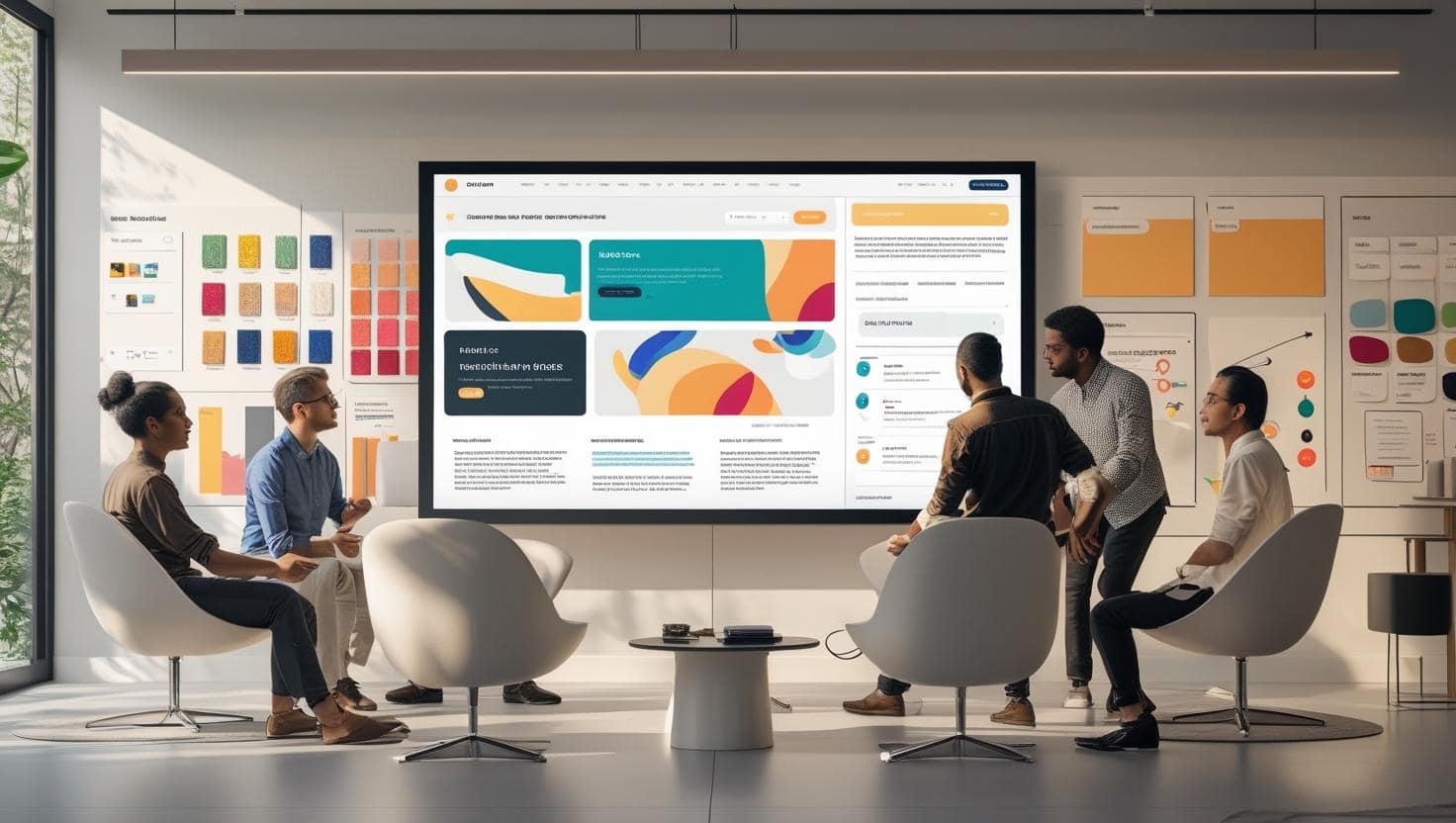
A professional web design comp is the blueprint of digital success
Mastering Web Design Comp: 5 Costly Mistakes to Avoid
Let’s talk about something most people get wrong: the web design comp.
Not the final website. Not the code. I’m talking about that crucial middle step—the high-fidelity mockup that shows exactly how your site will look and function before a single line of code is written.
At Brand Nexus Studios, we’ve reviewed hundreds of design comps—from startups to enterprise brands. And here’s the truth: a shocking number of them fail before development even starts. Why? Because teams rush, skip steps, or treat the web design comp like a formality instead of a strategic tool.
I remember one client—a mid-sized e-commerce brand—who came to us after spending $40K on a developer who built their site directly from rough sketches. The result? A beautiful-looking site that converted like a 2003 Geocities page. Why? No user flow planning. No mobile-first thinking. No web design comp to catch the issues early.
We rebuilt the comp from scratch, mapped the UX, and redesigned the funnel. The new site, built from that comp, increased conversions by 112% in two months.
That’s the power of a solid web design comp.
In this guide, I’ll walk you through the five most common—and costly—mistakes we see in web design comp work. These aren’t just theoretical. They’re real issues we’ve fixed for clients across industries. And more importantly, I’ll show you how to avoid them so your next project doesn’t end up as a cautionary tale.
1. Skipping the Discovery Phase (The #1 Killer of Good Design)
You’d be surprised how many teams jump straight into Figma or Adobe XD without doing any real discovery. They have a rough idea, a logo, and a list of pages. And they think that’s enough.
It’s not.
A web design comp isn’t just about making things look pretty. It’s about solving business problems. And you can’t solve a problem you don’t understand.
At Brand Nexus Studios, we spend at least 10–15 hours on discovery before touching a design tool. We ask questions like:
- Who is your ideal customer, and what are their pain points?
- What’s the primary goal of this site? (Lead gen, sales, brand awareness?)
- What are your top 3 competitors doing well—and where are they failing?
- What content do you already have, and what needs to be created?
One client, a financial advisory firm, wanted a “modern, clean website.” Vague, right? After discovery, we found their real need: building trust with high-net-worth clients who were skeptical of digital-first firms. So we shifted the web design comp to focus on credibility—case studies, team bios with credentials, and a subdued, professional color palette. The result? A 60% increase in consultation requests.
Without discovery, we would’ve given them a trendy site that looked great but didn’t convert.
Pro Tip: Use tools like AnswerThePublic to gather customer insights or Ahrefs for competitive analysis. These aren’t optional extras—they’re essential inputs for your web design comp.
2. Designing for Desktop Only (And Ignoring Mobile Realities)
Here’s a stat that should scare you: over 60% of global web traffic comes from mobile devices. Yet, I still see web design comps that are desktop-only, with mobile treated as an afterthought.
That’s not just outdated—it’s business suicide.
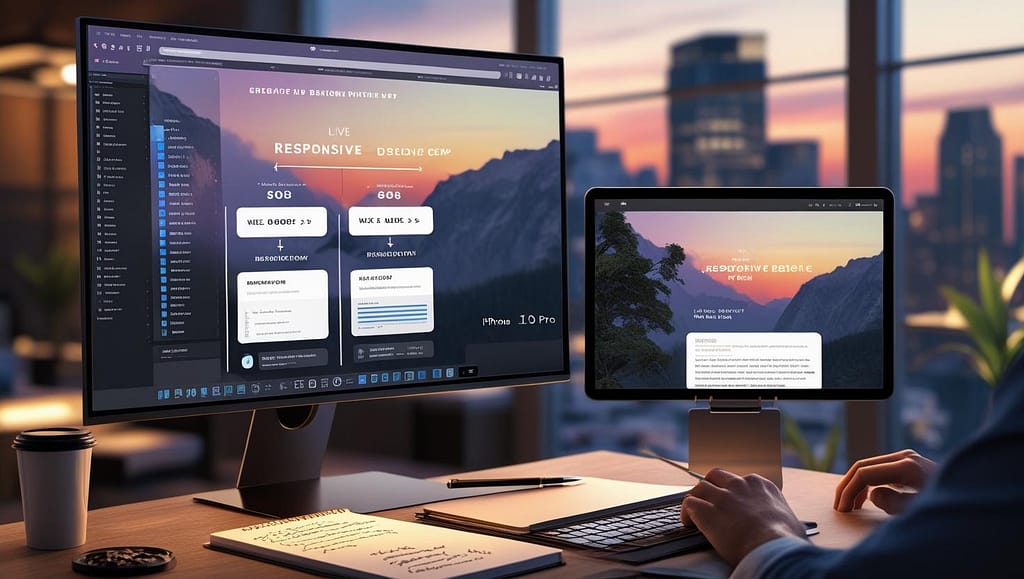
A responsive web design comp doesn’t mean shrinking the desktop layout. It means rethinking the entire user experience for smaller screens.
We worked with a restaurant chain that wanted an online ordering site. Their initial comp was a beautiful desktop layout with a full-screen hero image and a 7-item navigation menu. On mobile? It was a disaster. The image took 8 seconds to load, and users had to scroll through four menu layers to find “Order Now.”
We redesigned the comp with mobile-first principles:
- Stacked content for vertical scrolling
- Thumb-friendly buttons (minimum 48x48px)
- Prioritized the order button in the header
- Optimized images for fast loading
The mobile conversion rate jumped from 1.2% to 4.7% after launch.
Tools like Figma make it easy to design responsive comps across breakpoints. Use them. Test your comp on real devices, not just simulators.
3. Overloading the Layout (Less Is More, Seriously)
There’s a tendency—especially with new clients—to want to put everything on the homepage. “We need to show our services, team, testimonials, blog, latest news, and a live chat widget!”
Here’s the problem: when everything is important, nothing is.
A cluttered web design comp confuses users, increases bounce rates, and dilutes your message. Google’s research shows that users form a first impression of a site in just 50 milliseconds. If they see chaos, they leave.
We audited a B2B software company’s comp that had 14 different sections above the fold. Four CTAs. Three animations. It looked like a digital yard sale.
We simplified it to three core sections: a clear headline, a short value proposition, and one primary CTA (“Start Free Trial”). We moved testimonials and features below the fold.
The new comp wasn’t just cleaner—it performed better. In usability testing, task completion improved by 73%, and users reported feeling “more confident in the brand.”
Rule of thumb: One primary goal per page. One primary CTA. Supportive elements only if they directly reinforce the message.
For inspiration on minimalist design, check out Smashing Magazine’s guide to minimalist design principles.
4. Ignoring Accessibility From the Start
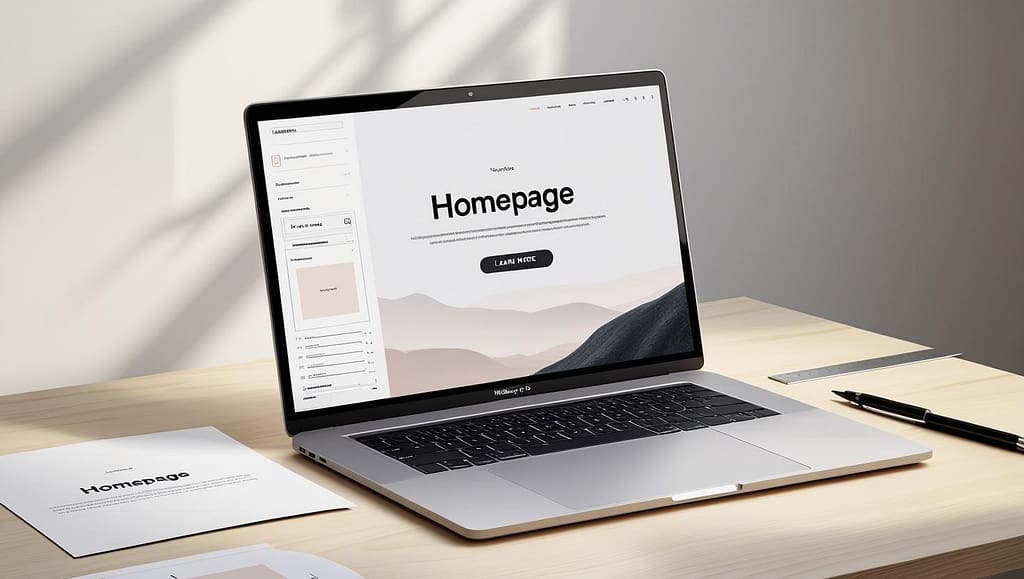
Accessibility isn’t a checklist you tick off at the end. It’s a core part of a professional web design comp.
Yet, we still see comps with:
- Light gray text on white backgrounds
- Buttons without visible focus states
- Images without alt text planning
- Poor color contrast (below WCAG 2.1 AA standards)
This isn’t just bad design—it’s exclusionary. Over 1 billion people globally live with a disability. Ignoring them means ignoring a massive market.
One of our clients, a healthcare provider, had a comp that used pastel colors and small fonts. It looked elegant but was nearly unusable for older patients.
We redesigned the comp with accessibility in mind:
- Increased font size and line height
- Ensured color contrast ratio of at least 4.5:1
- Added clear visual indicators for interactive elements
- Planned semantic HTML structure in the comp notes
The final site passed WCAG 2.1 AA compliance and received positive feedback from users with visual impairments.
Use tools like Contrast Checker or the Accessibility Insights plugin for Figma to test your comp early.

5. No User Testing or Feedback Loop
Here’s a hard truth: your opinion doesn’t matter. Neither does your CEO’s. What matters is what real users think.
Too many web design comps are approved in boardrooms by stakeholders who aren’t the target audience. Then, when the site launches, users struggle.
At Brand Nexus Studios, we never finalize a comp without user testing. Even a simple 5-person test can uncover major usability issues.
We tested a SaaS dashboard comp with actual users. One task: “Find your billing settings.” Over 80% failed. Why? The icon was a tiny gear in the top-right corner, buried in a menu.
We moved it to the main navigation, added a label, and increased the size. Success rate jumped to 98%.
You don’t need a lab or expensive tools. Use UsabilityHub for quick click tests or Hotjar for heatmaps and feedback polls—even on static comps.
Test early. Test often. Iterate before you code.

Why Brand Nexus Studios Gets It Right
You could try to fix these mistakes on your own. Or you could partner with a team that’s already done it—hundreds of times.
At Brand Nexus Studios, we don’t just make pretty pictures. We build strategic web design comp solutions that align with your business goals, user needs, and technical realities.
Our process is simple but rigorous:
- Discover: Deep-dive into your market, audience, and goals.
- Design: Create high-fidelity, responsive, accessible comps.
- Validate: Test with real users and refine.
- Deliver: Hand off to developers with full documentation.
No guesswork. No rework. Just results.
Final Thought: Your Web Design Comp Is Your Safety Net
Think of your web design comp as insurance. It’s the step that prevents costly mistakes, aligns your team, and sets the foundation for a high-performing website.
Skipping it to “save time” is like building a house without blueprints. Sure, you might finish faster—but you’ll likely end up with structural flaws that cost way more to fix later.
If you’re starting a new website project, don’t rush the comp phase. Invest in it. Test it. Refine it.
And if you want a team that treats your web design comp like the strategic asset it is, let’s talk. At Brand Nexus Studios, we’ve turned hundreds of design comps into digital success stories.
Because in 2025, great design isn’t just about looks. It’s about results.
About the Author




