
A sleek dashboard displaying optimized Core Web Vitals scores.
15 Expert Tips to Improve Core Web Vitals for SEO Success
Struggling to figure out how to improve Core Web Vitals for your website? You’re not alone. Core Web Vitals (CWV) are Google’s gold standard for measuring user experience, and they play a pivotal role in SEO rankings. These metrics – Largest Contentful Paint (LCP), First Input Delay (FID), and Cumulative Layout Shift (CLS) – determine how fast, responsive, and stable your site feels to users. Poor scores can lead to frustrated visitors, higher bounce rates, and lower search rankings.
But don’t worry. This comprehensive guide from Brand Nexus Studios shares 15 expert tips to optimize Core Web Vitals, complete with practical examples and case studies. Whether you’re a business owner, marketer, or developer, these strategies will help you boost website performance and dominate search results. Let’s get started!
Understanding Core Web Vitals: The Basics
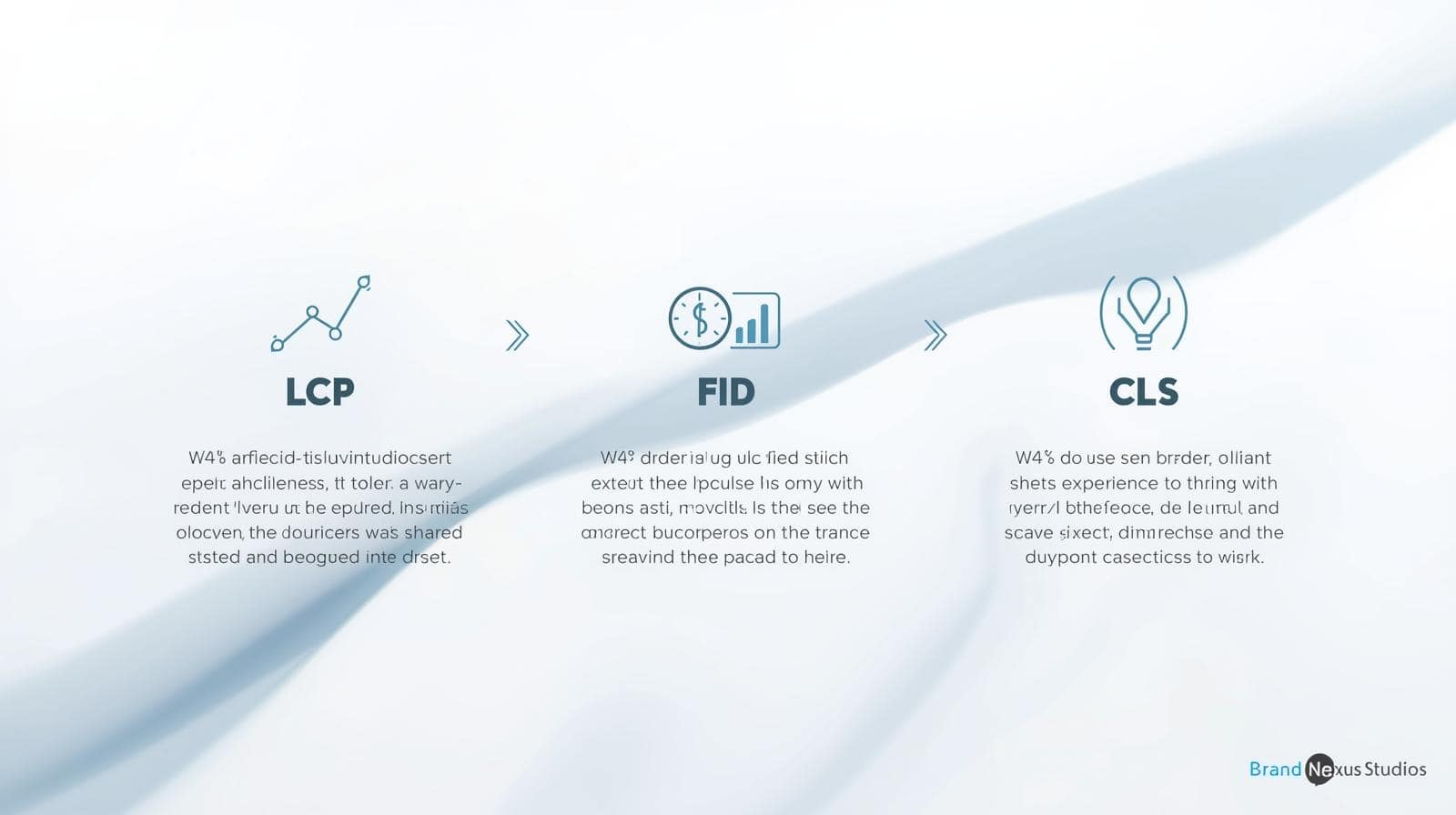
Before diving into optimization, let’s break down what Core Web Vitals are and why they’re critical. Introduced by Google in 2020, CWV focus on three key areas of user experience:
- Largest Contentful Paint (LCP): Measures how long it takes for the main content (e.g., hero image or headline) to load. Aim for under 2.5 seconds.
- First Input Delay (FID): Tracks the time it takes for a site to respond to user interactions, like clicks or taps. Target under 100 milliseconds.
- Cumulative Layout Shift (CLS): Evaluates visual stability by measuring unexpected layout shifts. Keep CLS below 0.1.
Why do these matter? Google uses CWV as a ranking factor, meaning better scores can improve your search visibility. Plus, a fast, responsive, and stable site keeps users engaged, reducing bounce rates and boosting conversions. Ready to optimize? Here’s how to improve Core Web Vitals with 15 actionable strategies.
15 Expert Tips to Improve Core Web Vitals
1. Optimize Server Response Time for Faster LCP
A slow server can cripple your LCP score. Time to First Byte (TTFB) measures how quickly your server responds to a request. To improve TTFB:
- Use a Content Delivery Network (CDN) to distribute content globally, reducing latency.
- Choose a high-performance hosting provider, like those offered by Brand Nexus Studios.
- Implement server-side caching to serve pre-rendered pages faster.
Example: A South African e-commerce site reduced TTFB from 1.2 seconds to 400ms by switching to a CDN, improving LCP by 30%.
2. Compress and Optimize Images
Large images are a major cause of slow LCP. Use tools like TinyPNG or ImageOptim to compress images without losing quality. Switch to modern formats like WebP, which are up to 30% smaller than JPEGs.
Pro Tip: Implement lazy loading to defer off-screen images, further speeding up LCP. For expert content strategies, explore Brand Nexus Studios’ content marketing services.
3. Minimize Render-Blocking Resources
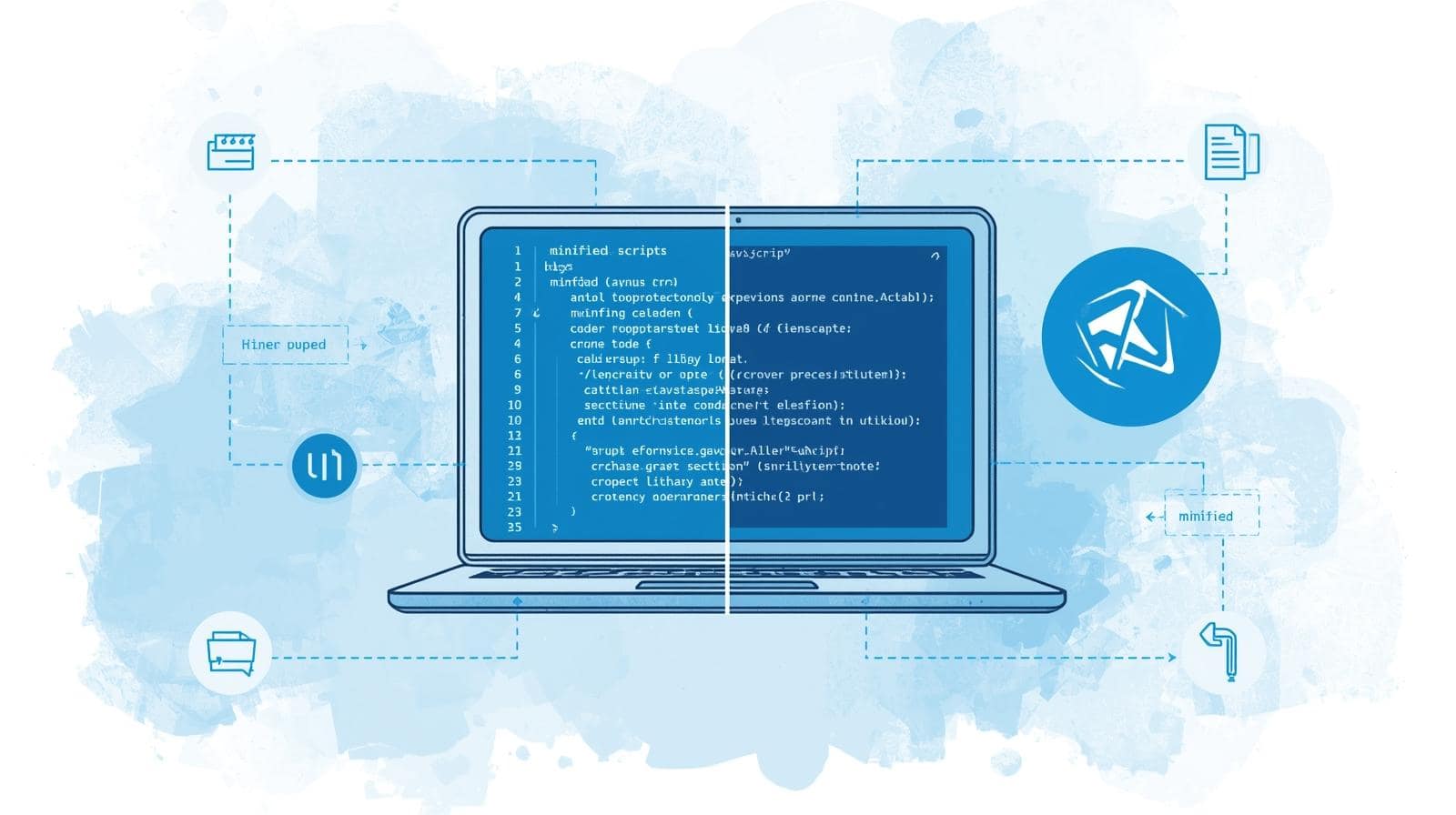
CSS and JavaScript files can delay page rendering, hurting LCP. Use tools like Google PageSpeed Insights to identify render-blocking resources. Then:
- Minify CSS and JS files to reduce their size.
- Defer non-critical scripts using the
deferorasyncattributes. - Inline critical CSS to prioritize above-the-fold content.
Case Study: A blog site reduced LCP from 4 seconds to 2 seconds by minifying CSS and deferring non-essential scripts, boosting organic traffic by 15%.
4. Optimize JavaScript for Better FID
FID measures how quickly your site responds to user interactions. Heavy JavaScript execution can delay FID, frustrating users. To optimize:
- Reduce JavaScript bundle sizes using tools like Webpack.
- Use code-splitting to load only necessary scripts for each page.
- Leverage browser caching to store scripts locally.
5. Ensure Visual Stability to Reduce CLS
Unexpected layout shifts, like ads or images loading late, increase CLS and annoy users. To minimize CLS:
- Set explicit width and height attributes for images and videos.
- Reserve space for dynamic content, like ads, using CSS placeholders.
- Avoid animations that shift content unexpectedly.
Example: A news site reduced CLS from 0.25 to 0.05 by setting image dimensions, improving user retention by 20%.
6. Leverage Browser Caching
Browser caching stores static files (e.g., images, CSS) locally, reducing load times for returning visitors. Configure cache headers in your server settings to set expiration dates for static assets, improving LCP.
Pro Tip: Use a caching plugin like WP Rocket for WordPress sites to simplify setup.
7. Use a Fast, Responsive Theme
A bloated theme can slow your site, hurting all CWV metrics. Choose a lightweight, mobile-friendly theme to ensure fast loading and responsiveness. Brand Nexus Studios offers custom, high-performance website designs optimized for CWV.

8. Enable Compression
Enable Gzip or Brotli compression to reduce file sizes for HTML, CSS, and JavaScript. This speeds up page delivery, directly improving LCP. Most modern servers support Brotli, which is more efficient than Gzip.
9. Optimize Fonts for Faster Rendering
Custom fonts can delay LCP if not optimized. To improve font loading:
- Use system fonts or Google Fonts with
font-display: swap. - Preload critical fonts in the HTML head.
- Minimize the number of font variants to reduce file size.
Example: A portfolio site cut LCP by 500ms by switching to system fonts, improving mobile performance.
10. Reduce Third-Party Scripts
Third-party scripts (e.g., ads, analytics) can slow down LCP and FID. Audit your site with Chrome DevTools to identify heavy scripts, then:
- Remove unnecessary scripts.
- Load critical scripts asynchronously.
- Use lightweight alternatives, like replacing heavy analytics tools with simpler ones.
11. Implement Critical CSS
Critical CSS ensures above-the-fold content loads first, improving LCP. Extract critical CSS using tools like Critical or Penthouse, and inline it in the HTML head. This reduces render-blocking delays and speeds up perceived load time.
12. Use Modern Image Formats
Beyond compression, adopting AVIF or WebP formats can further reduce image sizes. These formats offer superior compression compared to PNG or JPEG, improving LCP without sacrificing quality.
13. Monitor and Analyze CWV Regularly
Core Web Vitals aren’t a one-time fix. Use tools like Google Search Console, Lighthouse, or Chrome DevTools to track LCP, FID, and CLS over time. Regular monitoring helps you catch issues before they impact rankings. For advanced analytics, check out Brand Nexus Studios’ analytics services.
14. Optimize for Mobile Performance
With mobile-first indexing, Google prioritizes mobile performance. Ensure your site is responsive and loads quickly on mobile devices. Test mobile CWV scores using Lighthouse’s mobile view and optimize images, fonts, and scripts for smaller screens.
Case Study: A local business site improved mobile LCP from 5 seconds to 2.3 seconds by optimizing images and using a responsive theme, doubling mobile conversions.
15. Partner with SEO Experts
Optimizing Core Web Vitals can be daunting, especially for complex sites. Partnering with experts like Brand Nexus Studios ensures your site meets Google’s standards, driving traffic and conversions.

Case Study: Real-World CWV Success
A South African retail client approached Brand Nexus Studios with poor CWV scores: LCP of 6 seconds, FID of 200ms, and CLS of 0.3. After implementing our recommendations – CDN adoption, image optimization, and JavaScript minification – their scores improved to LCP of 2.1 seconds, FID of 80ms, and CLS of 0.05. The result? A 25% increase in organic traffic and a 40% boost in conversions within three months.
FAQs About Core Web Vitals
What are Core Web Vitals?
Core Web Vitals are Google’s metrics for evaluating website performance and user experience, focusing on LCP, FID, and CLS.
Why are Core Web Vitals important for SEO?
They’re a Google ranking factor. Optimizing them enhances user experience and search visibility.
How can I measure Core Web Vitals?
Use tools like Google PageSpeed Insights, Lighthouse, or Chrome DevTools to measure LCP, FID, and CLS.
How long does it take to improve Core Web Vitals?
Simple fixes like image optimization can take days, while server upgrades may take weeks.
Can Core Web Vitals impact conversion rates?
Yes, better CWV scores improve user experience, leading to lower bounce rates and higher conversions.
Transform Your Website Today
Mastering how to improve Core Web Vitals is essential for SEO success and user satisfaction. By applying these 15 expert tips, you’ll create a faster, more responsive, and visually stable website that ranks higher and converts better. Need professional help? Contact Brand Nexus Studios at morne@brandnexusstudios.co.za for tailored SEO and website optimization solutions. Subscribe to our blog for more digital marketing insights!
References
About the Author




