

Real world tactics to improve website speed across devices.
Website Speed: 27 Proven Fixes And Fast Wins
By Morne de Heer, Published by Brand Nexus Studios
You want website speed that feels instant, scores well, and lifts conversions. This guide gives you a clear checklist, practical fixes, and a simple audit tool to score your pages.
Right away, you will see how to measure website speed, where bottlenecks hide, and how to prioritize work. Every recommendation is focused on fast impact and long term stability.
All images in this guide are compressed for page speed, and we reference caching strategies you can apply today. Use the audit checklist below to start improving website speed within hours.
Why website speed drives revenue, SEO, and trust
Fast pages win. Website speed reduces bounce, improves engagement, and increases the number of visitors who convert. It also supports Core Web Vitals, which influence search visibility.
Users do not wait. On slow connections, every extra second can slash conversions. Boosting website speed shortens time to value and keeps sessions flowing through your funnel.
Speed communicates quality. A snappy interface signals care and credibility. When website speed is high, support tickets drop and your brand feels more reliable on every device.
How to measure website speed the right way
Start with a repeatable process. Measure website speed using both lab and field views so you catch regressions early and validate improvements with real users.
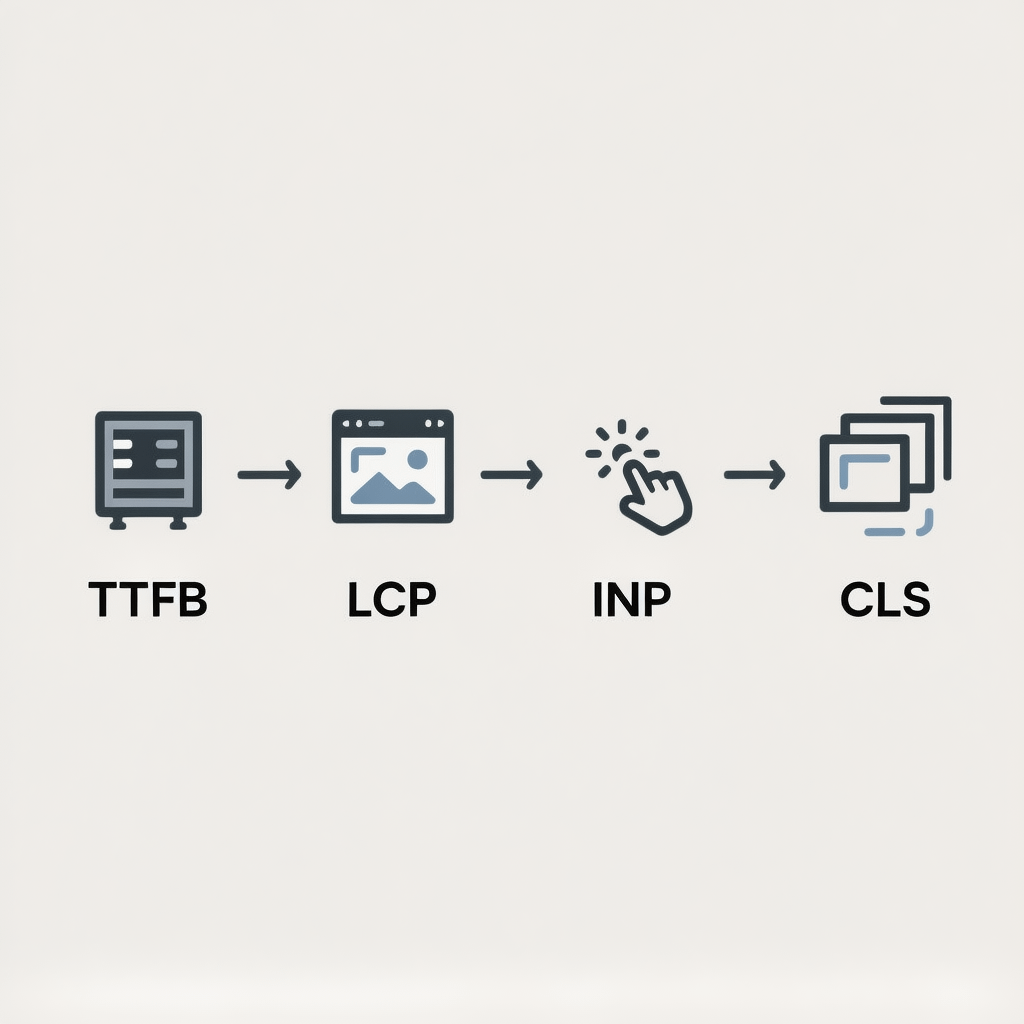
Understand the key metrics
- Largest Contentful Paint reflects how fast the main content appears. Target under 2.5 seconds for strong website speed.
- Interaction to Next Paint shows input responsiveness. Aim for under 200 ms for a snappy feel.
- Cumulative Layout Shift captures visual stability. Keep it under 0.1 so content does not jump.
- Time to First Byte reveals server responsiveness. Faster TTFB supports better website speed across the board.
Use both lab and field data
Lab tests show what to fix. Field data proves whether those fixes improve website speed for real users on varied networks and devices. Review both for the same templates.
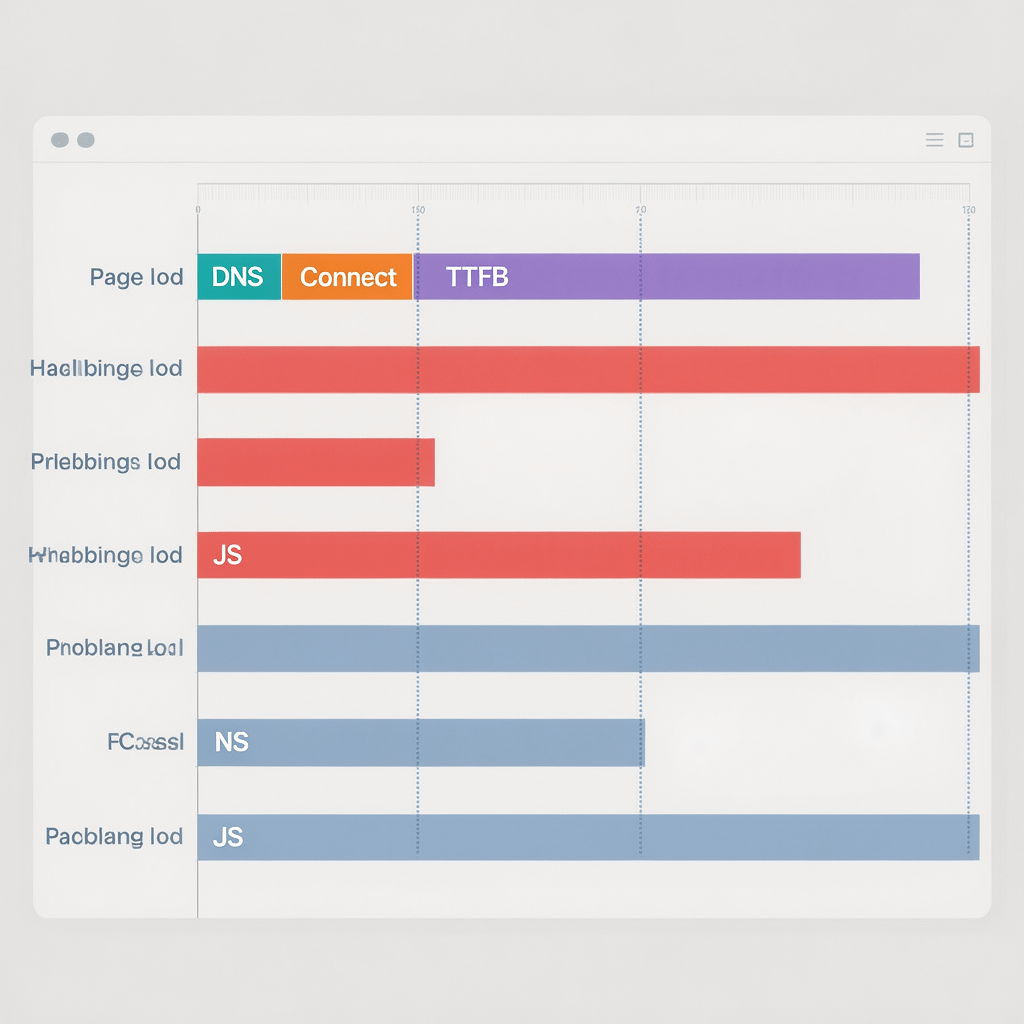
Website speed audit checklist
Use this checklist to find and fix problems fast. It follows the order that usually delivers the biggest website speed gains in the least time.
- Resize, compress, and convert images to WebP or AVIF. Serve exact display sizes.
- Lazy load offscreen images and videos. Add width and height to avoid layout shifts.
- Inline critical CSS. Defer or async non critical CSS. Remove unused styles.
- Defer non critical JavaScript. Split bundles and eliminate unused code.
- Reduce third party scripts. Load after interaction when possible.
- Enable server caching and browser caching with long TTLs for static assets.
- Use a CDN for global traffic and edge caching to stabilize website speed.
- Turn on Brotli or Gzip compression at the server and CDN levels.
- Preload the LCP image or font. Preconnect to critical origins.
- Use HTTP 2 or HTTP 3, keep alive, and TLS session resumption.
- Minify HTML, CSS, and JS. Strip legacy polyfills not needed by your browserslist.
- Reduce DOM size and nested wrappers. Simplify component trees.
- Substitute heavy carousels with lightweight components or native scroll.
- Defer chat, heatmaps, and A/B scripts until after first interaction.
- Self host critical fonts. Use font display swap and subsetting.
- Limit custom cursors, oversized hero videos, and autoplay backgrounds.
- Optimize forms and validation logic. Avoid blocking synchronous scripts.
- Cache API responses. Batch requests. Use HTTP caching headers correctly.
- Use responsive image srcset and sizes attributes across templates.
- Audit plugins and apps quarterly. Remove duplicates and inactive ones.
- Monitor Core Web Vitals continuously with RUM in analytics.
- Set performance budgets. Fail builds that exceed limits.
- Test on mid tier Android over throttled 4G to replicate real users.
- Compress and optimize SVGs. Clean metadata and limit filters.
- Use server side rendering or static generation where possible.
- Guard routes with caching rules and stale while revalidate patterns.
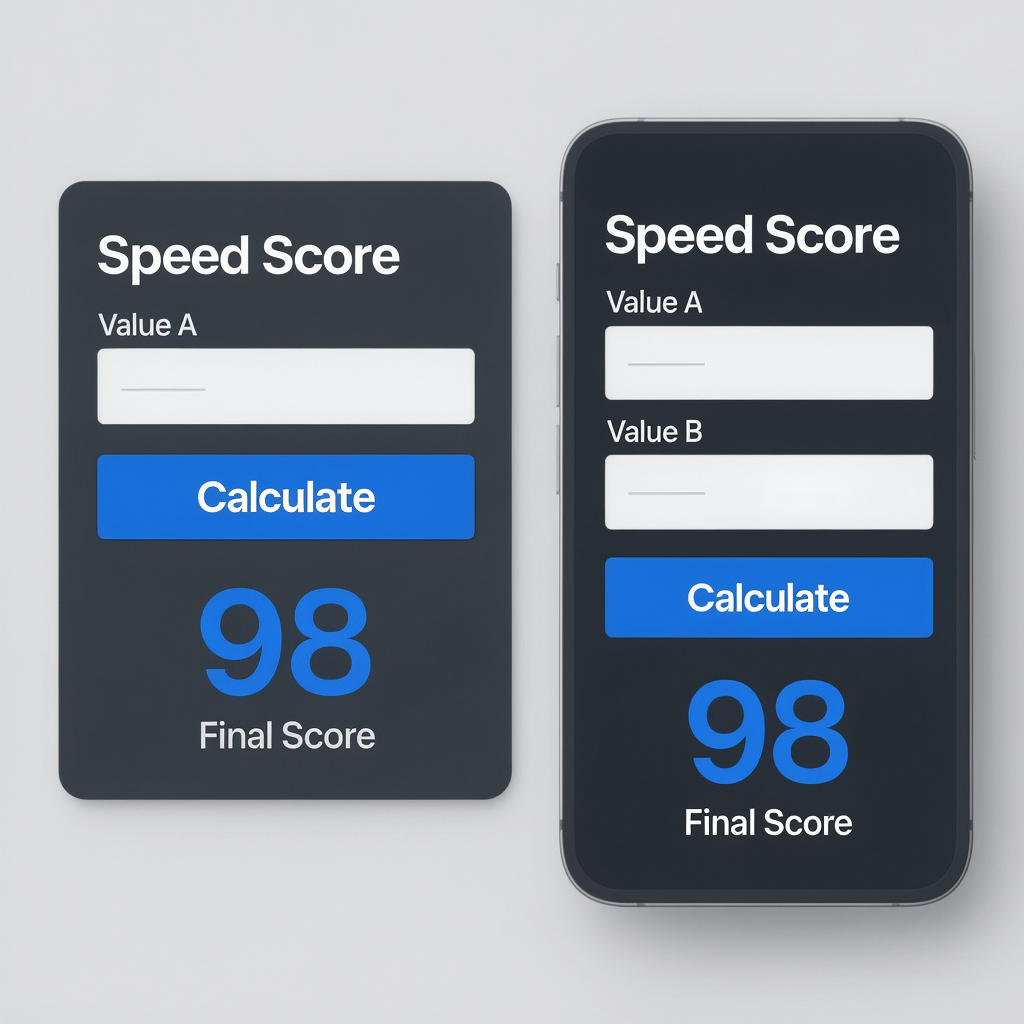
Score your page with this website speed audit
Quickly estimate how a page performs. Enter your metrics and let this simple tool suggest priorities. Use it alongside your lab tests to guide website speed fixes.
Tip: images should be compressed and caching enabled across server, CDN, and browser. These two steps alone can transform website speed on mobile.
Quick wins that lift website speed in 24 hours
Start here for immediate progress. These moves usually deliver the biggest improvements to website speed with low risk and minimal code changes.
- Compress all hero and product images with a modern encoder at 70 to 80 quality.
- Convert PNG and JPEG to WebP or AVIF where supported.
- Enable browser caching for static assets with long max age and immutable.
- Turn on server level compression with Brotli where possible.
- Lazy load offscreen media and embed iframes with placeholders.
- Inline critical CSS for above the fold content and defer the rest.
- Defer or async all non critical JavaScript and remove unused libraries.
- Preload the LCP image and key fonts with proper type and crossorigin.
- Reduce third party tags that run at start. Load after interaction instead.
- Add a CDN and cache HTML for anonymous users with careful rules.
Expect faster website speed within a day if you apply even half of the list. Retest after each change to verify real gains and avoid regressions.
Deep fixes that compound website speed over time
Once quick wins are done, move to deeper work that compounds. This work turns website speed into a durable advantage that survives content and design updates.
Image architecture at scale
Automate responsive image generation. Produce multiple sizes, serve the smallest fit, and use srcset and sizes attributes. This keeps website speed stable on any viewport.
Prefer AVIF for photographic content and WebP when support is broader. Always keep a fallback. Lossless is overkill for most UI assets, so target wise compression ratios.
CSS delivery strategy
Split CSS by route and component. Inline only what is needed for the initial view. Remove unused rules with a build time tool to reduce transfer and improve website speed.
Beware render blocking imports and legacy frameworks. Simpler, purposeful CSS improves maintainability and website speed at once.
JavaScript diet and hydration
Ship less JavaScript. Reduce bundle size, remove dead code, and defer non essential scripts. Hydrate components selectively to protect website speed on low power devices.
Track total JS execution time. Even small bundles can block the main thread if work is heavy. Split long tasks and schedule idle work with requestIdleCallback.
Fonts without friction
Self host fonts, subset to used glyphs, and preload only what is required. Use font display swap so text appears fast. This stabilizes CLS and improves website speed.
CDN and caching policies
Use a CDN with edge caching for static assets and carefully cache HTML for anonymous traffic. Set cache TTLs and use stale while revalidate to keep website speed steady under load.
Server and hosting choices
Modern stacks matter. HTTP 2 or HTTP 3, PHP 8 or current runtimes, Brotli compression, and object caching all support stronger website speed and lower server costs.

WordPress practices that protect website speed
WordPress can be very fast when configured well. Follow these patterns to keep website speed high as the site grows and more editors contribute content.
- Pick a lean theme and avoid kitchen sink builders that ship heavy CSS and JS.
- Limit plugins to essential ones. Audit quarterly and remove duplicates.
- Enable page caching, object caching, and browser caching with sane defaults.
- Use image compression on upload and generate responsive image variants.
- Defer non essential scripts and load analytics after initial interaction.
- Keep PHP and WordPress core updated for better security and website speed.
Need an expert hand to tune your stack for performance and reliability? Explore website design and development options that bake website speed into your build process from day one.
SEO and content choices that affect website speed
SEO and speed are partners. Overloaded layouts, embedded widgets, and uncompressed media drag website speed and dilute relevance. Keep pages focused and fast.
- Consolidate overlapping pages and reduce unnecessary components.
- Use structured data responsibly and avoid heavy client side rendering for critical content.
- Write scannable copy to keep templates lean. Fewer elements help website speed and readability.
If search growth is a priority, SEO services from a performance minded team align content and technical fixes so website speed and rankings rise together.
Analytics, RUM, and performance budgets
What you measure shapes outcomes. Add real user monitoring to see how website speed changes by device, network, and geography. Then set budgets to keep scores healthy.
- Track LCP, INP, and CLS by template. Alert when thresholds degrade.
- Set budgets for page weight, script execution time, and request counts.
- Publish performance dashboards for teams to own website speed together.
For visibility and decision support, tap into analytics and reporting that surface website speed trends alongside conversions and revenue.
Common pitfalls that hurt website speed
Avoid these traps and you will protect website speed as new features ship and content grows.
- Shipping oversized hero videos that autoplay on mobile.
- Blocking the main thread with heavy synchronous scripts.
- Loading many fonts with wide unicode ranges and no subsetting.
- Relying on client side rendering for critical content paths.
- Letting third party tags multiply without governance.
- Skipping responsive images or alt sizes for high density screens.
- Ignoring cache headers and forcing the network to work every time.
- Not compressing images at source or during upload.

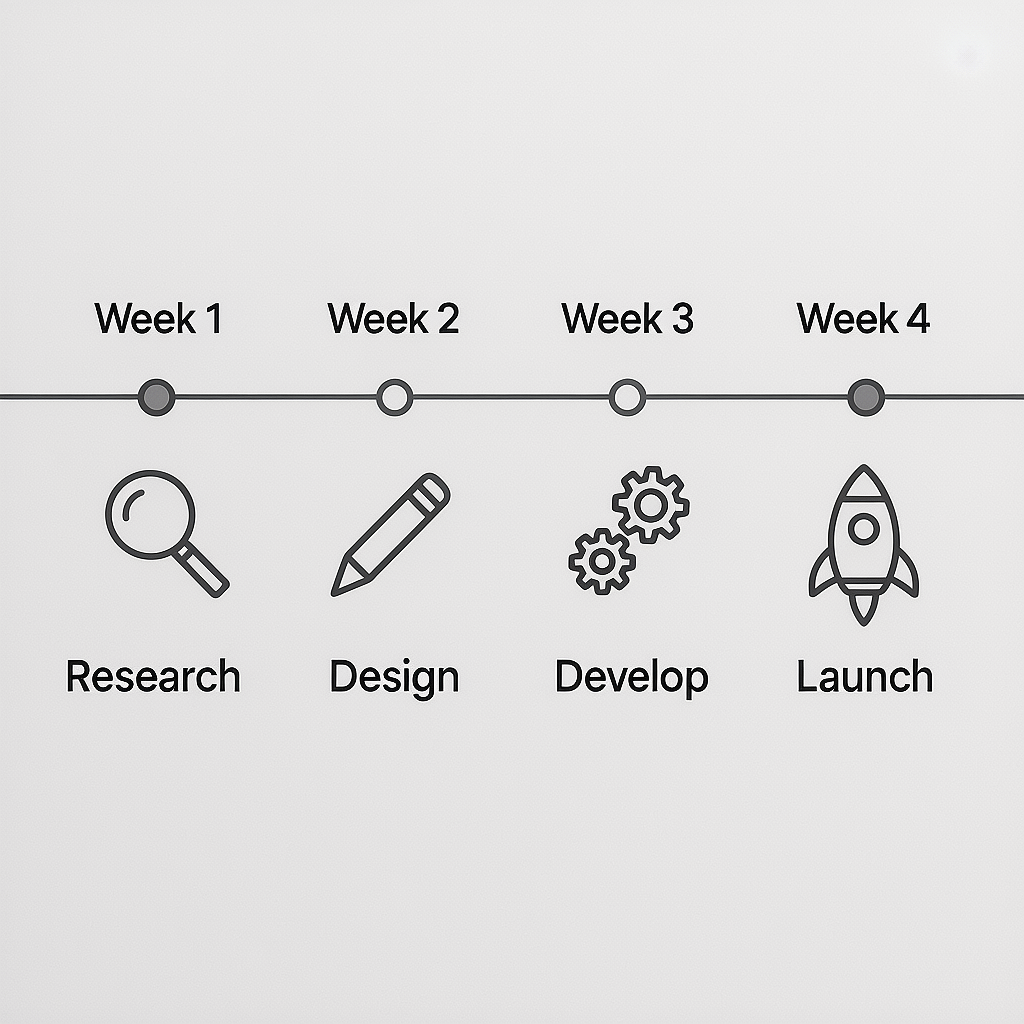
30 day roadmap to sustainable website speed
Use this month long plan to tighten execution. It moves from measurement to quick wins, then into deeper fixes and governance that keep website speed high.
Week 1. Measure and prioritize
- Run lab tests and collect field data for top 10 pages by traffic.
- Identify the LCP element for each and list render blocking resources.
- Set budgets for weight, requests, and Core Web Vitals thresholds.
Week 2. Images and caching
- Compress assets to WebP or AVIF, add responsive variants, and lazy load.
- Enable server and browser caching. Configure CDN edge caching.
- Preload LCP images and preconnect to critical origins.
Week 3. CSS, JS, and third parties
- Inline critical CSS, defer non critical CSS, and remove unused rules.
- Defer scripts, split bundles, and remove low value third parties.
- Limit long tasks and break up heavy work with scheduling.
Week 4. Governance and guardrails
- Add performance checks to CI and block builds that exceed budgets.
- Publish dashboards and alerts for website speed regressions.
- Document content guidelines for images, embeds, and media weight.
When to bring in experts for website speed
If performance is tied to revenue, a specialist pays for itself. Structured audits, repeatable fixes, and team training accelerate results and protect website speed through releases.
Brand Nexus Studios helps teams ship faster experiences with clean builds, performance by default, and sensible governance. Whether you need a speed audit or a rebuild, we align strategy with delivery.
FAQs about website speed
These quick answers will help you avoid common traps and choose the next best fix for your situation.
What is a good website speed for mobile users?
Target LCP under 2.5 seconds, INP under 200 ms, and CLS under 0.1. These thresholds keep pages feeling smooth and responsive.
How do I test my website speed reliably?
Use a mix of lab and field data. Run repeatable lab tests, then compare with 28 day field trends to validate improvements before you move on.
Which fixes improve website speed the most?
Optimize images, enable caching, streamline JavaScript, and inline critical CSS. For many sites, those four steps deliver most of the benefit.
Does hosting affect website speed?
Yes. Faster CPUs, edge caching, and modern protocols reduce TTFB and improve throughput. That foundation makes every other fix more effective.
How often should I run a website speed audit?
Monthly is a good cadence. Also audit after major deployments or when analytics show a drop in engagement or conversions.
Will improving website speed help SEO?
Yes. Faster, stable pages support Core Web Vitals and reduce bounces, which helps search and boosts revenue at the same time.
Is a CDN required to improve website speed?
A CDN is optional but highly recommended for global audiences. It reduces latency and serves cached content closer to users.
References
About the Author





Really appreciate how this post breaks down quick wins versus long-term fixes — that distinction often gets overlooked in website optimization guides. The point about combining lab data with real-user metrics stood out to me; it’s so easy to chase perfect Lighthouse scores while missing real-world performance issues. I’ve found that setting a simple performance budget early on helps keep teams focused as changes roll out — great to see that idea echoed here.