
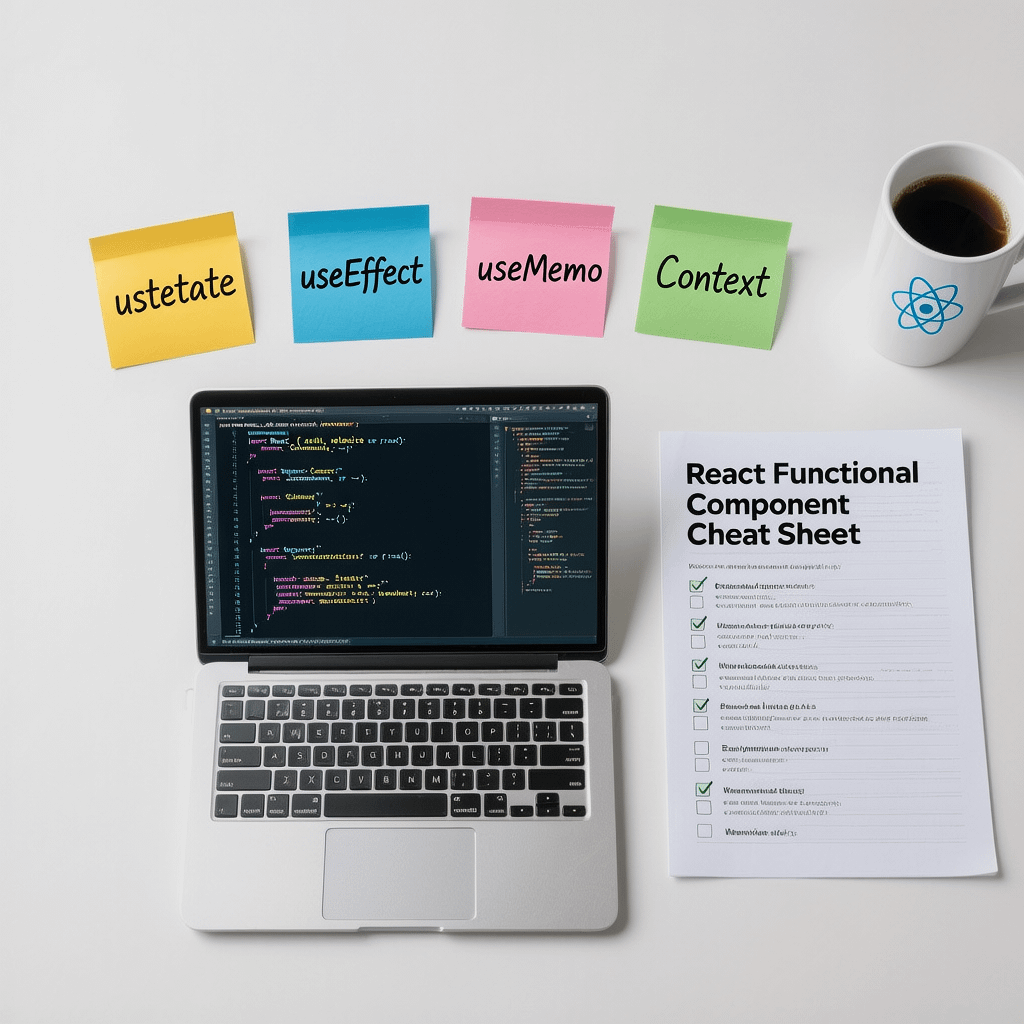
This react functional component cheat sheet highlights hooks, patterns, and performance tactics at a glance. All images are compressed for page speed.
React Functional Component Cheat Sheet: 33 Proven Tips
By Morne de Heer · Published by Brand Nexus Studios
Looking for a practical, copy paste friendly react functional component cheat sheet that saves hours of trial and error? You are in the right place. This guide collects patterns, code snippets, and battle tested tips you can use today.
Use this react functional component cheat sheet as your daily driver. Skim the headings, grab a snippet, and ship. Each tip is short, focused, and production safe.
What you will get from this react functional component cheat sheet
- Fast patterns for props, state, effects, and refs
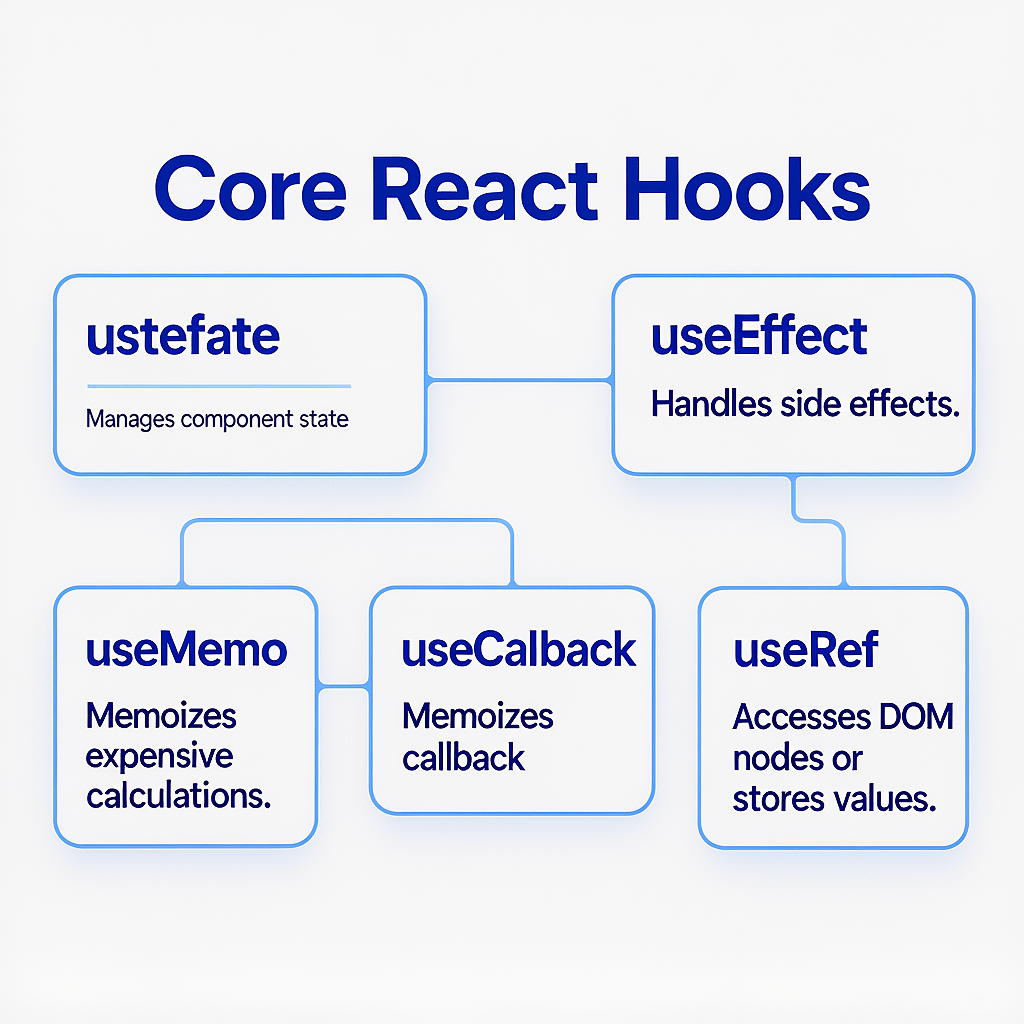
- Performance wins with memoization and stable callbacks
- TypeScript recipes for safer code and better DX
- Accessibility, testing, and deployment checklists
- Code you can paste without a yak shave
If you need expert help implementing these patterns in a live project, the team at Brand Nexus Studios builds fast, accessible React websites and apps that scale.
Starter template you can trust
Kick off a component with a clean, predictable template. This snippet anchors the react functional component cheat sheet.
import { useState, useEffect, useMemo, useCallback, useRef } from "react";

type Props = {
  title: string;
  initialCount?: number;
  onChange?: (value: number) => void;
};

export function Counter({ title, initialCount = 0, onChange }: Props) {
  const [count, setCount] = useState(initialCount);
  const ref = useRef<HTMLDivElement | null>(null);

  const doubled = useMemo(() => count * 2, [count]);

  const increment = useCallback(() => {
    setCount(c => {
      const next = c + 1;
      onChange?.(next);
      return next;
    });
  }, [onChange]);

  useEffect(() => {
    document.title = `${title} - ${count}`;
    return () => {
      // cleanup
    };
  }, [title, count]);

  return (
    <div ref={ref}>
      <h3>{title}</h3>
      <p>Count: {count} | Double: {doubled}</p>
      <button onClick={increment}>Increment</button>
    </div>
  );
}
Props and JSX patterns that scale
Strong props make components predictable. This react functional component cheat sheet leans on simple rules that hold up under pressure.
Destructure early
function Avatar({ src, alt = "Avatar", size = 40 }: {
  src: string; alt?: string; size?: number;
}) {
  return <img src={src} alt={alt} width={size} height={size} />;
}
Prefer explicit children
type CardProps = { heading: string; children: React.ReactNode };

function Card({ heading, children }: CardProps) {
  return (
    <section aria-labelledby="card-heading">
      <h2 id="card-heading">{heading}</h2>
      <div>{children}</div>
    </section>
  );
}
Compose small pieces
Composition beats inheritance. Build tiny parts and snap them together. This react functional component cheat sheet emphasizes small, focused components you can reuse in many flows.
State with useState you will actually use
Reach for useState first. It is small, local, and fast. This react functional component cheat sheet shows the few patterns you need.
Updater function prevents stale state
const [count, setCount] = useState(0);
setCount(c => c + 1); // safe with concurrent updates
Compute initial state lazily
const [value] = useState(() => expensiveInit());Group related state
const [form, setForm] = useState({ name: "", email: "" });
const onChange = (e: React.ChangeEvent<HTMLInputElement>) =>
  setForm(f => ({ ...f, [e.target.name]: e.target.value }));
Effects with useEffect that do not bite
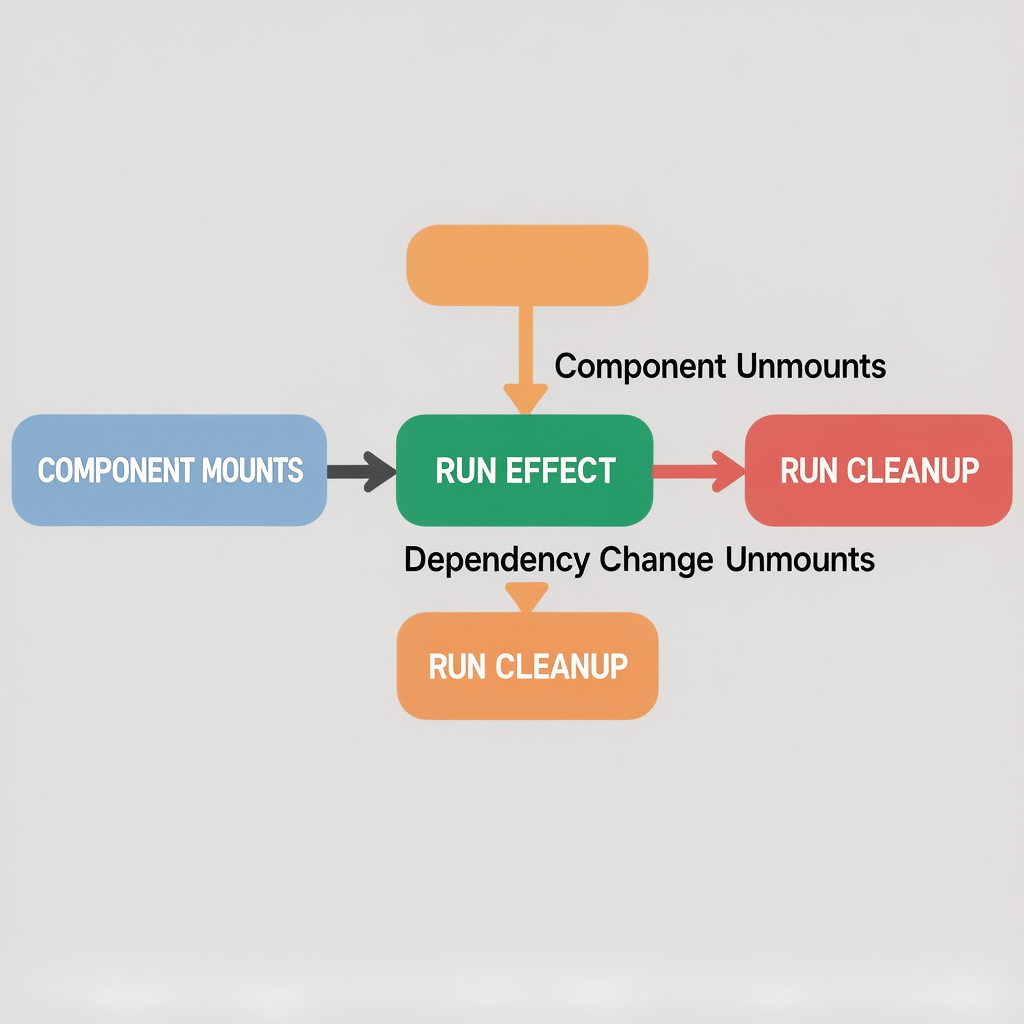
Effects synchronize your component with the outside world. Use them deliberately. An effect in this react functional component cheat sheet always declares precise dependencies and cleans up.
Fetch with cleanup via AbortController
useEffect(() => {
  const ac = new AbortController();

  async function load() {
    const res = await fetch("/api/items", { signal: ac.signal });
    // handle response
  }
  load();

  return () => ac.abort();
}, []);
Subscribe and unsubscribe correctly
useEffect(() => {
  function onResize() {/* ... */}
  window.addEventListener("resize", onResize);
  return () => window.removeEventListener("resize", onResize);
}, []);
Memoization and renders that stay lean
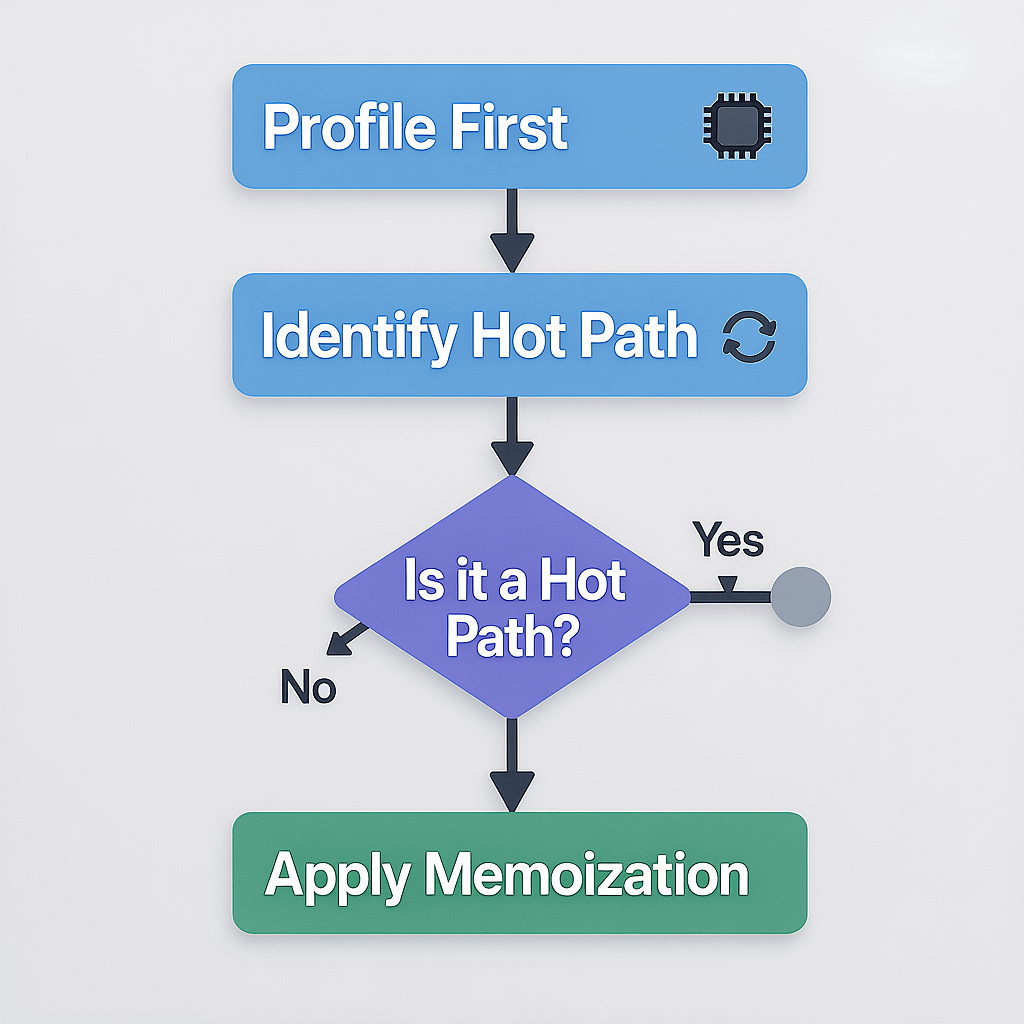
Premature optimization is a trap, yet wasted renders add up. This react functional component cheat sheet favors surgical memoization after profiling.
useMemo for heavy calculations
const result = useMemo(() => heavyCompute(input), [input]);useCallback for stable function identities
const onSelect = useCallback((id: string) => {
  // ...
}, []);
React.memo for pure components
const ListItem = React.memo(function ListItem({ item }: { item: Item }) {
  return <li>{item.name}</li>;
});
Refs and DOM access without pain
Refs give you an escape hatch to the DOM or mutable values. This react functional component cheat sheet keeps refs purposeful.
const inputRef = useRef<HTMLInputElement | null>(null);
useEffect(() => {
  inputRef.current?.focus();
}, []);

return <input ref={inputRef} aria-label="Search" />;
useRef for stable boxes
Store mutable objects that do not trigger renders. Example: previous values, timers, or measuring sizes.
Context and reducers for shared state
When props drilling becomes noise, share state with Context. The react functional component cheat sheet pairs Context with useReducer for predictable updates.
type State = { theme: "light" | "dark" };
type Action = { type: "toggle" };

const ThemeContext = React.createContext<[State, React.Dispatch<Action>] | null>(null);

function reducer(state: State, action: Action): State {
  switch (action.type) {
    case "toggle": return { theme: state.theme === "light" ? "dark" : "light" };
    default: return state;
  }
}

export function ThemeProvider({ children }: { children: React.ReactNode }) {
  const value = React.useReducer(reducer, { theme: "light" });
  return <ThemeContext.Provider value={value}>{children}</ThemeContext.Provider>;
}

export function useTheme() {
  const ctx = React.useContext(ThemeContext);
  if (!ctx) throw new Error("useTheme must be used within ThemeProvider");
  return ctx;
}
Custom hooks that encapsulate complexity
Abstract behavior, not visuals. This react functional component cheat sheet favors custom hooks that hide wiring and reveal a tiny API.
function useLocalStorage<T>(key: string, initial: T) {
  const [state, setState] = useState<T>(() => {
    try {
      const raw = localStorage.getItem(key);
      return raw ? JSON.parse(raw) as T : initial;
    } catch {
      return initial;
    }
  });

  useEffect(() => {
    try {
      localStorage.setItem(key, JSON.stringify(state));
    } catch {
      // ignore quota errors
    }
  }, [key, state]);

  return [state, setState] as const;
}
Start with one custom hook per feature. Ship it, then reuse it everywhere.
Forms that behave on every device
Forms are where UX succeeds or fails. In this react functional component cheat sheet, you will see patterns that feel native and stay fast.
Controlled inputs with validation
const [values, setValues] = useState({ email: "", password: "" });
const [errors, setErrors] = useState<Partial<typeof values>>({});

function validate(v = values) {
  const out: Partial<typeof values> = {};
  if (!/^[^@]+@[^@]+\.[^@]+$/.test(v.email)) out.email = "Invalid email";
  if (v.password.length < 8) out.password = "Min 8 chars";
  return out;
}

function onSubmit(e: React.FormEvent) {
  e.preventDefault();
  const errs = validate();
  setErrors(errs);
  if (Object.keys(errs).length === 0) {
    // submit
  }
}
Debounced inputs for search
const [query, setQuery] = useState("");
const debounced = useDebouncedValue(query, 300);
Data fetching without footguns
Fetching data is simple to start and tricky to perfect. This react functional component cheat sheet prioritizes correctness and user feedback.
function useFetch<T>(url: string) {
  const [data, setData] = useState<T | null>(null);
  const [error, setError] = useState<Error | null>(null);
  const [loading, setLoading] = useState(false);

  useEffect(() => {
    const ac = new AbortController();
    setLoading(true);
    fetch(url, { signal: ac.signal })
      .then(r => {
        if (!r.ok) throw new Error(`HTTP ${r.status}`);
        return r.json() as Promise<T>;
      })
      .then(setData)
      .catch(e => {
        if (e.name !== "AbortError") setError(e);
      })
      .finally(() => setLoading(false));
    return () => ac.abort();
  }, [url]);

  return { data, error, loading };
}
Show skeletons, not spinners. Cancel on unmount. Cache when calls repeat often.
Error handling and boundaries
Errors happen. Catch them early, show helpful fallbacks, and log. While error boundaries are class based today, you can wrap your functional components with a boundary and keep the rest of the tree functional. This react functional component cheat sheet keeps fallbacks simple.
function ErrorMessage({ err }: { err: Error }) {
  return <p role="alert">Something went wrong: {err.message}</p>;
}
Accessibility that feels invisible
Accessible components help all users. The react functional component cheat sheet bakes in semantics and keyboard support.
- Use native elements first: button, label, input, nav, main
- Connect labels with inputs via htmlFor and id
- Manage focus on route changes and modal opens
- Respect prefers-reduced-motion and color contrast
<button aria-expanded={open} aria-controls="menu">Menu</button>
<ul id="menu" hidden={!open}>...</ul>
Styling choices that play nice with React
Pick one approach per project and commit. This react functional component cheat sheet works with CSS Modules, utility CSS, or CSS-in-JS.
// CSS Modules
import styles from "./Button.module.css";
export function Button({ children }: { children: React.ReactNode }) {
  return <button className={styles.primary}>{children}</button>;
}
// Utility CSS example
export function Tag({ label }: { label: string }) {
return <span className="inline-flex items-center rounded bg-blue-100 px-2 py-1 text-blue-800">
{label}
</span>;
}Testing that gives confidence
Test behavior, not implementation details. This react functional component cheat sheet encourages writing tests that mirror user actions.
import { render, screen } from "@testing-library/react";
import userEvent from "@testing-library/user-event";
import { Counter } from "./Counter";

test("increments count", async () => {
  render(<Counter title="Demo" />);
  await userEvent.click(screen.getByRole("button", { name: /increment/i }));
  expect(screen.getByText(/count: 1/i)).toBeInTheDocument();
});
TypeScript for safer components
TypeScript catches bugs before they hit the browser. This react functional component cheat sheet shows pragmatic typing.
Props and events
type FormProps = {
  onSubmit: (data: { name: string; email: string }) => void;
};

function SimpleForm({ onSubmit }: FormProps) {
  const [name, setName] = useState("");
  const [email, setEmail] = useState("");
  const handleSubmit = (e: React.FormEvent<HTMLFormElement>) => {
    e.preventDefault();
    onSubmit({ name, email });
  };
  // ...
}
Typing children
type WithChildren<P = {}> = P & { children?: React.ReactNode };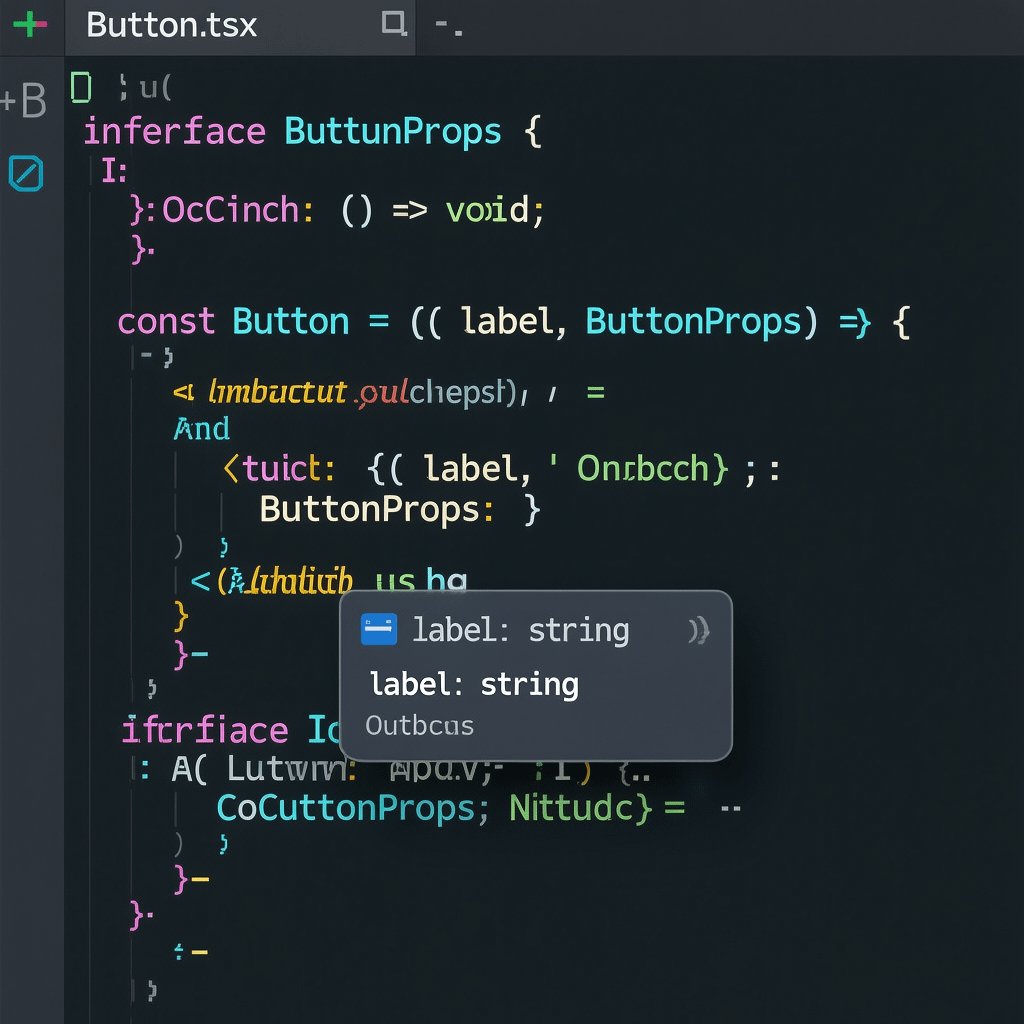
Routing and lazy loading
Split code on route boundaries and where bundles are heavy. The react functional component cheat sheet leans on React.lazy and Suspense for better TTI.
const Settings = React.lazy(() => import("./Settings"));

function App() {
  return (
    <React.Suspense fallback={<p>Loading...</p>}>
      <Settings />
    </React.Suspense>
  );
}
SSR, SSG, and server components
Server rendering improves first paint and SEO. In Next.js, move data fetching server side and keep client components small. This react functional component cheat sheet focuses on client behavior while acknowledging server boundaries.
For SEO that turns rankings into revenue, see how Brand Nexus Studios SEO services can help your React build land qualified traffic.
Performance and page speed wins
Speed is a feature. The react functional component cheat sheet highlights the low hanging fruit you can ship today.
- Profile with React DevTools Profiler before optimizing
- Memoize where it cuts renders in hot paths
- Split heavy routes and components with React.lazy
- Virtualize long lists to avoid layout thrash
- Compress images aggressively and serve modern formats
- Enable caching headers and client side caching for APIs
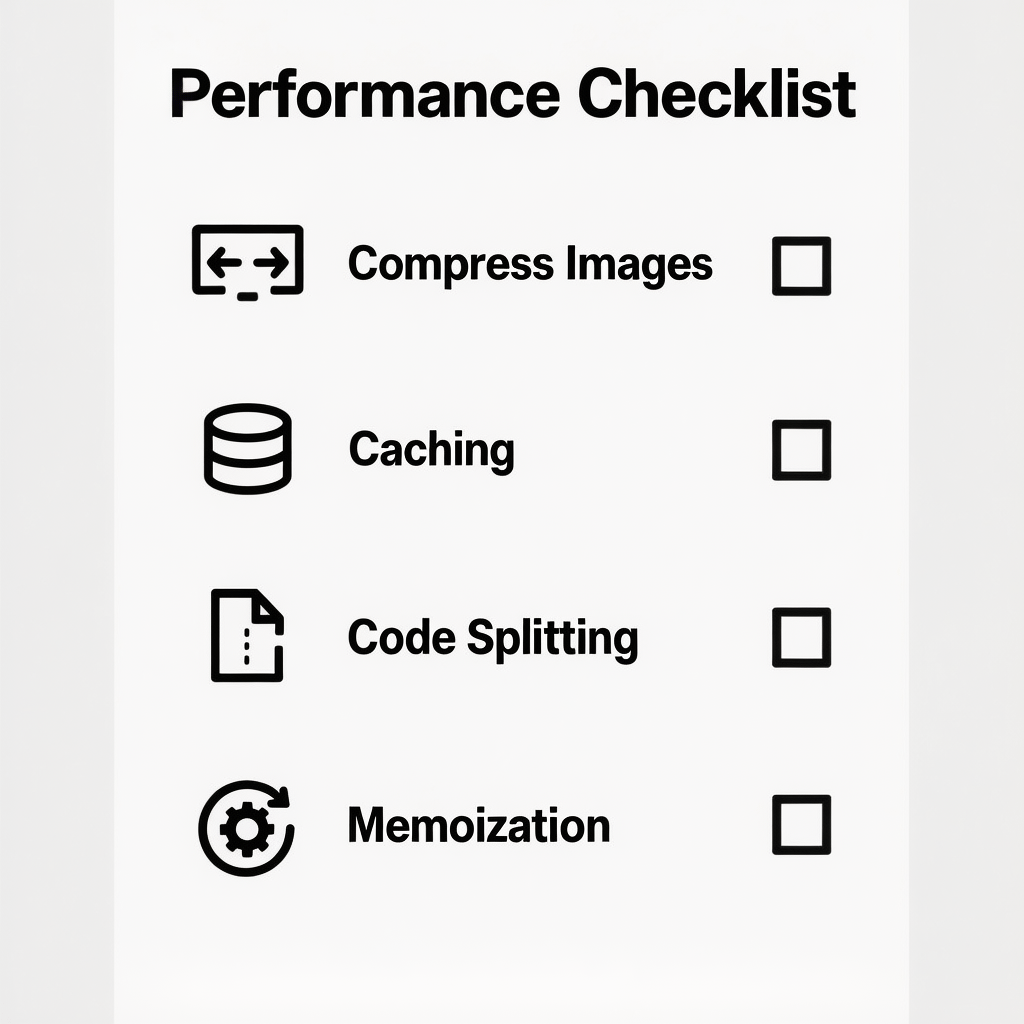
Bundle smarter. Preload critical assets, defer non critical scripts, and cache aggressively. A service worker or CDN can shave seconds off real users’ waits.
Patterns and anti patterns you should know
Good patterns pay dividends. The react functional component cheat sheet also calls out traps to avoid.
Do
- Lift state only when multiple children need it
- Keep components small and single purpose
- Use keys that stay stable across renders
- Co locate files by feature, not by type
Avoid
- Running effects to compute derived UI that belongs in render
- Overusing context for every bit of state
- Putting fetch logic inside many components without a common hook
- Inline object and function props that change every render when not needed
Common snippets to keep handy
Bookmark this react functional component cheat sheet and grab these drop in snippets when the need hits.
usePrevious
function usePrevious<T>(value: T) {
  const ref = useRef<T | undefined>();
  useEffect(() => { ref.current = value; }, [value]);
  return ref.current;
}
useDebouncedValue
function useDebouncedValue<T>(value: T, delay = 300) {
  const [v, setV] = useState(value);
  useEffect(() => {
    const t = setTimeout(() => setV(value), delay);
    return () => clearTimeout(t);
  }, [value, delay]);
  return v;
}
useEvent listener
function useEvent<K extends keyof WindowEventMap>(name: K, handler: (e: WindowEventMap[K]) => void) {
  const saved = useRef(handler);
  useEffect(() => { saved.current = handler; }, [handler]);
  useEffect(() => {
    const l = (e: WindowEventMap[K]) => saved.current(e);
    window.addEventListener(name, l);
    return () => window.removeEventListener(name, l);
  }, [name]);
}
Debugging and DevTools that save your day
Log less, inspect more. The React DevTools Profiler shows which components re render and why. This react functional component cheat sheet suggests profiling before optimizing.
- Highlight updates in React DevTools to spot noisy components
- Track renders by logging useRef counters in development
- Use why did you render in dev to flag wasted renders
Team practices that keep code clean
Consistency beats cleverness. The react functional component cheat sheet pairs lints and conventions with CI checks.
- Set ESLint with React rules and TypeScript rules
- Format with Prettier to reduce PR noise
- Run type checks and tests in CI for every PR
Need reliable dashboards for KPIs and adoption? Brand Nexus Studios analytics and reporting can help you track the impact of each release.
Security basics for functional components
Security is everyone’s job. Keep it simple and consistent. This react functional component cheat sheet keeps security top of mind.
- Never dangerouslySetInnerHTML user input
- Escape output on the server
- Use Content Security Policy headers
- Store secrets on the server, not in JS
Deployment checklist for the last mile
The last 10 percent is the hardest. This react functional component cheat sheet includes a pre flight list.
- Run a production build and analyze bundles
- Compress images and verify caching headers
- Audit accessibility and fix violations
- Enable error reporting and performance monitoring
- Load test hot endpoints
When you want a partner from code to cloud, Brand Nexus Studios supports hosting, maintenance, and growth so your team can focus on product.
Mini cookbook: tiny examples you can paste
These helpers round out the react functional component cheat sheet so you can move fast on any feature.
Controlled checkbox group
function CheckGroup({ options, value, onChange }: {
  options: { id: string; label: string }[];
  value: string[];
  onChange: (next: string[]) => void;
}) {
  function toggle(id: string) {
    onChange(value.includes(id) ? value.filter(x => x !== id) : [...value, id]);
  }
  return (
    <fieldset>
      <legend>Select options</legend>
      {options.map(o => (
        <label key={o.id}>
          <input type="checkbox" checked={value.includes(o.id)} onChange={() => toggle(o.id)} /> {o.label}
        </label>
      ))}
    </fieldset>
  );
}
Accessible modal shell
function Modal({ open, onClose, children }: WithChildren<{
  open: boolean; onClose: () => void;
}>) {
  useEffect(() => {
    if (!open) return;
    const onKey = (e: KeyboardEvent) => e.key === "Escape" && onClose();
    document.addEventListener("keydown", onKey);
    return () => document.removeEventListener("keydown", onKey);
  }, [open, onClose]);

  if (!open) return null;
  return (
    <div role="dialog" aria-modal="true" className="fixed inset-0 grid place-items-center">
      <div className="fixed inset-0 bg-black/50" onClick={onClose} />
      <div className="relative rounded bg-white p-6 shadow-lg">
        <button aria-label="Close" className="absolute right-2 top-2" onClick={onClose}>×</button>
        {children}
      </div>
    </div>
  );
}FAQs
Here are quick answers to common questions that this react functional component cheat sheet keeps getting.
What is a functional component in React and why prefer it?
A functional component is a function that returns JSX. Prefer it for its simplicity, hooks support, and testability. This react functional component cheat sheet uses functions everywhere.
How do I manage state in a functional component?
Use useState for local state and useReducer for complex transitions. For app wide state, add Context. This react functional component cheat sheet shows each pattern with minimal code.
When should I use useMemo and useCallback?
Use them only where they reduce actual work. Measure first, then memoize hot spots. The react functional component cheat sheet stresses profiling over guesswork.
How do I type React functional components with TypeScript?
Define props as an interface or type, type events and refs, and use React.FC only when you need implicit children typing. This react functional component cheat sheet includes cut and paste examples.
How do I fetch data in a functional component?
Kick off fetches in useEffect with cleanup and surfacing loading and error states. Cache repeated calls with a fetching library when appropriate.
What are the key accessibility practices for React components?
Use semantic HTML, proper labels, and manage focus. Add ARIA only when semantics are not enough.
How can I speed up my functional components?
Profile, then apply memoization, split code with React.lazy, virtualize long lists, compress images, and enable caching. The react functional component cheat sheet includes a performance checklist you can follow today.
References
About the Author




