
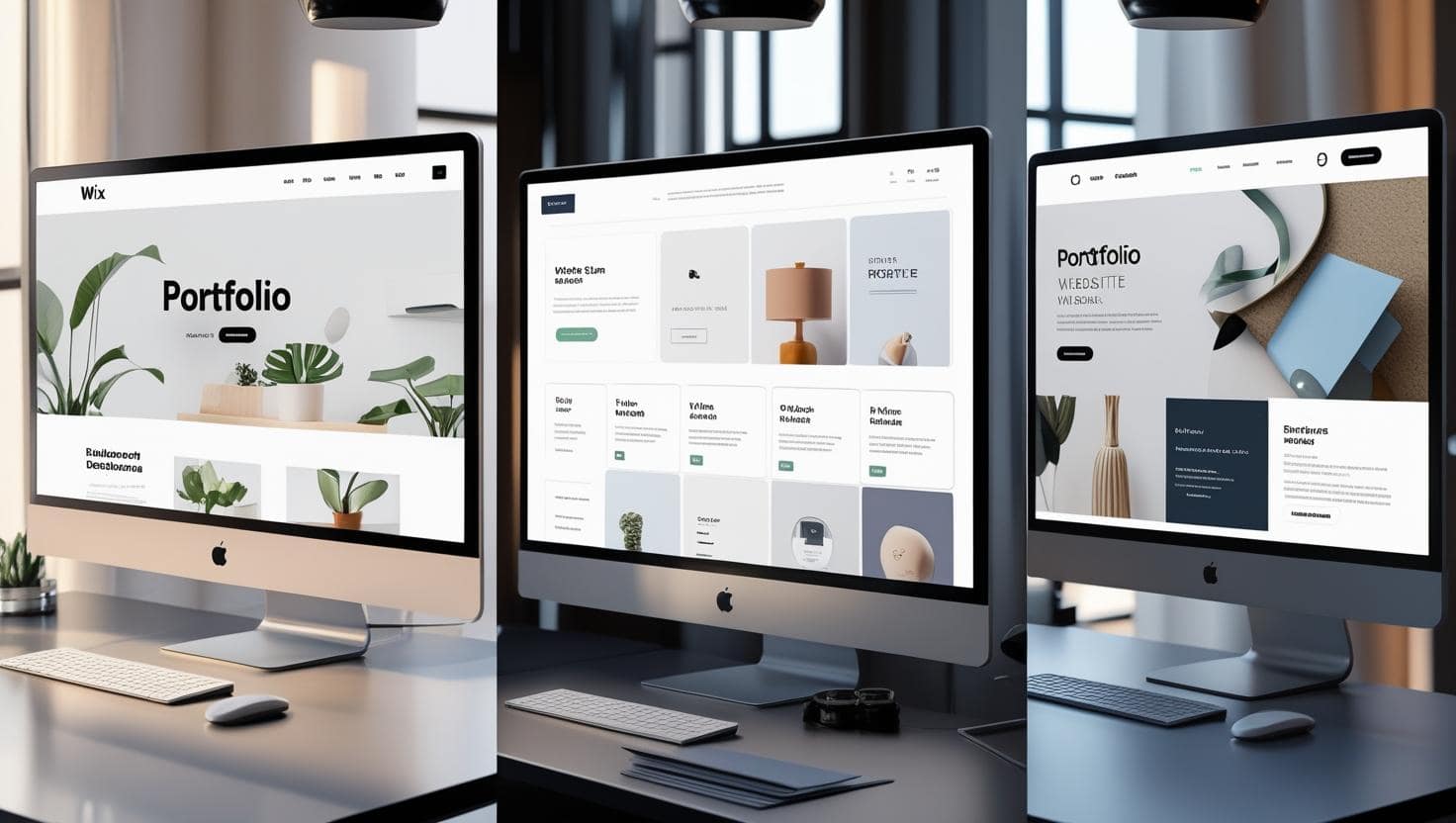
Top 5 no-code platforms for building a free portfolio website
How to Build a Free Portfolio Website (No Skills Needed)
Why You Need a Portfolio Website (Even If You’re Just Starting)
In today’s digital-first world, your online presence is your business card, resume, and storefront – all in one. Whether you’re a photographer, writer, designer, or consultant, having a professional portfolio is no longer optional. But here’s the good news: you don’t need to be a web developer to build a free portfolio website. Thanks to no-code platforms, drag-and-drop builders, and AI-powered tools, anyone can create a beautiful, functional website in minutes.
According to a 2024 survey by Wix, over 68% of freelancers who build a free portfolio website land more clients within the first 30 days of going live. That’s because a portfolio instantly builds credibility. It shows your work, communicates your style, and makes it easy for clients to contact you.
If you’ve been putting this off because you think it’s too technical, expensive, or time-consuming – stop. This guide will walk you through every step to build a free portfolio website that looks professional, ranks well on Google, and helps you grow your personal brand. For more beginner tips, check out our beginner’s website checklist.
What Is a Portfolio Website?
A portfolio website is a personal or professional site that showcases your best work, skills, testimonials, and contact information. Unlike a blog or e-commerce store, its main purpose is to display your projects and attract opportunities – like freelance gigs, job offers, or collaborations.
For example:
- A graphic designer uses their site to display logo designs and brand identities.
- A writer shares published articles, client testimonials, and a services page.
- A photographer uploads high-quality galleries categorized by style or theme.
The goal is simple: make it easy for people to see what you can do and how to hire you. And the best part? You can build a free portfolio website that does all this – without spending a dime on hosting, templates, or developers. Learn how to monetize your portfolio once it’s live.
Common Myths About Building a Website
Before we dive into the steps, let’s clear up some myths that stop people from taking action:
- Myth: You need to know HTML or CSS.
Truth: Modern website builders use drag-and-drop interfaces. No coding required. WordPress.com and Carrd make it effortless. - Myth: It’s expensive to launch a website.
Truth: Many platforms offer free plans where you can build a free portfolio website with a subdomain (like yourname.wixsite.com). - Myth: You need a designer to make it look good.
Truth: AI-powered templates and design assistants create professional layouts in seconds. See how Wix ADI works. - Myth: It takes weeks to set up.
Truth: With the right tools, you can go live in under 60 minutes.
These misconceptions keep talented people offline. But once you know how to build a free portfolio website, you’ll wonder why you waited so long.
Step 1: Choose the Right Platform to Build Your Free Portfolio Website
Not all website builders are created equal. Some are better for e-commerce, others for blogs. For a portfolio, you want a platform that’s:
- Easy to use (drag-and-drop editor)
- Mobile responsive
- Offers portfolio-specific templates
- Allows free publishing (even with a branded subdomain)
- Includes SEO tools
Here are the top 5 platforms that let you build a free portfolio website:
- Wix – Best for beginners. Offers hundreds of designer-made templates and an intuitive drag-and-drop editor. Free plan includes Wix-branded subdomain. Explore Wix templates.
- WordPress.com – More flexible than expected. The free plan lets you build a free portfolio website with access to thousands of themes.
- Carrd – Perfect for minimalist one-page portfolios. Super fast loading and great for freelancers. Visit Carrd.
- Weebly – Owned by Square. Simple interface and built-in SEO tools. Ideal for artists and photographers.
- Webflow – More advanced but offers a powerful free tier. Great if you want full design control without coding.
For most people, we recommend starting with Wix or Carrd because they’re the easiest to learn and offer the most portfolio-focused templates. For a full comparison, read our Wix vs Carrd guide.
Step 2: Pick a Template That Matches Your Style
Once you sign up, the next step is choosing a template. This is where your website starts to take shape. Most platforms offer dozens of templates categorized by industry: photography, design, writing, music, etc.
When selecting a template to build a free portfolio website, look for:
- High-quality image support (for galleries)
- Minimalist design (lets your work shine)
- Clear navigation (Home, Work, About, Contact)
- Mobile optimization (over 60% of traffic comes from phones)
Don’t overthink it. You can always change the template later. The key is to pick one that feels close to your vision and start customizing. For inspiration, browse portfolio design inspiration gallery.
Step 3: Customize Your Site (No Design Skills Needed)
This is where the magic happens. Using the drag-and-drop editor, you can:
- Change colors and fonts
- Add your logo or name
- Upload images and videos
- Edit text sections
- Arrange layout blocks
Most builders include AI tools that suggest design improvements. For example, Wix’s ADI can auto-generate a personalized layout based on your answers to a few questions.
Pro tip: Keep your design clean. White space is your friend. Let your work be the star.

Step 4: Add Your Best Work
Your portfolio is only as strong as the projects you showcase. When you build a free portfolio website, focus on quality over quantity. Start with 5 – 7 of your best pieces.
For each project, include:
- Title and short description
- High-resolution images or videos
- Client name or project goal (if applicable)
- Results or impact (e.g., “Increased engagement by 40%”)
Use categories or tags to organize your work. For example, a photographer might have “Portrait,” “Landscape,” and “Wedding” galleries. For tips on writing compelling project descriptions, see this guide to writing portfolio copy.
Step 5: Write a Compelling About Page
Your About page is where you connect emotionally with visitors. It’s not a resume – it’s a story.
Answer these questions:
- Who are you?
- What do you do?
- Why do you do it?
- What makes you different?
Keep it conversational. For example:
“I’m Mia, a freelance graphic designer from Portland. I help eco-friendly brands create bold, sustainable identities. My work has been featured in Forbes and The Guardian. When I’m not designing, I’m hiking with my dog, Luna.”
Add a professional photo of yourself. It builds trust and makes you memorable. For more ideas, check out this About page examples.

Step 6: Set Up a Contact Page
What’s the point of a portfolio if clients can’t reach you? Every site that helps you build a free portfolio website includes a contact form builder.
Add:
- Email contact form
- Direct email link
- Social media icons (LinkedIn, Instagram, Behance)
- Optional: Calendly link for booking calls
Make it easy for people to get in touch. One-click actions increase response rates by up to 70% (HubSpot, 2023). For a ready-to-use template, see this free contact page template.
Step 7: Optimize for SEO (Even on a Free Plan)
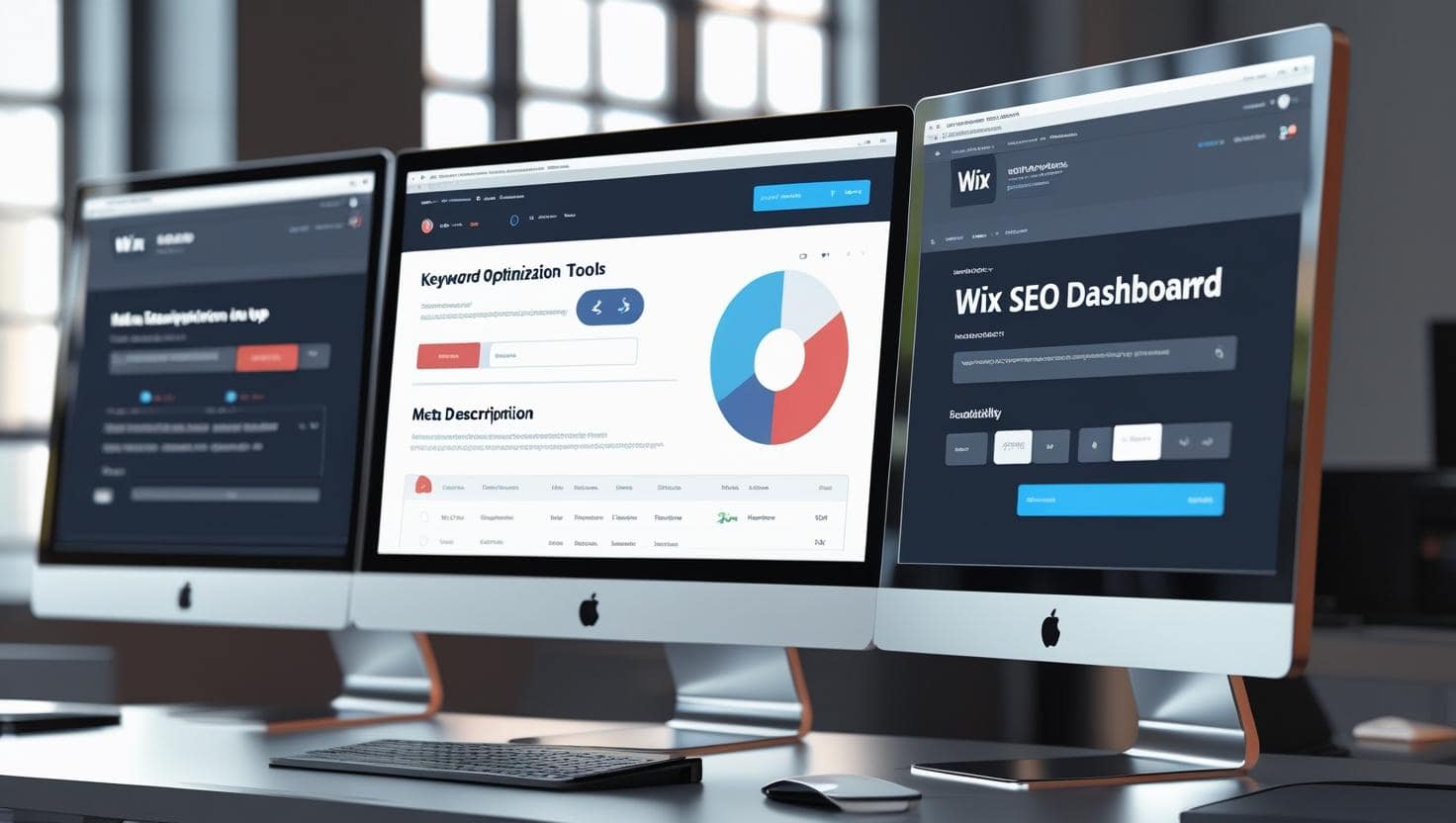
Just because you’re using a free plan doesn’t mean you can’t rank on Google. All major platforms include basic SEO tools.
To help your build a free portfolio website rank:
- Use your keyword in page titles (e.g., “Jane Doe – Build a Free Portfolio Website for Designers”)
- Add meta descriptions to each page
- Use header tags (H1, H2, H3) properly
- Optimize image file names and ALT text (e.g., “graphic-design-portfolio-sample.jpg”)
- Include internal links (e.g., link “Work” to your gallery)
Rank Math SEO plugin principles apply even on external builders—focus on keyword placement, readability, and user experience. For a deeper dive, see this on-page SEO guide.
Step 8: Publish and Share Your Website
Once you’re happy with your site, hit publish. Most platforms let you go live instantly—even on free plans.
After publishing:
- Test it on mobile and desktop
- Share it on LinkedIn, Instagram, and Twitter
- Add it to your email signature
- Submit to Google Search Console (free tool to monitor indexing)
Congratulations – you’ve just build a free portfolio website that showcases your talent to the world.
Bonus Tips to Make Your Free Portfolio Stand Out
Want to go beyond the basics? Try these advanced (but still no-code) strategies:
- Add testimonials: Use a testimonial widget to display client feedback.
- Embed a blog: Share tips or case studies to show expertise.
- Use animations: Subtle hover effects make your site feel premium.
- Connect a custom domain later: Once you’re ready, upgrade to connect a domain like janedoe.com (starts at $14/year).
Remember, your portfolio is a living document. Update it regularly with new projects and skills. For more ideas, explore this portfolio upgrade checklist.
Final Thoughts: Your Portfolio Is Your Power Move
You don’t need technical skills, a big budget, or years of experience to build a free portfolio website. With the right tools and a little time, you can create a professional online presence that opens doors.
The hardest part is starting. But once you take that first step – choosing a platform, picking a template, uploading your first project – you’re on your way.
So stop waiting. Start building. Your dream clients are searching for someone like you – make sure they can find you.
Now go build a free portfolio website and show the world what you can do. For ongoing tips, bookmark our Blog.
Additional Resources
About the Author




