
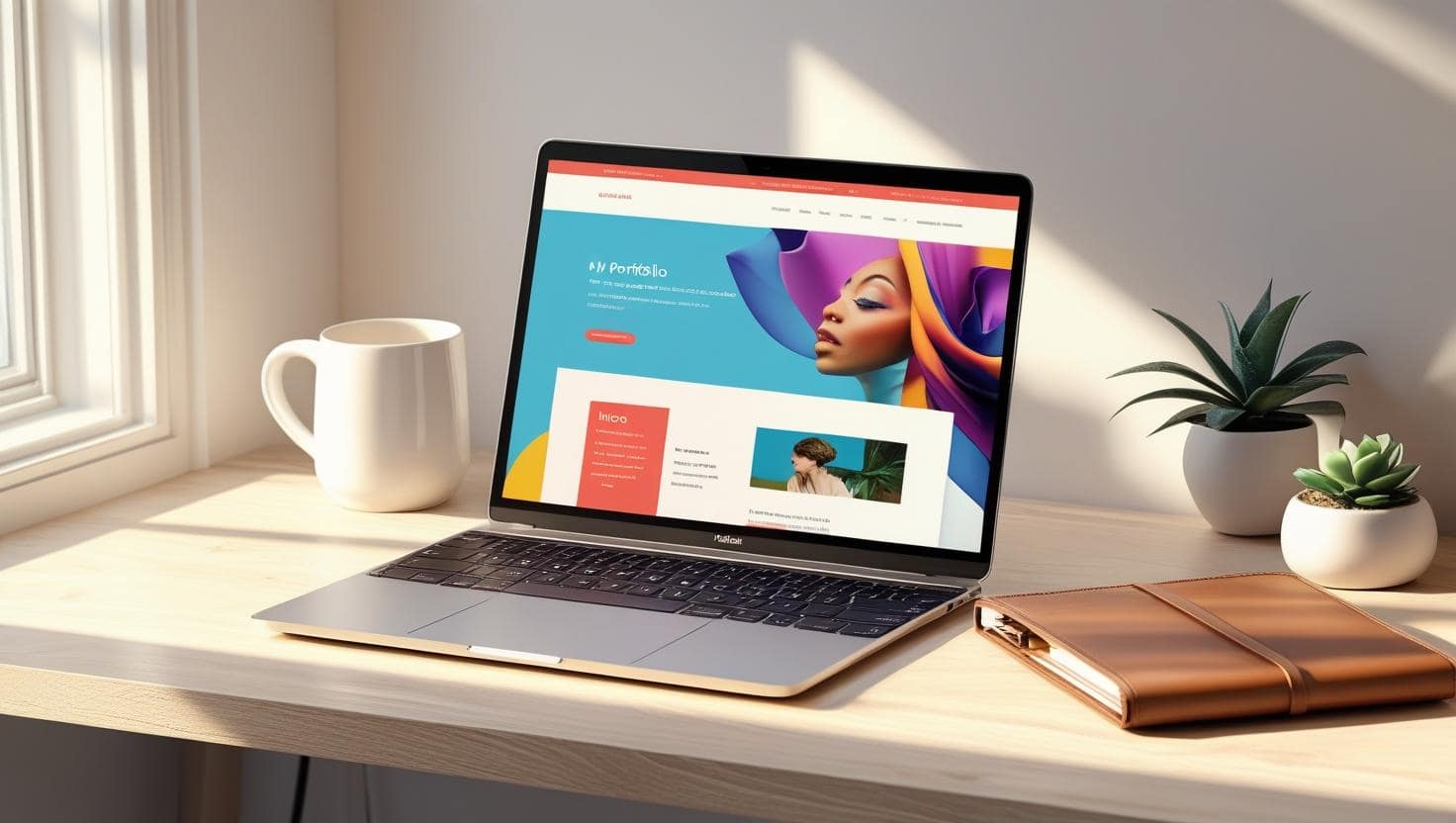
A sleek, budget-friendly personal website homepage designed with affordable tools.
Summary
Creating a cheap personal website in 2025 is easier than ever with the right tools and strategies. This guide provides ten actionable methods to build an affordable, professional website using free builders, low-cost hosting, and free design resources. From SEO optimization to DIY skills, learn how to establish your online presence without breaking the bank.
10 Proven Strategies to Build a Cheap Personal Website in 2025
Looking to establish a professional online presence without spending a fortune? Our in-depth guide reveals ten actionable strategies to create a cheap personal website that looks polished, performs well, and fits your budget. From free website builders to SEO tips, we’ve got everything you need to succeed.
The Importance of a Cheap Personal Website
In the digital era, a personal website serves as your online identity. Whether you’re a freelancer showcasing your portfolio, a professional building your brand, or an enthusiast sharing your passion, a cheap personal website can make a significant impact. According to a 2024 Statista report, 71% of individuals and small businesses with websites reported increased visibility and engagement. The best part? You don’t need a large budget to achieve this.
This comprehensive guide outlines ten proven strategies to build an affordable personal website in 2025. We’ll explore free and low-cost tools, platforms, and techniques to help you create a site that’s both functional and visually appealing, all while keeping costs minimal.
1. Select a Free or Low-Cost Website Builder
Website builders are the easiest way to create a cheap personal website without coding expertise. Platforms like Wix, Weebly, and WordPress.com offer free plans with customizable templates, drag-and-drop editors, and basic hosting. For instance, Wix provides 500MB of storage and free subdomains, making it ideal for beginners.
Why Choose a Website Builder? These platforms simplify the design process, allowing you to focus on content rather than technical details. Free plans are sufficient for basic sites, but upgrading to a premium plan (starting at $5-$10/month) removes ads and adds a custom domain for a more professional look.
Top Picks:
- Wix: Offers vibrant templates for portfolios, blogs, and resumes, with a free plan that includes SSL security.
- Weebly: Known for its intuitive interface and mobile-responsive designs.
- WordPress.com: Perfect for bloggers, with free themes and plugins for customization.
Pro Tip: Compare free plans to ensure the platform aligns with your needs, such as e-commerce features or blog functionality, before upgrading.
2. Explore Free Hosting and Subdomains
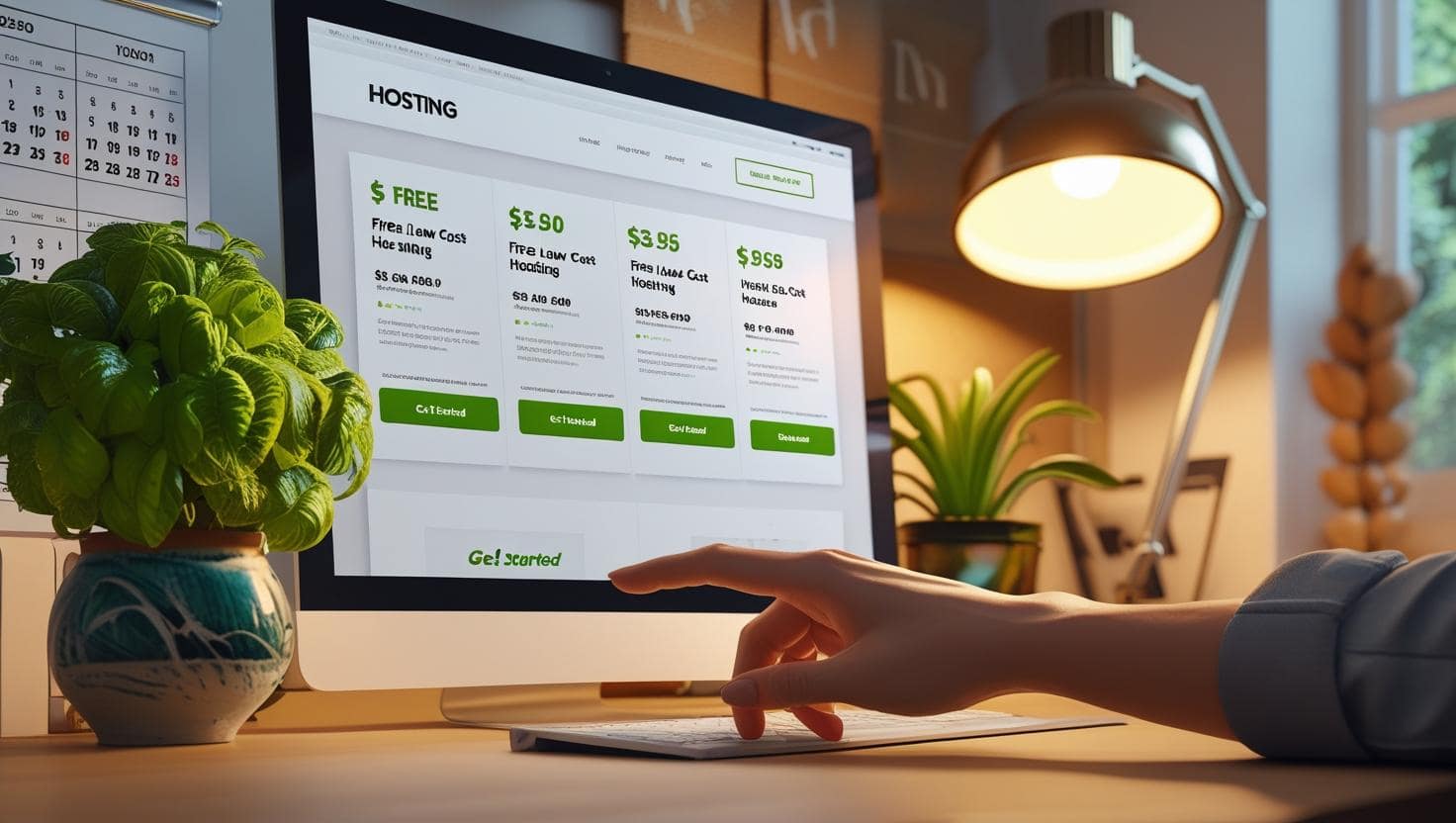
Hosting is a critical component of any website, but it doesn’t have to be expensive. Free hosting providers like InfinityFree, 000webhost, and Freehostia offer subdomains (e.g., yourname.000webhostapp.com) at no cost, making them perfect for a cheap personal website.
Limitations to Consider: Free hosting often comes with slower speeds, limited storage, or ads. For better performance, consider budget-friendly hosting providers like Hostinger ($1.99/month) or Bluehost ($2.95/month), which include free SSL certificates and reliable uptime.
How to Get Started:
- Sign up for a free hosting account on a platform like InfinityFree.
- Choose a subdomain or connect a purchased domain later.
- Upload your website files or use a built-in website builder if available.
3. Harness Open-Source Platforms for Customization
For those willing to invest a bit of time, open-source platforms like WordPress.org, Joomla, or Drupal offer unparalleled flexibility for building a cheap personal website. These platforms are free to use, but you’ll need to purchase hosting ($2.95-$5/month) and a domain ($10-$15/year).
Advantages: Open-source platforms allow complete control over design and functionality. With thousands of free themes (e.g., Astra, OceanWP) and plugins (e.g., Yoast SEO, Elementor), you can create a professional site tailored to your needs.
Step-by-Step Guide:
- Purchase affordable hosting from providers like Bluehost or SiteGround.
- Install the platform (e.g., WordPress.org) via your hosting dashboard.
- Select a free, responsive theme suited to your niche.
- Enhance functionality with free plugins for SEO, forms, or analytics.
Example: A freelancer could use WordPress.org with the Astra theme and Elementor plugin to create a portfolio site for under $50/year.
4. Secure an Affordable Domain Name
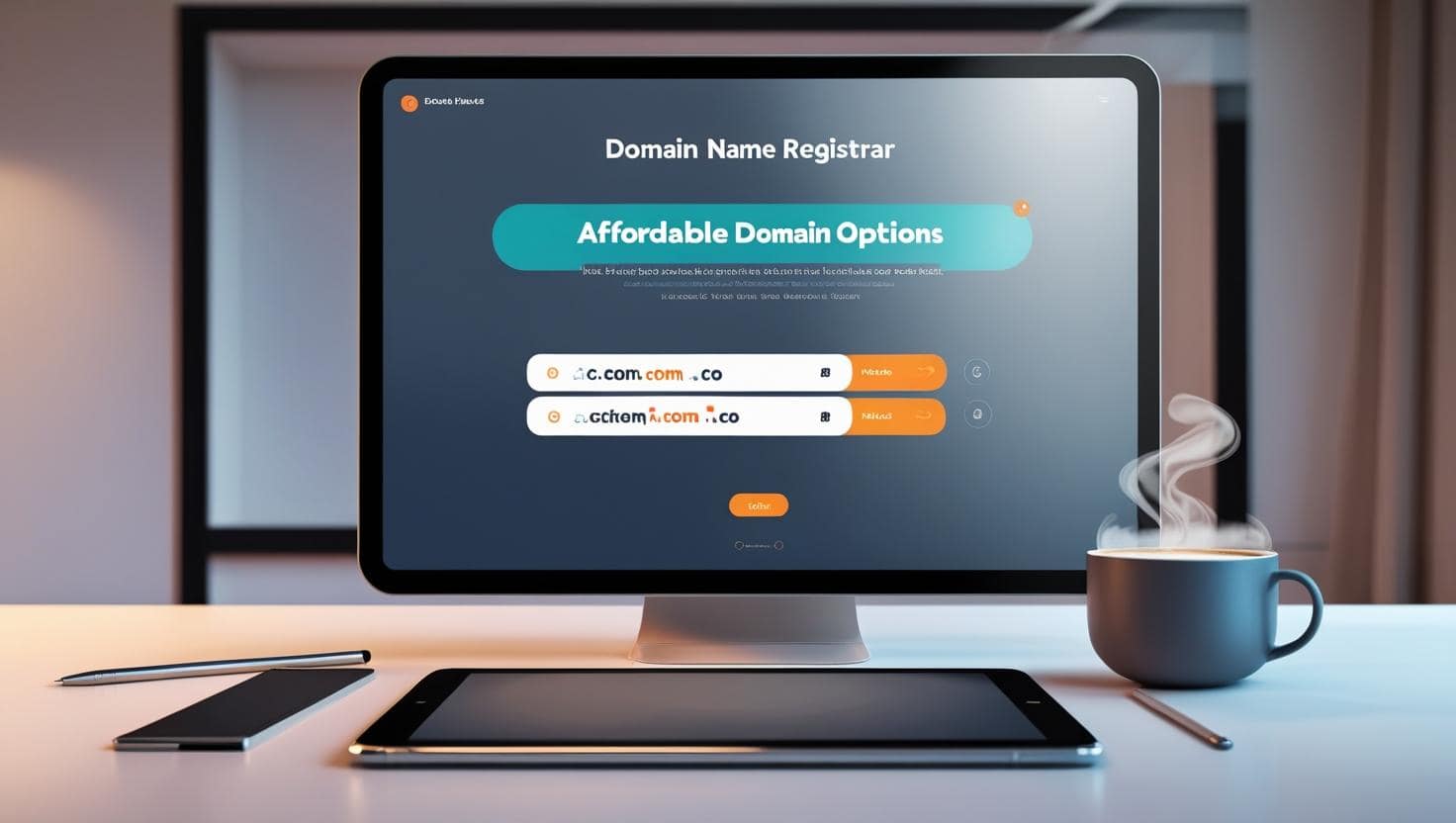
A custom domain (e.g., yourname.com) adds credibility and professionalism to your cheap personal website. Domain registrars like Namecheap, Google Domains, and GoDaddy offer domains starting at $8-$12/year for extensions like .com, .co, or .site.
Cost-Saving Tips:
- Look for promotional deals, often available for the first year.
- Avoid premium domains or expensive extensions like .io or .tech, which can cost $30-$50/year.
- Check if your hosting provider offers a free domain for the first year.
Why It Matters: A custom domain is easier to remember and share, improving your personal brand’s visibility.
5. Tap into Free Design Resources
A visually appealing website doesn’t require expensive design software. Free tools like Canva, Unsplash, and Google Fonts can transform your cheap personal website into a professional masterpiece.
Recommended Tools:
- Canva: Create logos, banners, and social media graphics for free.
- Unsplash: Access thousands of high-quality, royalty-free images for your site.
- Google Fonts: Use professional fonts like Montserrat or Roboto to enhance typography.
Practical Application: Design a logo in Canva, download a hero image from Unsplash, and apply Google Fonts to your website’s text for a cohesive, polished look.
Case Study: A photographer used Unsplash images and a free WordPress theme to create a portfolio site, spending only $12 on a domain and $30/year on hosting.
6. Implement Basic SEO for Visibility
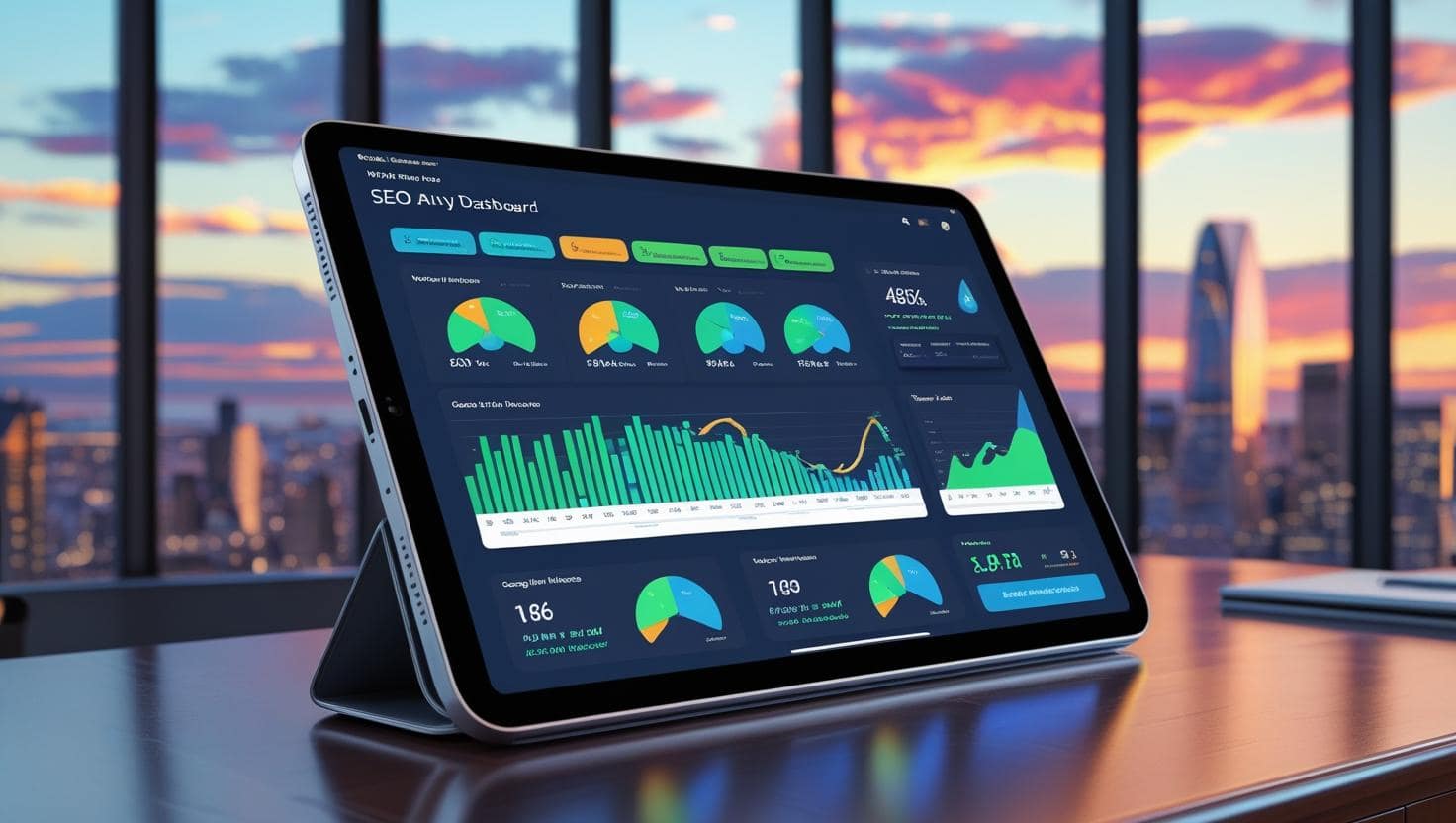
Search engine optimization (SEO) ensures your cheap personal website is discoverable on Google. Free tools like Google Keyword Planner, Ubersuggest, and AnswerThePublic help identify low-competition keywords relevant to your niche, such as “cheap personal website” or “freelance portfolio.”
Essential SEO Strategies:
- Keyword Placement: Include your primary keyword in the homepage title, meta description, headers, and body content.
- Content Creation: Write a 500-word “About” page or blog post to boost SEO.
- Mobile Optimization: Use responsive themes to ensure your site looks great on all devices.
- Site Speed: Optimize images using free tools like TinyPNG to improve loading times.
Free SEO Tools:
- Yoast SEO: A WordPress plugin for optimizing content and meta tags.
- Google Search Console: Monitor your site’s performance and fix errors.
7. Maintain Your Website on a Budget
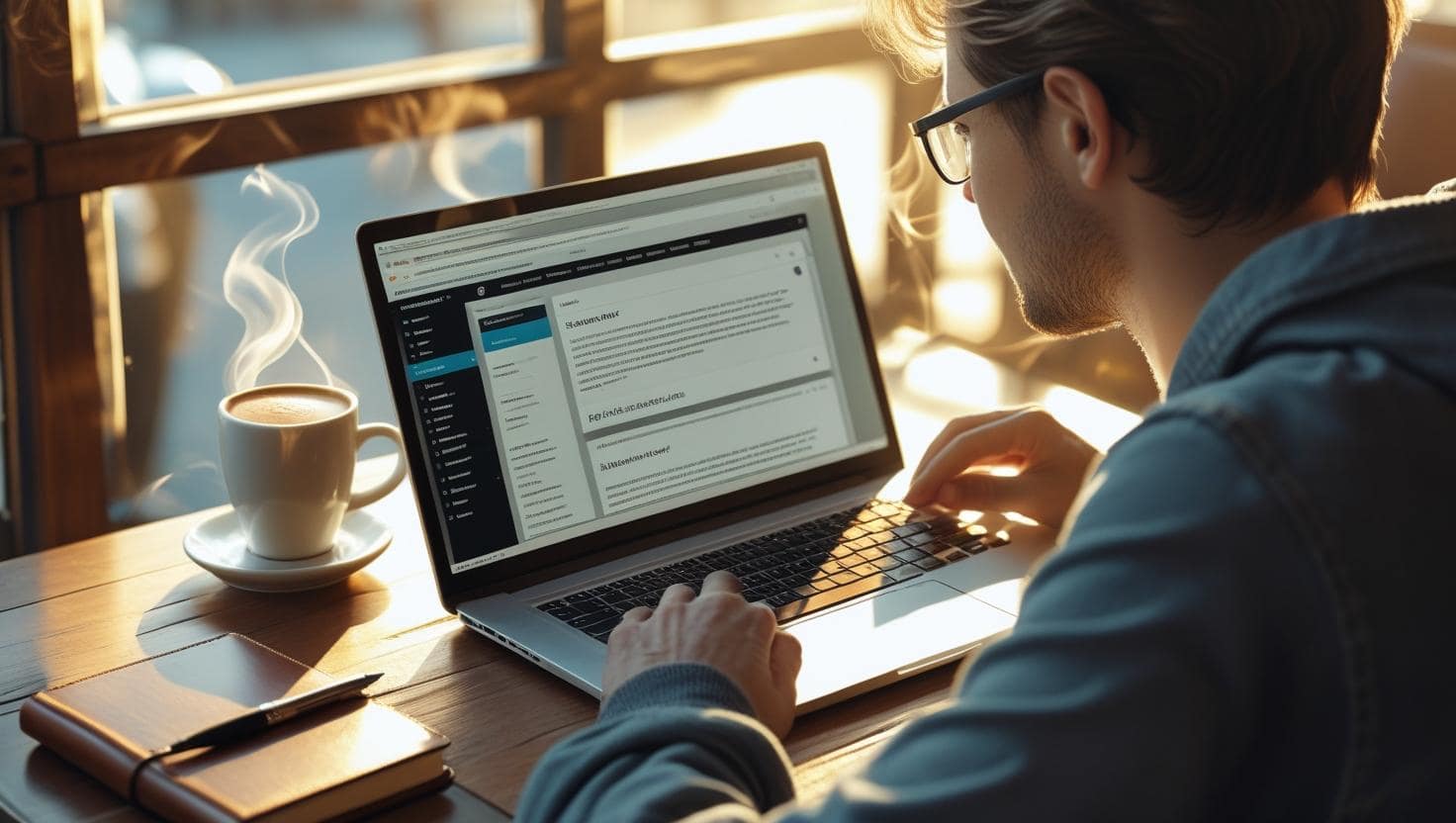
Regular maintenance keeps your cheap personal website secure and relevant. Most website builders and CMS platforms like WordPress offer free tools for updates, backups, and analytics.
Maintenance Checklist:
- Update themes and plugins monthly to prevent security vulnerabilities.
- Add fresh content, such as a blog post or portfolio item, every 4-6 weeks.
- Use Google Analytics to track visitor behavior and refine your strategy.
- Check for broken links with free tools like Broken Link Checker.
Cost-Saving Tip: Schedule 1-2 hours monthly for updates to avoid hiring a professional.
8. Add Free Features for Functionality
Enhance your cheap personal website with free features like contact forms, social media integration, and analytics. Platforms like WordPress and Wix offer plugins or widgets to add these without cost.
Recommended Features:
- Contact Forms: Use plugins like Contact Form 7 (WordPress) or Wix Forms for free.
- Social Media Buttons: Link to your profiles using free widgets.
- Analytics: Integrate Google Analytics for free visitor tracking.
Benefit: These features improve user experience and engagement without increasing costs.
9. Leverage Social Media for Promotion
A cheap personal website gains traction when paired with social media promotion. Platforms like Instagram, LinkedIn, and Twitter are free to use and can drive traffic to your site.
Promotion Strategies:
- Share your website link in your social media bios.
- Post about new content or updates with a link to your site.
- Engage with followers to build a community around your brand.
Example: A graphic designer shares portfolio updates on Instagram, linking to their website, resulting in a 20% traffic increase.
10. Learn Basic DIY Skills for Cost Savings
Investing time in learning basic web design and management skills can save you money. Free resources like YouTube tutorials, Codecademy, and W3Schools teach you how to customize templates, optimize images, or troubleshoot issues.
Skills to Learn:
- HTML/CSS Basics: Tweak your website’s design for free.
- Image Optimization: Use tools like TinyPNG to reduce file sizes.
- Content Writing: Write compelling copy to engage visitors.
Resources:
- Codecademy: Free courses on HTML and CSS.
- W3Schools: Tutorials on web development basics.
- YouTube: Channels like Traversy Media offer free web design guides.
Conclusion: Launch Your Affordable Website Today
Creating a cheap personal website in 2025 is achievable with the right tools and strategies. From free website builders and hosting to open-source platforms and SEO, you can build a professional site for under $50/year. By leveraging free resources and learning basic skills, you’ll maintain a vibrant online presence without breaking the bank.
Need help getting started? Contact Brand Nexus Studios for a free consultation to design and optimize your affordable personal website.
Frequently Asked Questions
How much does it cost to build a cheap personal website?
A cheap personal website can cost $0-$50/year. Free website builders like Wix or WordPress.com offer no-cost plans, while a custom domain and hosting may cost $10-$30/year. For example, Namecheap offers domains for as low as $8/year, and Hostinger provides hosting for $1.99/month.
Can I create a cheap personal website without coding skills?
Yes, platforms like Wix, Weebly, and WordPress.com provide drag-and-drop interfaces, allowing you to build a website without coding knowledge. These tools offer pre-designed templates that you can customize with ease, making them ideal for beginners.
What is the best free website builder for a cheap personal website?
Wix and WordPress.com are top choices for free website builders, offering customizable templates and user-friendly interfaces for personal websites. Wix is great for portfolios, while WordPress.com excels for blogs and content-heavy sites.
How can I make my cheap personal website look professional?
Use free design tools like Canva for graphics, Unsplash for high-quality images, and Google Fonts for typography. Choose a clean, responsive theme and consider investing in a custom domain for $10-$15/year to enhance credibility.
How do I optimize a cheap personal website for SEO?
Incorporate keywords like “cheap personal website” in your title, meta description, and content. Use free SEO tools like Yoast SEO for WordPress or Google Search Console to monitor performance and ensure your site is mobile-friendly for better rankings.
References
About the Author







I really like how this postBlog comment creation highlights the balance between affordability and professionalism. The tip about using free design resources alongside basic SEO is spot on—those small, low-cost tweaks can make a huge difference in how a personal site is perceived. One additional angle worth mentioning is the importance of keeping content fresh, since even a budget-friendly site can stand out if it consistently shares new ideas or updates.
DIY skills are definitely a game-changer when it comes to maintaining a cheap website. Not only does it help save money, but it also gives you total control over your site’s look and functionality.