
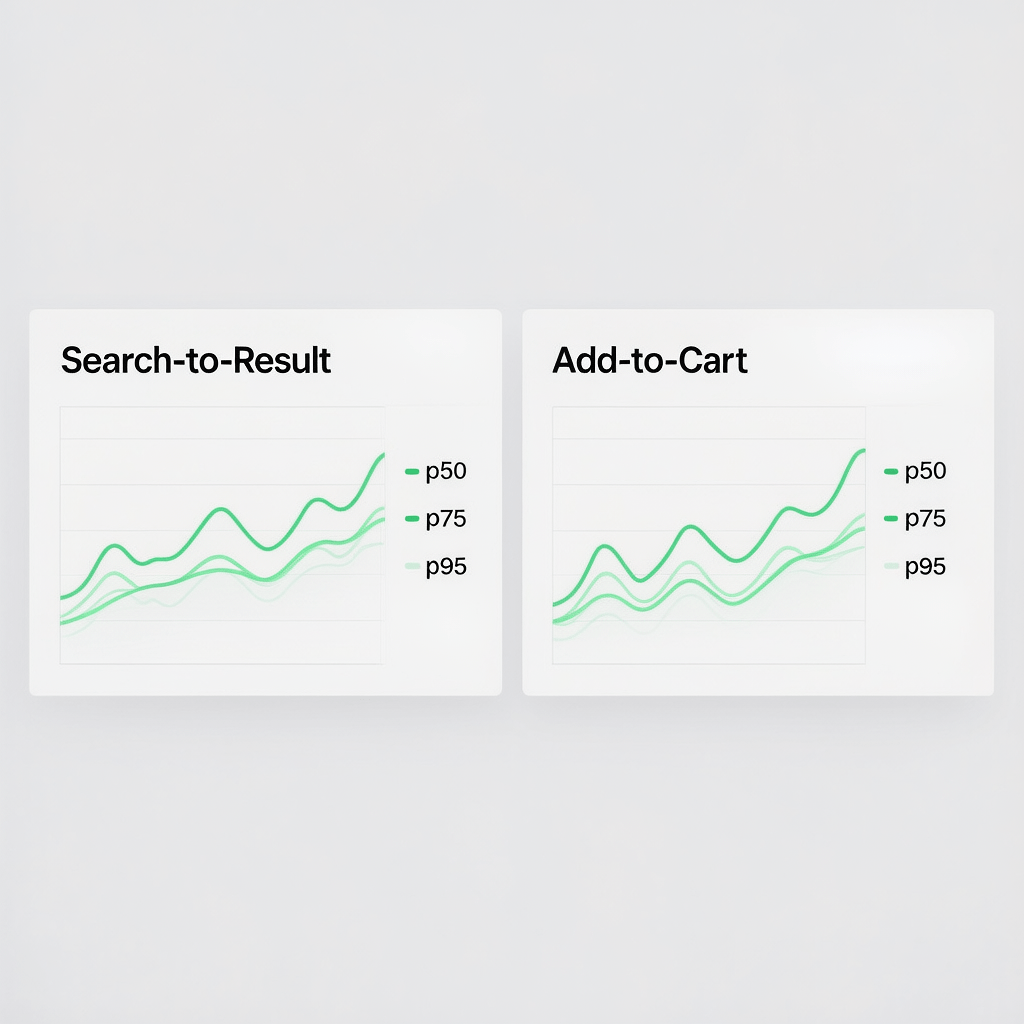
A simple checklist helps teams ship in days, not weeks.
Custom Metrics for Core Web Vitals: 15 Proven Tips
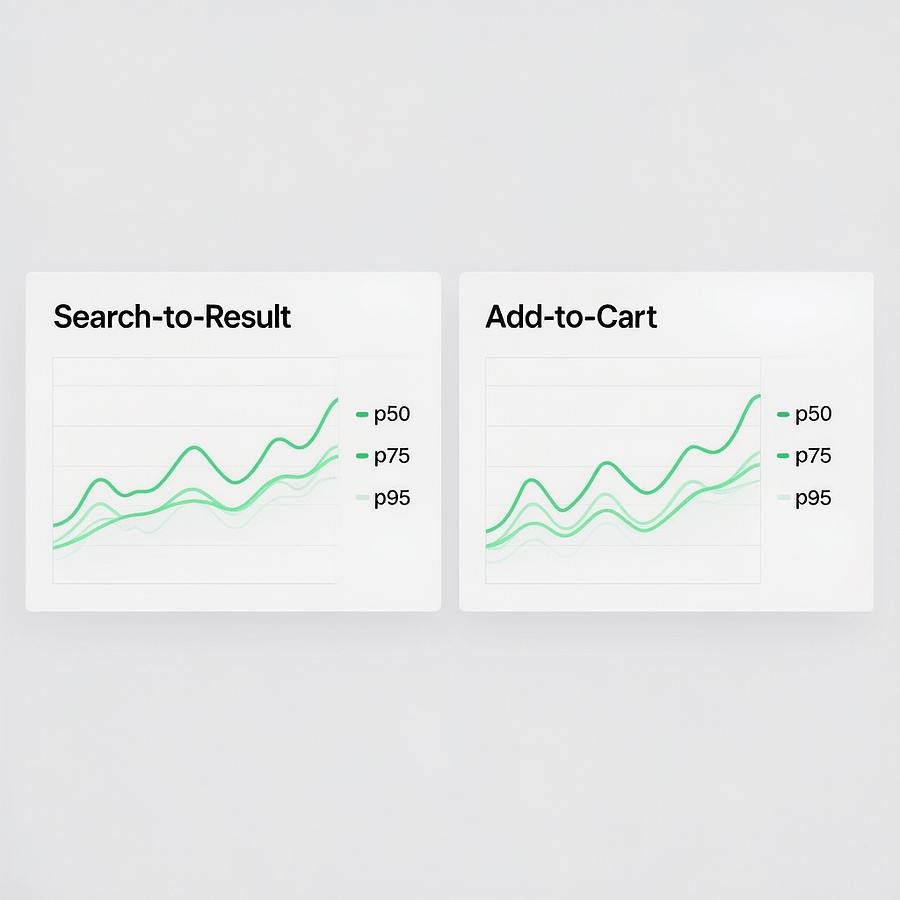
If you want faster wins, start measuring what users actually feel. Custom metrics for core web vitals turn generic speed scores into practical signals for your product. When you track the moments that drive revenue, your roadmap gets sharper and your fixes pay back faster.
In this guide you will learn how to design, instrument, and scale custom metrics for core web vitals. You will see code examples, sampling tactics, and dashboards that link UX to growth. Keep paragraphs short, ship improvements weekly, and let the numbers guide your next sprint.
Quick reminder: images on this page are compressed and cached for speed. Use the same habit in production to protect your Core Web Vitals.
Why custom metrics for core web vitals matter now
Core Web Vitals are universal. Your business is not. Custom metrics for core web vitals bridge that gap by measuring the journeys your users repeat every day. Think search to results, filter to results, or click to cart readiness.
With custom tracking, your team stops guessing. You can prove that a change improved interaction quality, or you can pinpoint where long tasks still block the main thread. Better yet, you can connect those gains to conversions and lifetime value.
What counts as custom metrics for core web vitals
Custom metrics for core web vitals do not replace LCP, INP, or CLS. They complement them. A good custom metric mirrors a real task and is easy to explain. If a developer cannot name the start and end points in one line, refine it.
- Search to first result paint
- Filter click to list update
- Add to cart click to cart drawer visible
- Login submit to dashboard ready
- Tap to open modal to first interactive control
These measures reflect what your users care about. When these values improve, your Core Web Vitals usually improve too because you are removing the same sources of friction.
How to design custom metrics for Core Web Vitals step by step
Design is the fastest part. You only need clarity and a threshold. The craft lives in the instrumentation and analysis that follows.
- Pick a journey that drives revenue or retention.
- Write a one line definition with a clear start and end.
- Set thresholds for good, needs improvement, and poor.
- Decide your sampling rate and privacy rules.
- Plan how you will visualize p50, p75, and p95.
Keep definitions short. For example, time from click on Filter to first 10 results painted. That is a clean custom metric for core web vitals and easy to validate in the field.
Instrumentation basics with the Performance API
You can deliver a solid setup without heavy libraries. The Web Performance APIs give you everything you need to ship reliable custom metrics for core web vitals.
Marks and measures
Use performance.mark to stamp an event and performance.measure to compute a duration. Wrap both ends of the user journey.
// Define a custom metric for filter-to-results
performance.mark('filter_click');
/* after your fetch completes and the list paints */
performance.mark('results_painted');
performance.measure('filter_to_results', 'filter_click', 'results_painted');

const m = performance.getEntriesByName('filter_to_results', 'measure')[0];
sendMetric('filter_to_results', m.duration);
PerformanceObserver for long tasks and INP context
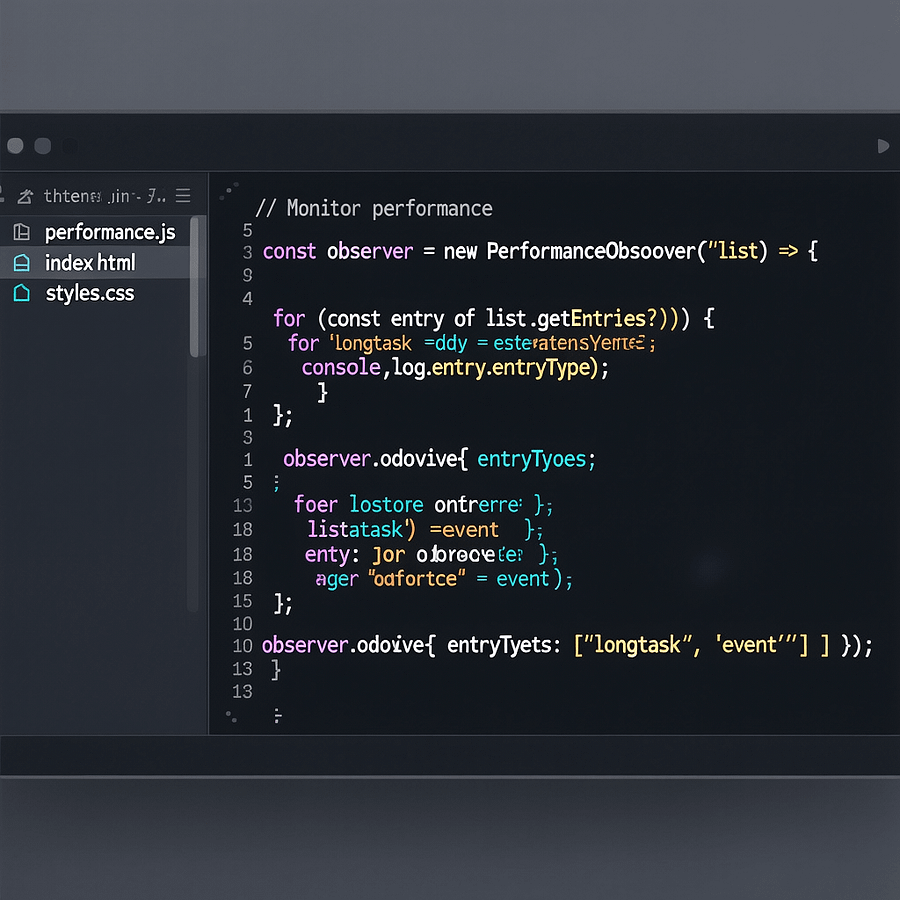
Long tasks and event timing reveal hidden delays. Observing them helps you debug why a custom metric for core web vitals spikes for some users.
// Observe long tasks that block interactivity
new PerformanceObserver((list) => {
  for (const entry of list.getEntries()) {
    sendMetric('long_task', entry.duration);
  }
}).observe({ type: 'longtask', buffered: true });

// Observe event timing to relate to INP
new PerformanceObserver((list) => {
  for (const entry of list.getEntries()) {
    sendMetric('event_delay', entry.processingStart - entry.startTime);
  }
}).observe({ type: 'event', buffered: true });
Collect with privacy in mind
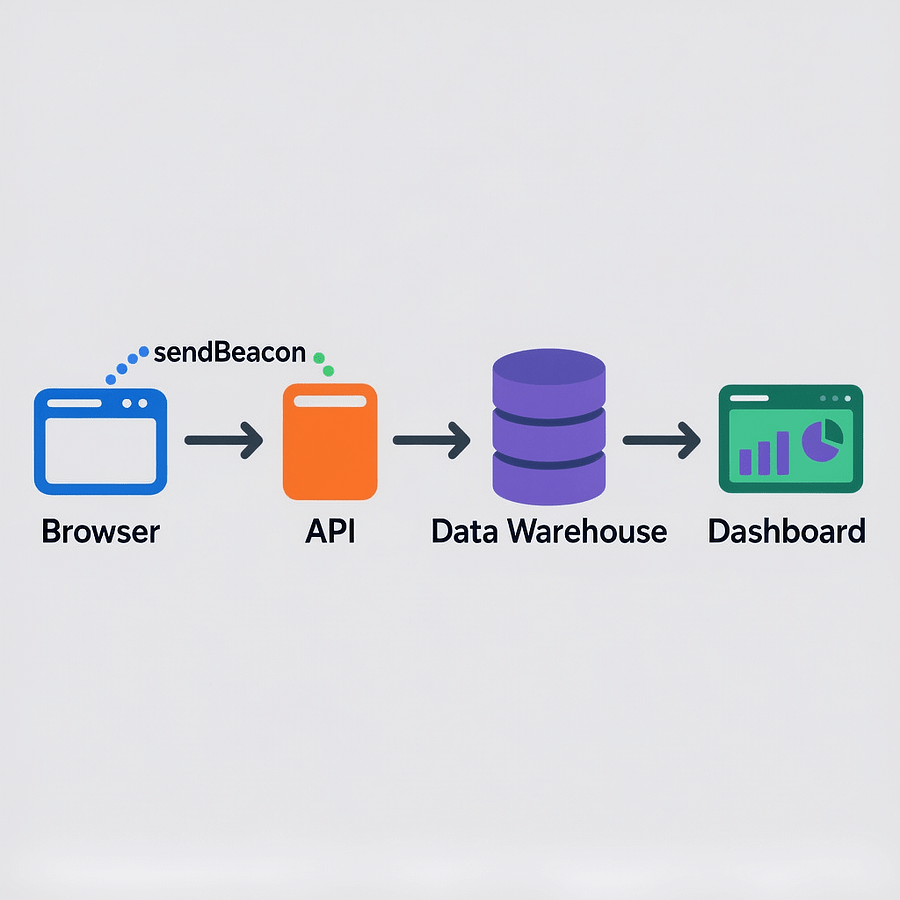
Use navigator.sendBeacon to avoid blocking the unload event. Sample to control volume. Never send PII. Respect user consent. With guardrails in place, your custom metrics for core web vitals stay lightweight and safe.
function sendMetric(name, value, meta = {}) {
  if (Math.random() > 0.1) return; // 10 percent sampling
  const body = JSON.stringify({ name, value, t: Date.now(), meta });
  navigator.sendBeacon('/rum', body);
}
From the browser to your dashboard
Collection is only half the story. The payoff comes when you visualize trends. Dashboards turn custom metrics for core web vitals into a shared language across product, design, and engineering.
- Aggregate by route, device class, and connection type.
- Chart p50, p75, and p95 to see typical and tail behavior.
- Overlay releases and feature flags to reveal causality.
- Tie metrics to conversions to prove business impact.

Field data vs lab data
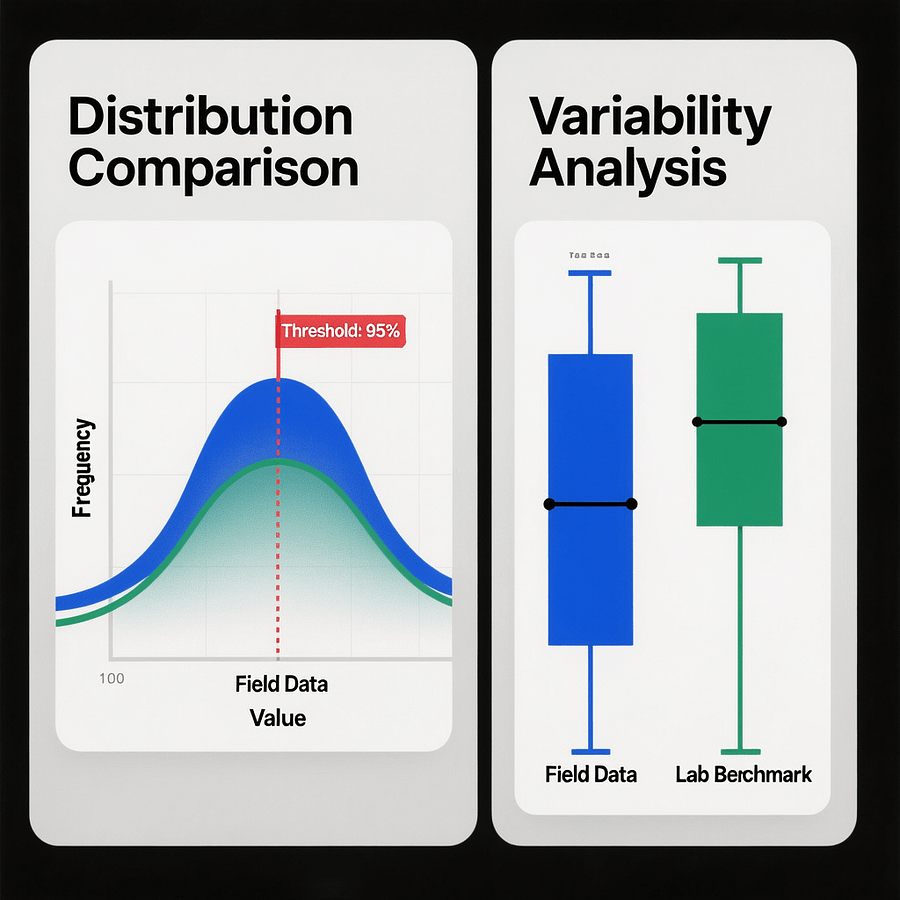
Lab tests are great for experiments. Field data is how users actually feel your site. Custom metrics for core web vitals should live in the field, sampled and segmented to reflect reality.
When a lab tweak looks promising, run a staged rollout. Watch p75 for your custom metric in the wild. If both the metric and conversions move together, you found a keeper.
15 proven tips to improve custom metrics for core web vitals
1. Define the journey in one line
If the definition takes a paragraph, it is too complex. Custom metrics for core web vitals work best when teammates can remember them without a playbook.
2. Start and end on visible changes
Users notice pixels. Anchor your custom metrics for core web vitals to visible updates like the first result paint or cart drawer reveal.
3. Measure p50, p75, and p95
Do not rely on averages. Percentiles show both the typical experience and the painful tail where revenue leaks. This is vital for custom metrics for core web vitals.
4. Sample smartly
Begin with 5 to 10 percent sampling. Scale up only if you need more precision. Sampling keeps custom metrics for core web vitals cheap to run.
5. Capture device and network hints
Include user agent family and effective connection type. Segmentation explains why a custom metric for core web vitals degrades for some users.
6. Tag releases and flags
Correlate dips and jumps with code changes. Tagging gives your team confidence when a custom metric for core web vitals improves after a release.
7. Store raw and derived values
Keep durations and context. Derive rolling stats in your warehouse. Flexible storage helps you evolve custom metrics for core web vitals over time.
8. Alert on p75 thresholds
Alert only when the 75th percentile crosses your budget, not on single spikes. This makes custom metrics for core web vitals actionable without noise.
9. Pair with session replays
Numbers tell you where. Replays tell you why. Use both to debug regressions in custom metrics for core web vitals.
10. Preload critical assets
Preload LCP image and key fonts. Faster above the fold paint often improves custom metrics for core web vitals that depend on first render.
11. Defer non critical scripts
Move analytics and widgets out of the critical path. Reducing main thread work often lifts custom metrics for core web vitals.
12. Reserve space to prevent shifts
Set width and height on media and ads. Stable layouts keep users oriented and improve custom metrics for core web vitals tied to UI updates.
13. Optimize images and caching
Serve AVIF or WebP, compress aggressively, and cache at the edge. Slim assets reduce wait time and improve custom metrics for core web vitals.
14. Budget in CI
Define budgets for Core Web Vitals and your custom measures. Fail builds on regressions so custom metrics for core web vitals do not drift.
15. Review weekly
A 30 minute weekly review locks in progress. Trends beat snapshots. Keep custom metrics for core web vitals visible in every standup.
Real examples that move the needle
Examples make it easier to start. Here are three battle tested custom metrics for core web vitals that teams ship in a day and improve for months.
Search to result paint
Definition: time from search submit to first meaningful result paint. Why it matters: users bounce if nothing appears quickly. How to fix: cache searches, stream results, and lazy render non essentials. Track this custom metric for core web vitals on both desktop and mobile.
Add to cart responsiveness
Definition: time from add to cart click to cart UI ready. Why it matters: slow feedback kills intent. How to fix: optimistic UI, split bundles, and move network work off the click path. This custom metric for core web vitals exposes main thread blockers.
Login to dashboard ready
Definition: time from submit to dashboard interactive. Why it matters: this is the first impression every day. How to fix: cache user shell, defer analytics, and hydrate progressively. This custom metric for core web vitals aligns tightly with retention.
A simple blueprint to roll out custom metrics
Ship a basic pipeline this week. You can extend it later. The goal is to collect clean numbers with low overhead so you can focus on the fixes that matter.
- Pick 2 journeys from your top routes. Write one line definitions.
- Instrument marks and measures for each journey. Wrap the visible change.
- Add a 10 percent sampler and send via sendBeacon to your endpoint.
- Log device class and connection type. Avoid any PII.
- Build a dashboard with p50, p75, p95 and weekly deltas.
- Set a p75 alert threshold and Slack your team on crossing.
- Review every week and backlog the top 3 fixes.
If you want help turning numbers into action, the analytics and reporting team at Brand Nexus Studios can connect RUM, dashboards, and goals into a single view.
Keep the JavaScript budget lean
Heavy scripts slow everything. You do not need a full rewrite to improve custom metrics for core web vitals. Trim what ships and move work off the main thread.
- Code split by route and interaction. Load features just in time.
- Use native features before adding libraries. CSS can often replace small JS animations.
- Defer non critical scripts and inline tiny helpers.
- Remove unused polyfills and reduce transpilation targets where possible.
Measure. When a route drops 100 KB of blocking JS, custom metrics for core web vitals usually get faster without any UX compromises.
Image hygiene that pays off fast
Images often dominate weight. A few careful changes can deliver instant gains in custom metrics for core web vitals and Core Web Vitals alike.
- Export AVIF or WebP for photos and SVG for icons.
- Generate responsive sizes and use srcset with sizes.
- Preload the LCP image and lazy load the rest.
- Compress with near visually lossless settings and cache aggressively.
Do not forget to set width and height on every image. That prevents layout shifts and protects your custom metrics for core web vitals tied to rendering milestones.
Accessibility and trust are part of speed
Accessible UI is faster to use. Contrast, focus order, and semantic landmarks reduce friction. Better UX improves custom metrics for core web vitals because users complete tasks with fewer stalls.
- Use header, nav, main, and footer landmarks.
- Provide visible focus styles and clear labels.
- Ensure keyboard operability for all interactive controls.
Small upgrades here create outsized gains for users with assistive tech and often lift conversion alongside your custom metrics for core web vitals.
Governance that sticks
You keep what you measure. Put your custom metrics for core web vitals into your engineering rituals so speed stays durable while you ship features.
- Add budgets to CI and fail builds on regressions.
- Show metric trends in sprint reviews and product councils.
- Reward teams for sustained improvements, not just quick spikes.
Governance makes speed a habit. When your team expects to see custom metrics for core web vitals every week, decisions get faster and users feel the difference.
Role based cheat sheet
Everyone influences speed. Use this cheat sheet to align your team around the same goals and improve custom metrics for core web vitals together.
- Product picks journeys and sets thresholds that match goals.
- Design removes visual debt and plans loading states.
- Frontend trims bundles and optimizes hydration.
- Backend caches responses and reduces TTFB.
- Marketing monitors impact on conversions and SEO.
- QA validates metrics and protects budgets in CI.
When to get expert help
If your team needs a faster pipeline from insight to improvement, partner with specialists who integrate measurement, code, and content. The website design and development team at Brand Nexus Studios can wire up a scalable stack that supports custom metrics for core web vitals and compelling UX.
When you are ready to match technical fixes with growth, the SEO services team can align search demand, content, and performance so your improvements show up in rankings and revenue.
FAQs
How many custom metrics should I track?
Start with two or three. Add only when a new journey becomes critical. Too many custom metrics for core web vitals create noise and slow decisions.
Should I store raw events or just aggregates?
Store both. Aggregates power dashboards. Raw events let you debug edge cases. This balance keeps custom metrics for core web vitals useful at every stage.
What sampling rate works best?
Between 5 and 10 percent is a good default. Big sites can go lower. Small sites can go higher. Always test cost and stability for custom metrics for core web vitals.
How do I set thresholds?
Look at current p75 and set a realistic near term target. Reset targets quarterly. Thresholds keep custom metrics for core web vitals aligned with momentum.
Can I track single page app route changes?
Yes. Place marks on navigation start and first meaningful update. SPA aware custom metrics for core web vitals are powerful and easy to implement.
Do I need a third party RUM tool?
No. The Performance API and a simple endpoint are enough to start. Add tools later if they help your custom metrics for core web vitals scale.
How do I validate accuracy?
Compare your custom metrics for core web vitals with lab timings and session replays. If they align across devices and regions, you can trust the numbers.
References
Put your metrics to work today
If this helped, subscribe, share it with your team, or ask a question in the comments. If you want a hands on plan for your site, email info@brandnexusstudios.co.za. Mention your top two journeys and we will outline how to instrument custom metrics for core web vitals and turn them into wins. Brand Nexus Studios is here to help you build, host, and maintain a site that feels fast and converts.
About the Author




