
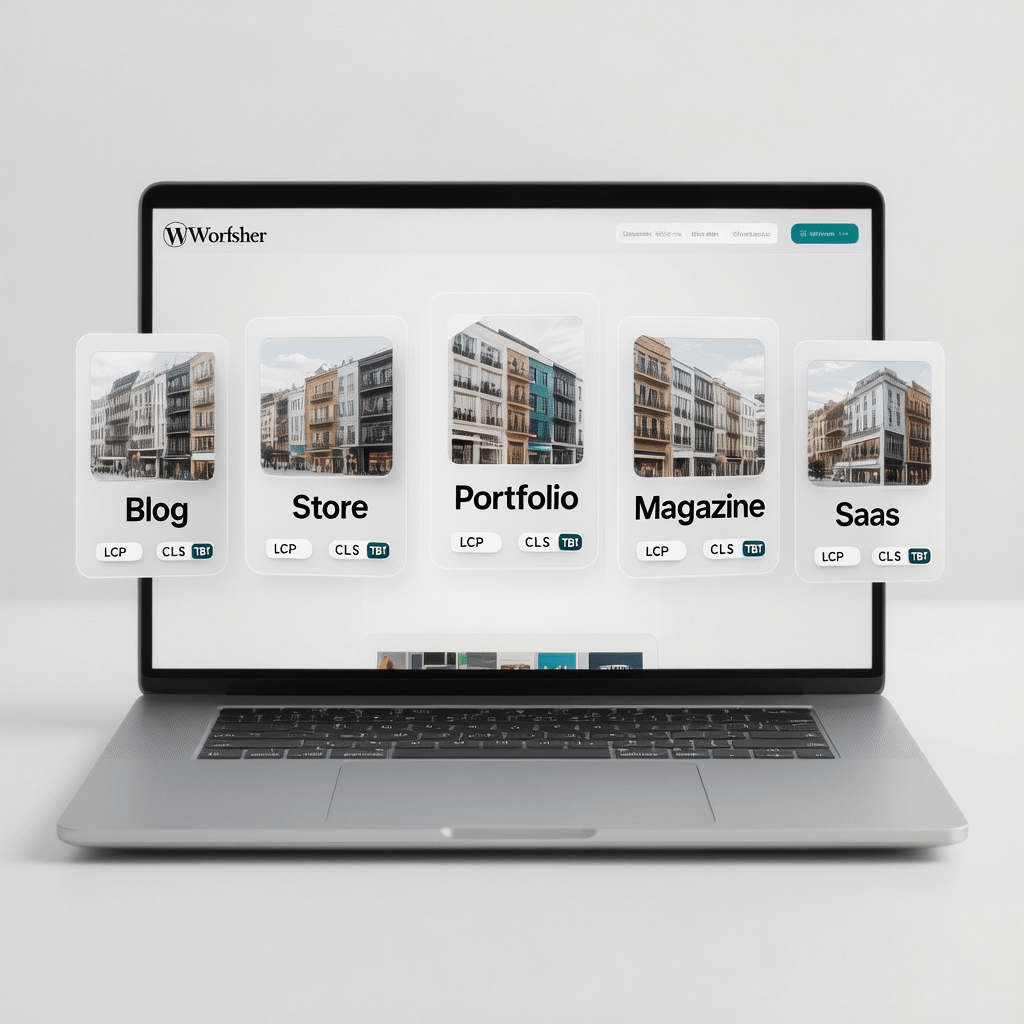
A curated, speed first roundup of modern WordPress themes. All images on this page are compressed for fast loading.
WordPress Themes: 27 Powerful Picks You’ll Love
By Morne de Heer · Published by Brand Nexus Studios
Choosing wordpress themes should be simple. The problem is choice overload. This resource cuts through the noise with a focused set of recommendations and a clear selection framework.
Right from the start, you will see which wordpress themes fit your goals, tech stack, and growth plans. We tested for speed, editor experience, WooCommerce readiness, and long term maintainability.
Quick note for page speed lovers. All images here are compressed and cached for faster loads, and we recommend you do the same on production sites.
What Makes Great WordPress Themes Today
Before you shop, get your criteria straight. The best wordpress themes do more than look good. They make content easier to publish and help your site pass Core Web Vitals consistently.
- Lightweight code: Minimal CSS and JavaScript improves LCP and TBT. Fewer dependencies means fewer conflicts.
- Block editor first: Block patterns, style variations, and full site editing support keep your site flexible.
- WooCommerce readiness: Product page templates, cart styles, and optimized archives matter for conversions.
- Accessibility: Proper contrast, keyboard navigation, focus states, and semantics help all users.
- SEO basics: Clean markup, schema ready structures, and logical heading hierarchy give search engines clarity.
- Support and updates: Reliable updates and a helpful team extend the life of your investment.
If you need help matching wordpress themes to business goals, our website design and development team creates design systems that scale content, not bloat your stack.
The Shortlist: 27 Powerful WordPress Themes by Use Case
You want clarity fast. Below is a practical, category based map of wordpress themes that repeatedly deliver. No fluff, just context and why they fit.
Lightning Fast Multipurpose
These wordpress themes start lean, then grow with you via modular options. Ideal for blogs, business sites, and landing pages.
- GeneratePress
- Astra
- Blocksy
- Neve
Modern Block Themes and Full Site Editing
Want style variations, patterns, and full site editing? These wordpress themes embrace blocks for layout control without heavy page builders.
- Twenty Twenty Four
- Ollie
- Frost
- Bricksy
WooCommerce and Online Stores
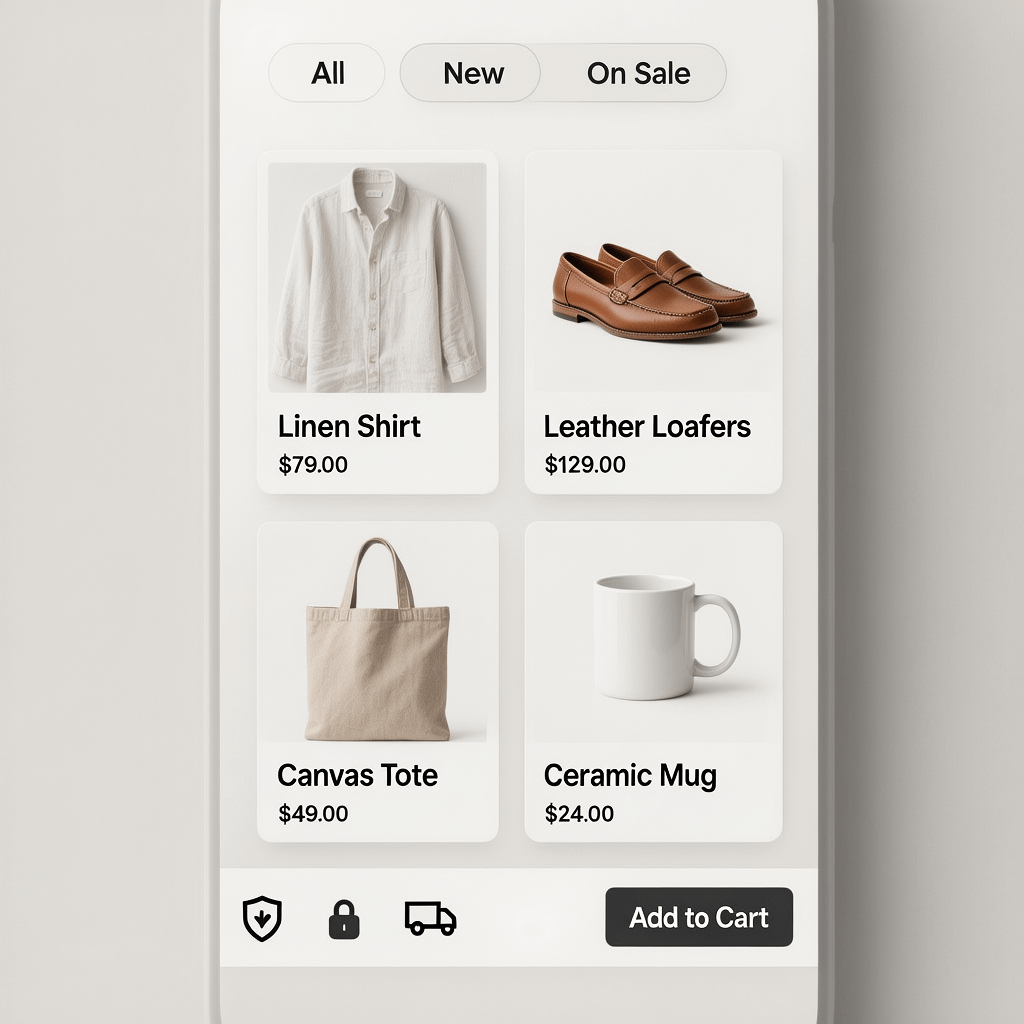
Commerce needs speed and conversion focused layouts. These wordpress themes ship product templates, smart filters, and clean carts.
- Flatsome
- Shoptimizer
- Kadence
- Astra Pro
Magazines, News, and Content Hubs
High volume publishing requires smart archives and typography. These wordpress themes balance ad slots with readability.
- Newspaper
- JNews
- Pixwell
Creative Portfolios and Agencies
Bold visuals and motion done right. These wordpress themes keep media lightweight while highlighting your work.
- Salient
- Uncode
- Kalium
- Oshine
Landing Pages and SaaS
Need fast iterations and A B testing? These wordpress themes ship with hero patterns, pricing tables, and flexible headers.
- Hello
- Neve
- Blocksy
Blogs and Personal Sites
Clean typography and low maintenance. These wordpress themes put content first.
- Hemingway
- Writee
- Chaplin
LMS, Communities, and Memberships
For courses and communities, these wordpress themes align templates to engagement.
- BuddyBoss Theme
- Kadence
- Astra
Local Business and Services
Service pages, local SEO elements, and fast contact forms. These wordpress themes are versatile and dependable.
- Sydney
- Hestia
- Phlox Pro
Accessibility First
These wordpress themes emphasize WCAG basics like contrast and keyboard navigation.
- Twenty Twenty One
- Chaplin
- Neve Accessibility
Editorial Design and Storytelling
For long reads and reports, these wordpress themes keep focus on structure and pace.
- Typology
- Paper
- Independent Publisher
Starter Themes for Developers
If you build custom sites, these wordpress themes and starters make clean baselines.
- Underscores
- Sage
- Blockbase
How To Choose the Right WordPress Themes
Start with goals, not colors. When you align wordpress themes to outcomes, decisions get easier and results improve.
1. Define outcomes and content types
Are you optimizing for leads, sales, or readership growth? Inventory pages, post types, products, and taxonomies before you compare wordpress themes.
2. Make performance non negotiable
Speed affects conversion and SEO. Prefer wordpress themes that load minimal CSS, avoid render blocking scripts, and work well with caching and image compression.
3. Match editing needs
Do your editors want block patterns and full site editing, or a classic builder workflow? Choose wordpress themes that match how your team publishes content.
4. Confirm WooCommerce fit
For stores, check product gallery behavior, mobile filters, and cart interaction. The best wordpress themes for commerce make these flows frictionless.
5. Validate accessibility
Test keyboard navigation, color contrast, and focus states. Accessibility ready wordpress themes reduce legal risk and expand your audience.
6. Plan support and updates
Pick vendors with clear changelogs, active communities, and predictable releases. Sustainable wordpress themes save time over years, not months.
7. Protect customizations
Use a child theme for CSS and PHP tweaks, or the site editor for block styles. That way, updating wordpress themes does not overwrite your changes.
Performance Setup for WordPress Themes
Even the fastest wordpress themes need a tuned stack to shine. The steps below keep your site quick and stable.
- Cache smart: Enable page caching and browser caching. Use object caching for dynamic sites.
- Compress images: Convert to WebP or AVIF and resize to display dimensions. We compress images and recommend a CDN to serve them quickly.
- Trim CSS and JS: Remove unused assets, inline critical CSS, and defer non critical scripts.
- Fonts: Use system fonts or host web fonts locally. Preload key files and swap to avoid FOIT.
- CDN: Cache static assets close to users. Combined with lean wordpress themes, this removes bottlenecks.
- Database hygiene: Clean transients, post revisions, and overhead regularly.
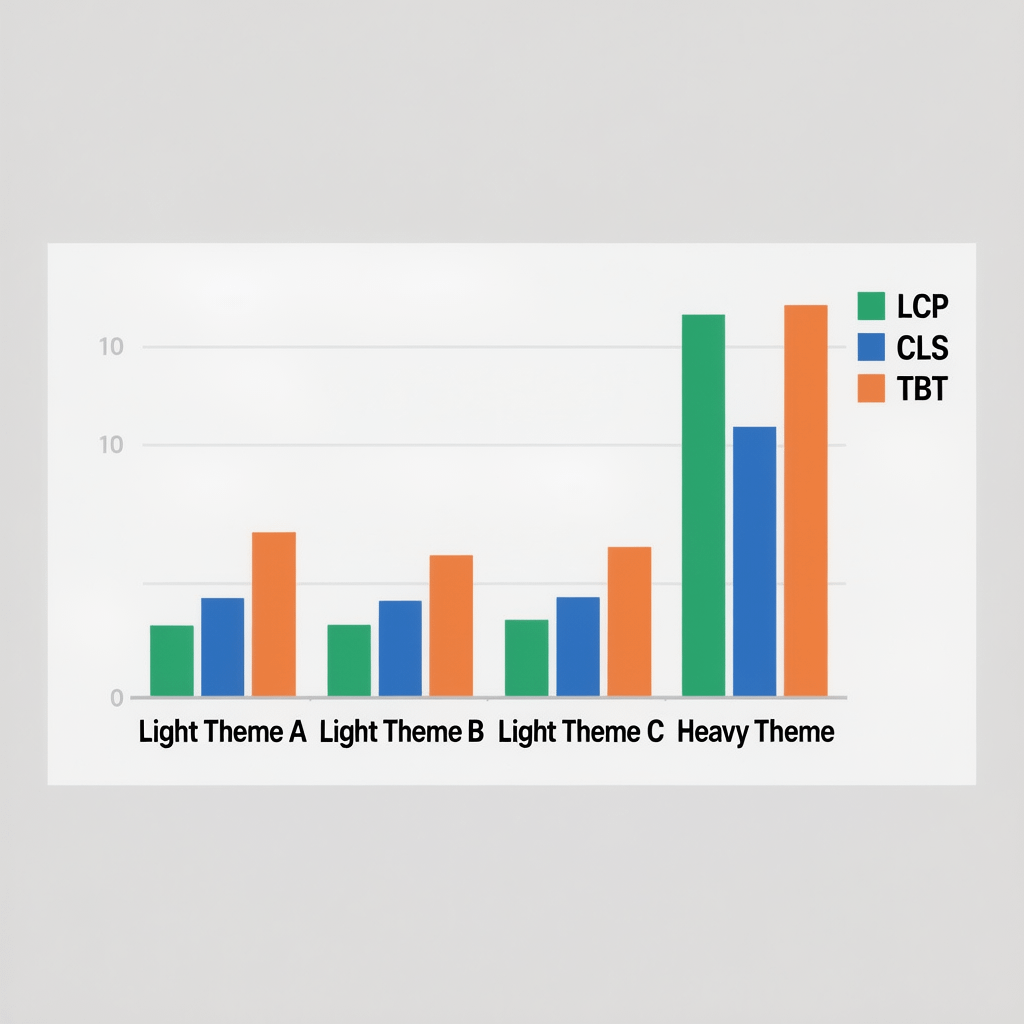
Keep an eye on Core Web Vitals. When wordpress themes ship with minimal layout shift, your CLS score stabilizes. Pair that with good caching and compressed images, and your LCP improves quickly.
If you want a second pair of eyes, Brand Nexus Studios can audit your stack and theme configuration for bottlenecks and quick wins without risky rebuilds.
WordPress Themes and SEO Success
Search visibility starts with clean HTML and fast rendering. The right wordpress themes help crawlers understand your site without hacks.
- Headings: Logical H1 to H3 hierarchy improves topical clarity.
- Schema ready: Themes that play well with SEO plugins make rich results easier.
- Breadcrumbs: Clear navigation helps users and bots.
- Archive logic: Avoid duplicate content with paginated archives and no thin tag pages.
If you are aiming for growth, our SEO services connect content strategy with lightweight wordpress themes for durable rankings.
Block Themes vs Classic WordPress Themes
Both approaches can succeed. Your choice depends on workflow, team skills, and plugin stack.
Block themes
Use block themes when you want full site editing, pattern libraries, and style variations. For many teams, these wordpress themes lower the need for page builders.
Classic themes
Stick with classic wordpress themes when you rely on a specific builder, or when legacy plugins require template files that block themes do not expose.
Hybrid approach
A hybrid setup works too. Use a lightweight classic theme and build with the block editor. This keeps editing simple while avoiding heavy builder plugins.
WooCommerce Ready WordPress Themes
Stores live and die by speed and clarity. The best wordpress themes for WooCommerce give you fast product archives and focused product pages.
- Category pages: Server side filters, lazy loaded images, and consistent cards.
- Product pages: Clean galleries, sticky add to cart on mobile, and trust markers.
- Cart and checkout: Fewer fields, auto address, and frictionless payment flows.
When you pair conversion friendly wordpress themes with A B testing, you typically see faster wins than a full redesign.
Design Systems, Patterns, and Style Variations
Great sites are consistent. Treat wordpress themes as the presentation layer of a design system, not a one off skin.
- Tokens: Define colors, spacing, and type scales once.
- Patterns: Save hero blocks, CTAs, and pricing tables as reusable patterns.
- Variations: Use theme style variations for seasonal campaigns without touching code.
Brand Nexus Studios often ships reusable pattern kits so editors can publish quicker with the same wordpress themes across product lines. It keeps teams fast and on brand.
Accessibility Checklist for WordPress Themes
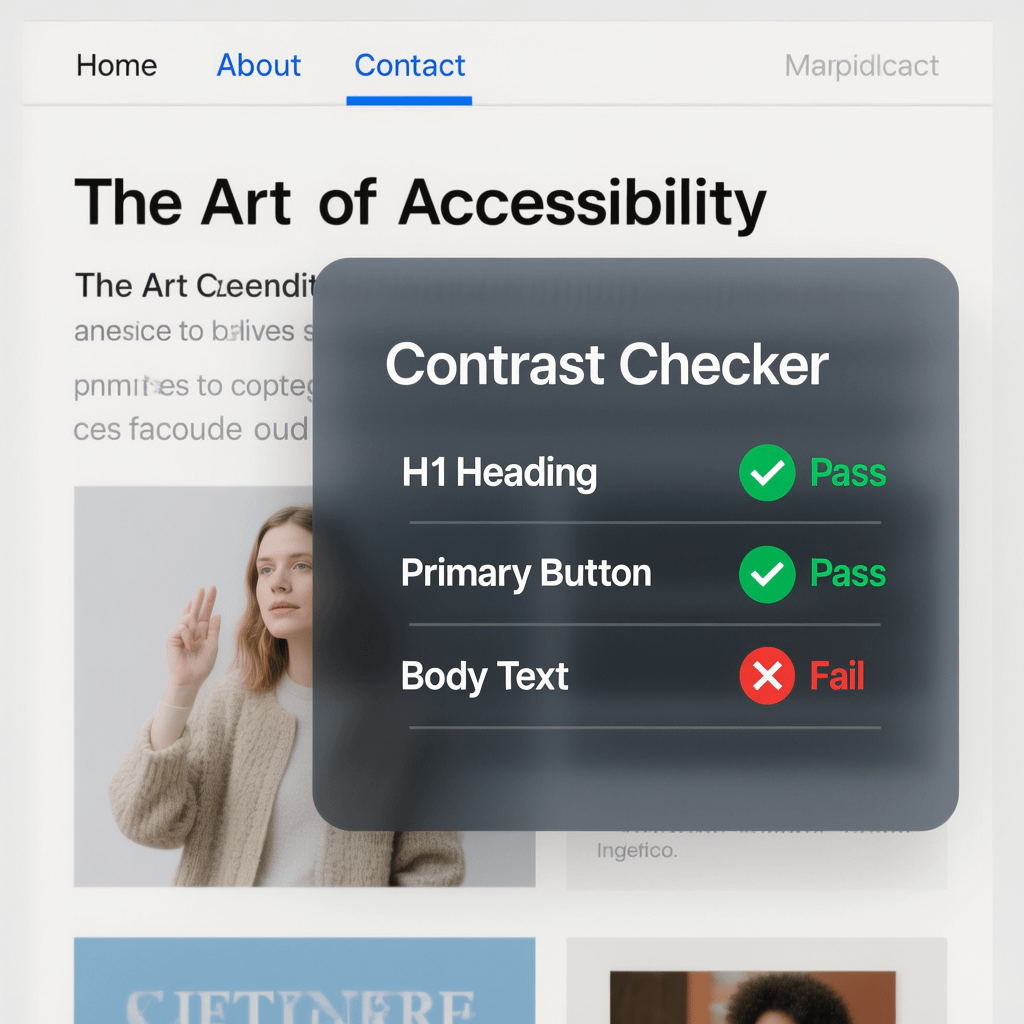
Accessibility is not optional. It is good UX and good business. Pick wordpress themes that meet WCAG fundamentals and test them in real flows.
- Minimum color contrast for text and UI elements
- Keyboard navigability for menus and modals
- Visible focus states that are easy to track
- Semantic HTML for landmarks and headings
- Form labels, error states, and ARIA where needed
Security and Maintenance
Security starts with code quality and timely updates. Choose wordpress themes from vendors with transparent changelogs and responsible disclosure policies.
- Keep a child theme for custom code
- Update on staging, then roll to production
- Audit plugins quarterly to remove cruft
- Back up before any major change
With lean wordpress themes and fewer plugins, your attack surface shrinks and uptime improves.
Migration Checklist for Switching WordPress Themes
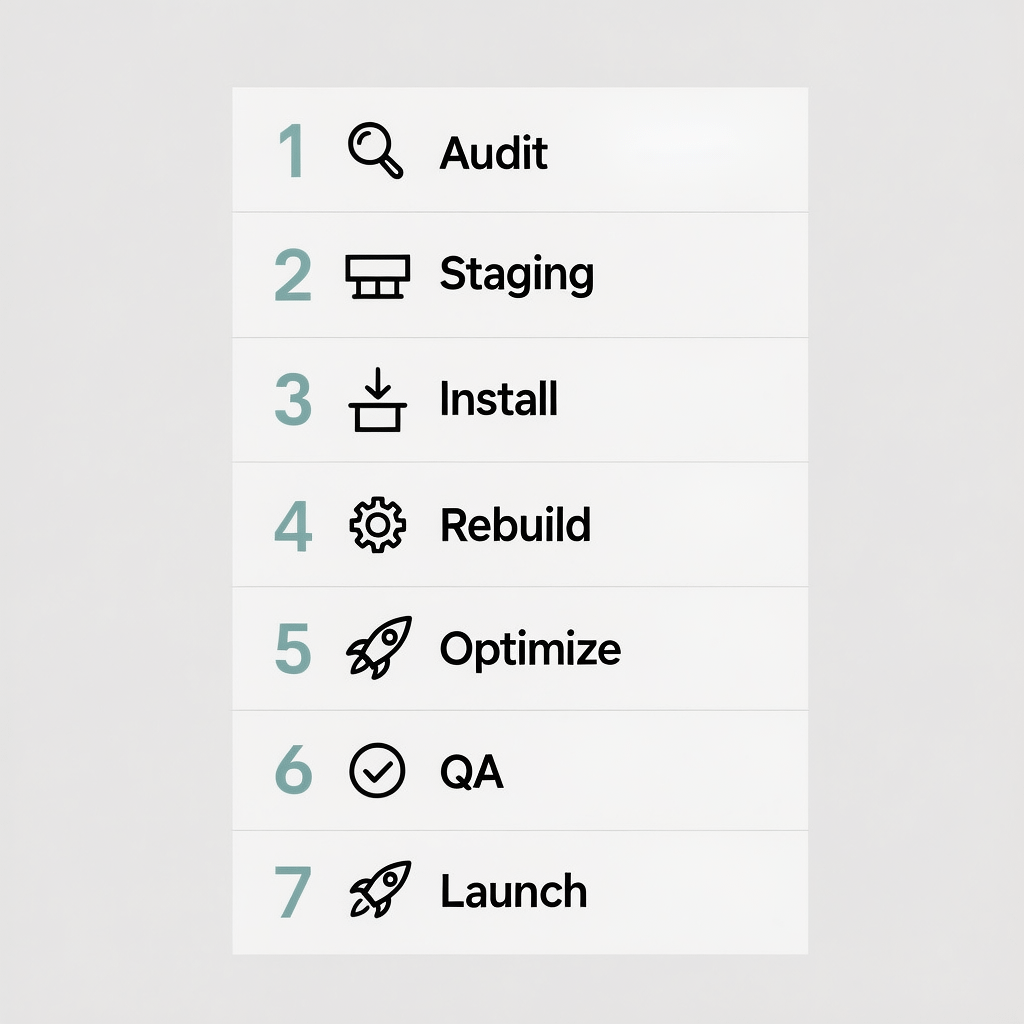
Done right, switching wordpress themes does not have to be risky. Follow this sequence and keep outages to a minimum.
- Audit content and shortcodes: List widgets, templates, custom post types, and plugin shortcodes that the current theme touches.
- Spin up staging: Clone production, turn on debugging, and disable non essential plugins.
- Install the new theme: Test headers, footers, menus, and critical templates.
- Rebuild key pages: Recreate hero sections, CTAs, and conversion pages using patterns.
- Optimize performance: Minify, defer, and compress. Verify LCP, CLS, and interaction on mobile.
- QA and UAT: Check forms, checkout, search, and logged in flows.
- Go live with a rollback plan: Back up, deploy, and monitor analytics and error logs.
If you want an experienced partner for a zero drama changeover, our analytics and reporting approach catches issues before they become incidents.
Free vs Premium WordPress Themes
Free options from the official directory are vetted for standards and often perform well. Premium wordpress themes can add deeper integrations, templates, and support.
- Free: Great for lean builds and MVPs. Check update history and support forums.
- Premium: Useful when you need niche templates or dedicated support with SLAs.
- Lifetime vs subscription: Subscriptions often align better with ongoing updates.
Whichever you choose, avoid theme lock in. Keep features in plugins, not inside wordpress themes.
Common Pitfalls With WordPress Themes
Avoid these traps and your site stays fast, stable, and simple to maintain.
- Bloat: Mega feature wordpress themes load dozens of scripts you will never use.
- Page builder sprawl: Mixing multiple builders creates conflicts and slowdowns.
- Hard coded SEO: Let your SEO plugin handle metadata, not the theme.
- Unclear licensing: Confirm usage limits and update access before purchase.
Real World Workflow Tips
Workflows beat wishlists. Here is how teams get more value from wordpress themes without complexity.
- Pattern first: Build hero, feature lists, and CTAs as reusable blocks.
- Staging always: Preview updates and edits before pushing live.
- Design tokens: Lock color, spacing, and typography once for consistency.
- Performance budgets: Cap page weight, requests, and CLS per template.
Brand Nexus Studios helps teams standardize these practices so your chosen wordpress themes stay fast through content growth.
FAQs About WordPress Themes
What are the fastest WordPress themes right now?
GeneratePress, Astra, Blocksy, Neve, and Hello are consistently fast wordpress themes when paired with caching, a CDN, and compressed images.
How do I choose between a block theme and a classic theme?
Pick a block theme if you want full site editing and pattern driven workflows. Choose classic wordpress themes if you rely on a page builder or legacy templates.
Are free WordPress themes safe and SEO friendly?
Yes, when sourced from the official directory. Read reviews, check the update cadence, and run quick performance tests before launch.
Which WordPress themes work best with WooCommerce?
Astra, Blocksy, Kadence, Flatsome, and Shoptimizer are strong choices, offering fast product templates and lean cart flows.
How often should I update my theme?
Update right after testing on staging. Keep backups, use a child theme, and deploy during off peak hours.
Will switching WordPress themes break my site?
Not if you plan it. Audit shortcodes, test on staging, and follow a checklist. Most issues come from plugin conflicts, not the theme itself.
Do themes affect Core Web Vitals?
Yes. Fast, lightweight wordpress themes reduce layout shift and improve rendering. Pair them with image compression and smart caching.
References
Further reading and official documentation to deepen your selection process:
About the Author





Hello outstanding website! Does running a blog like this require a great deal
of work? I’ve no expertise in computer programming but I was hoping
to start my own blog in the near future. Anyhow, should you
have any suggestions or tips for new blog owners please share.
I understand this is off subject however I just wanted to ask.
Thanks!
Thanks so much for the kind words! Short answer: no, you don’t need programming skills to run a solid blog. It does take consistent effort, but you can keep it simple and grow as you go.
Quick tips to get started:
Pick an easy platform: WordPress.com, Squarespace, or Wix. No coding needed.
Choose a clean, lightweight theme and keep plugins minimal.
Plan a simple content calendar. One useful post per week beats five random ones.
Make posts scannable: clear headings, short paragraphs, and helpful visuals.
Do basic SEO: one main topic per post, descriptive title, meta description, and relevant keyword.
Compress images and use WebP for fast loading. Add alt text for accessibility.
Set up Google Search Console and Google Analytics to see what works.
Back up your site and keep everything updated for security.
Promote each post on your socials and collect emails for a simple newsletter.
Don’t wait for perfect. Publish, learn, iterate.
If you want, tell me your niche and goals and I’ll suggest a starter setup and 10 post ideas to kick things off.
Very great post. I simply stumbled upon your blog and wished to mention that I’ve really
enjoyed surfing around your weblog posts.
In any case I will be subscribing for your rss feed
and I’m hoping you write once more very soon!
I am in fact glad to glance at this weblog posts which carries plenty of
useful data, thanks for providing these statistics.
It’s awesome in favor of me to have a web site, which is
valuable in support of my experience. thanks admin
Inhoud voor volwassenen is toegankelijk via veilige en betrouwbare websites.
Ontdek gegarandeerde bronnen voor kwaliteitsinhoud.
My page – best free porn videos