
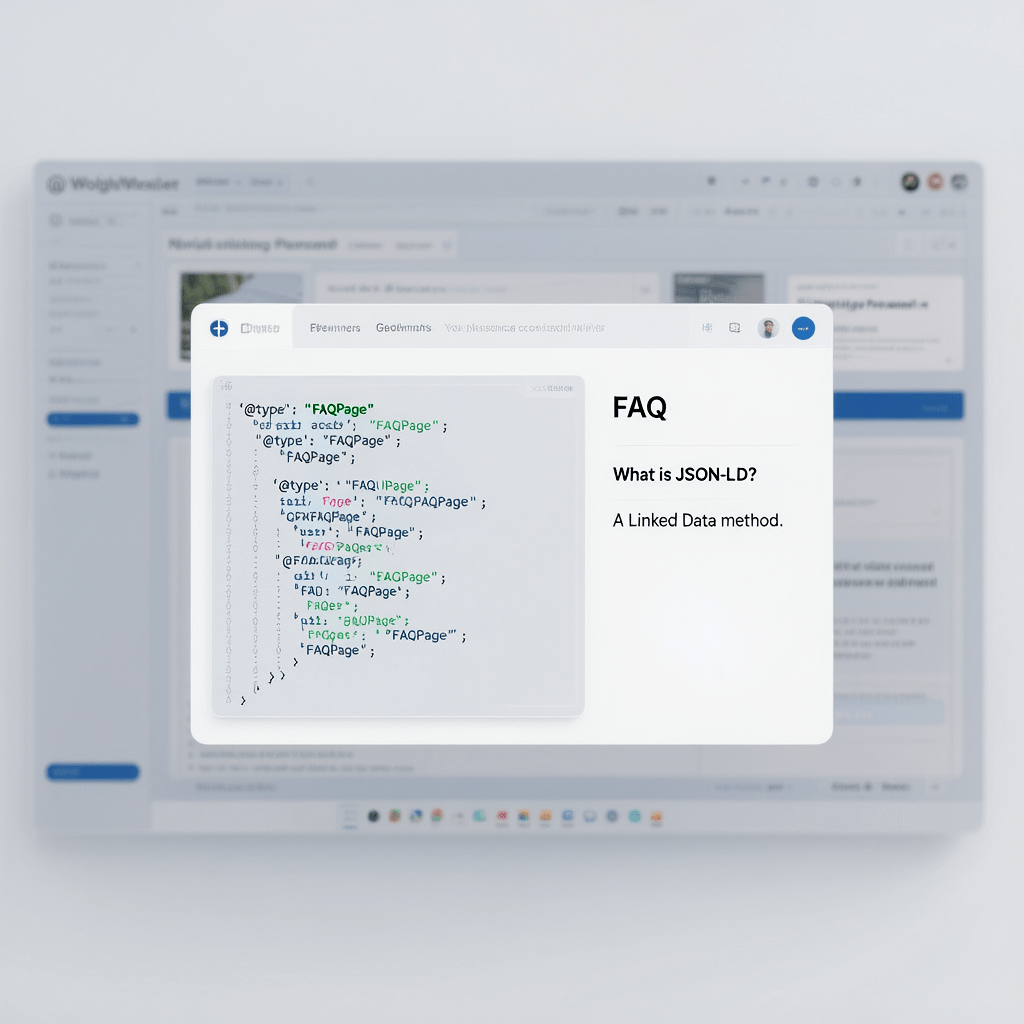
A lightweight, code-first workflow to add FAQ schema without plugin and win rich results while keeping your site fast.
Add FAQ Schema Without Plugin: 11 Proven Wins
By Morne de Heer, Published by Brand Nexus Studios
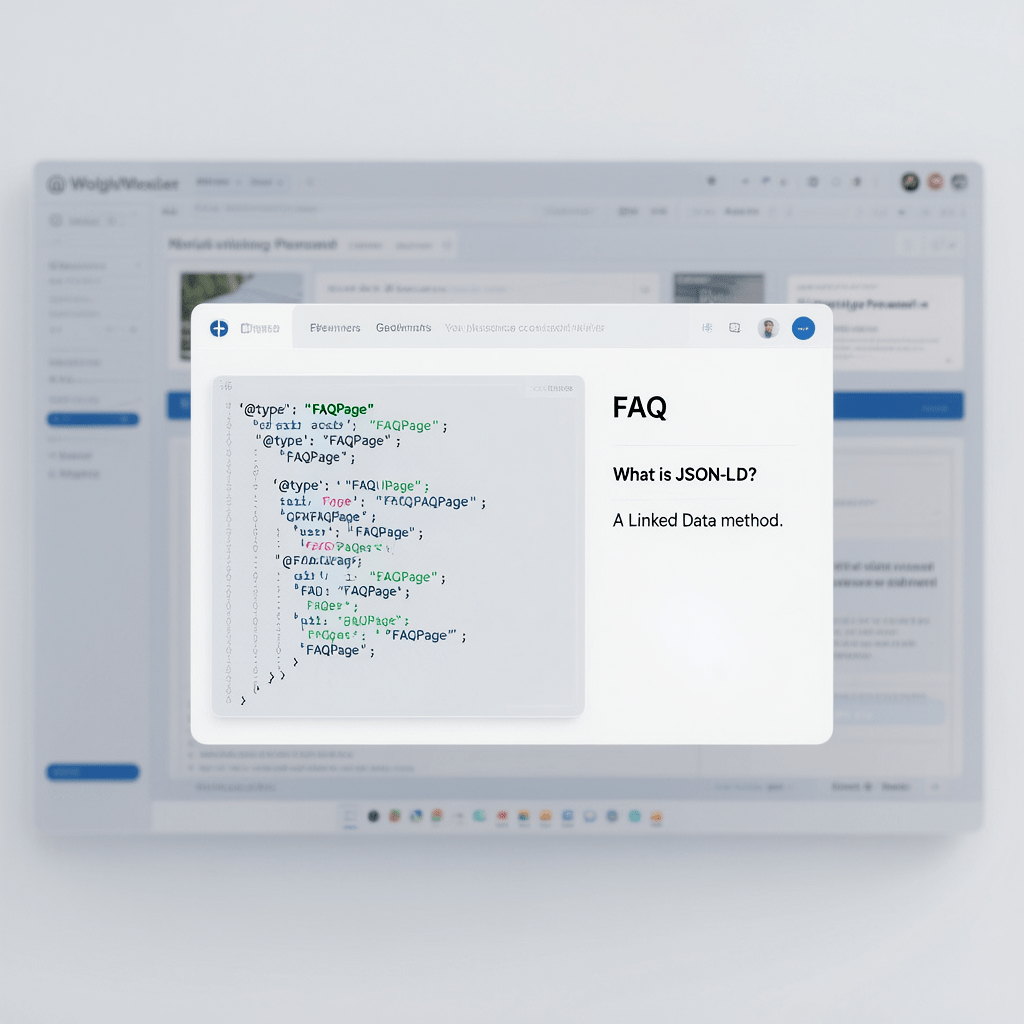
If you want rich results without bloating your site, you can add FAQ schema without plugin and keep full control over your code. This guide shows you precisely how to do it with clean JSON-LD, simple WordPress workflows, and repeatable templates you can deploy in minutes.
You will learn when to add FAQ schema without plugin, how to validate and monitor results, and how to scale the approach across pages without sacrificing performance. Along the way, we will keep everything fast with image compression and smart caching so your Core Web Vitals stay healthy.
When you add FAQ schema without plugin, you avoid dependency risk and version conflicts. You also get a transparent setup that is easy to audit, document, and hand off to your team.
What FAQ schema is and why it matters
FAQ schema is structured data that marks up a list of questions and answers on a page. The goal is to help search engines understand your content and potentially qualify your page for the FAQ rich result.
With a valid implementation, you can add FAQ schema without plugin, improve clarity for crawlers, and nudge higher click through rates by occupying more visual space in the search results. It is a small technical lever that often creates outsized wins.
- Clearer machine understanding of your questions and answers
- Potential eligibility for the FAQ rich result
- Better SERP footprint and more reasons to click
- Setup that you can keep simple if you add FAQ schema without plugin
You will get the best results when your visible questions and answers exactly match the JSON-LD. Keep answers short and avoid promotional language in the markup.
JSON-LD vs Microdata when you add FAQ schema without plugin
If you want to add FAQ schema without plugin in the cleanest way, JSON-LD is your friend. It keeps the markup separate from your visible HTML, so you can manage it in one script tag and avoid clutter in your DOM.
Microdata and RDFa can work, but they require wrapping your visible HTML with attributes. JSON-LD lets you paste a single object, validate it quickly, and move on. That reduces errors and keeps your page easy to maintain.
Core requirements before you add FAQ schema without plugin
- Make sure the page actually contains a visible FAQ section that users can read.
- Copy that content into a valid FAQPage JSON-LD block.
- Place the script only on the page where the questions appear.
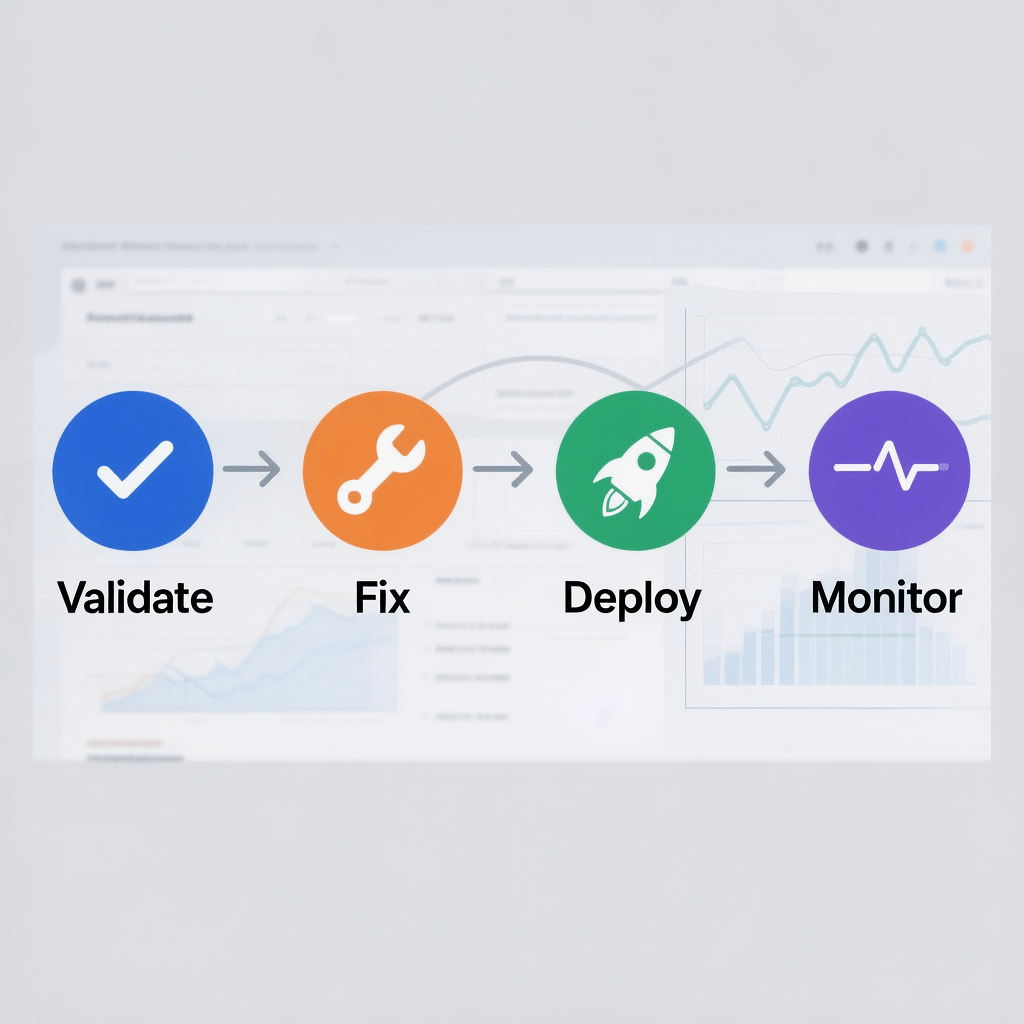
- Validate the markup and monitor results over time.
The fastest way to add FAQ schema without plugin is to paste JSON-LD into a Custom HTML block on the same page, then update and test.
Copy ready FAQPage JSON-LD template you can paste today
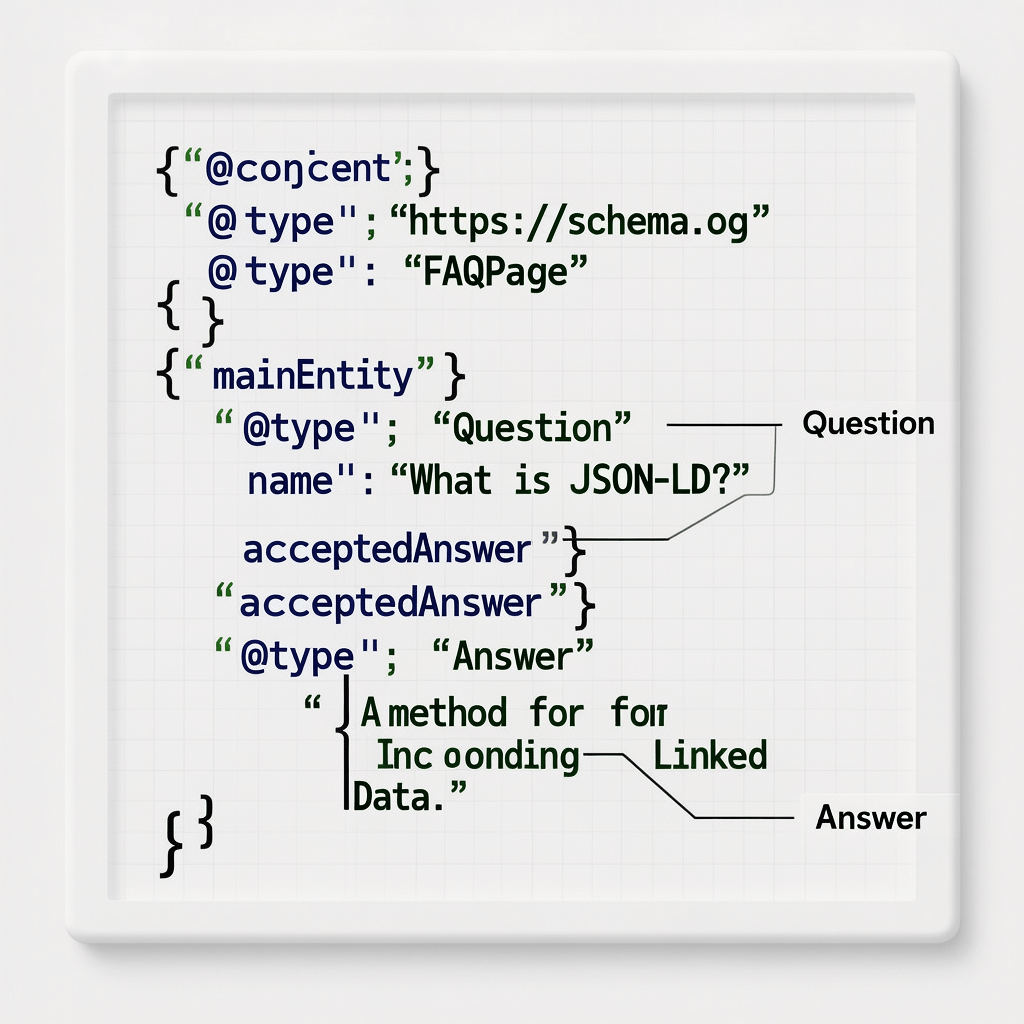
Use this starter template whenever you need to add FAQ schema without plugin. Replace the questions and answers with your content, then validate it.
{
"@context":"https://schema.org",
"@type":"FAQPage",
"mainEntity":[
  {
    "@type":"Question",
    "name":"Question 1 goes here?",
    "acceptedAnswer":{
      "@type":"Answer",
      "text":"Answer 1 goes here. Keep it concise and helpful."
    }
  },
  {
    "@type":"Question",
    "name":"Question 2 goes here?",
    "acceptedAnswer":{
      "@type":"Answer",
      "text":"Answer 2 goes here. Avoid promotional wording."
    }
  }
]
}
How to add FAQ schema without plugin in WordPress
There are multiple safe ways to add FAQ schema without plugin in WordPress. Choose the one that fits your workflow and governance model.
Method 1: Custom HTML block in Gutenberg
This is the simplest way to add FAQ schema without plugin. It keeps the markup where it belongs, next to your FAQ content, and requires no theme edits.
- Open the post or page that contains your visible FAQ.
- Add a Custom HTML block right below your visible FAQ section.
- Paste your FAQPage JSON-LD wrapped in a script tag with type application/ld+json.
- Update and test with a structured data tester and a rich results test.
<script type="application/ld+json">
{
  "@context":"https://schema.org",
  "@type":"FAQPage",
  "mainEntity":[
    {"@type":"Question","name":"What is X?","acceptedAnswer":{"@type":"Answer","text":"X explained."}},
    {"@type":"Question","name":"How does Y work?","acceptedAnswer":{"@type":"Answer","text":"Y works like this."}}
  ]
}
</script>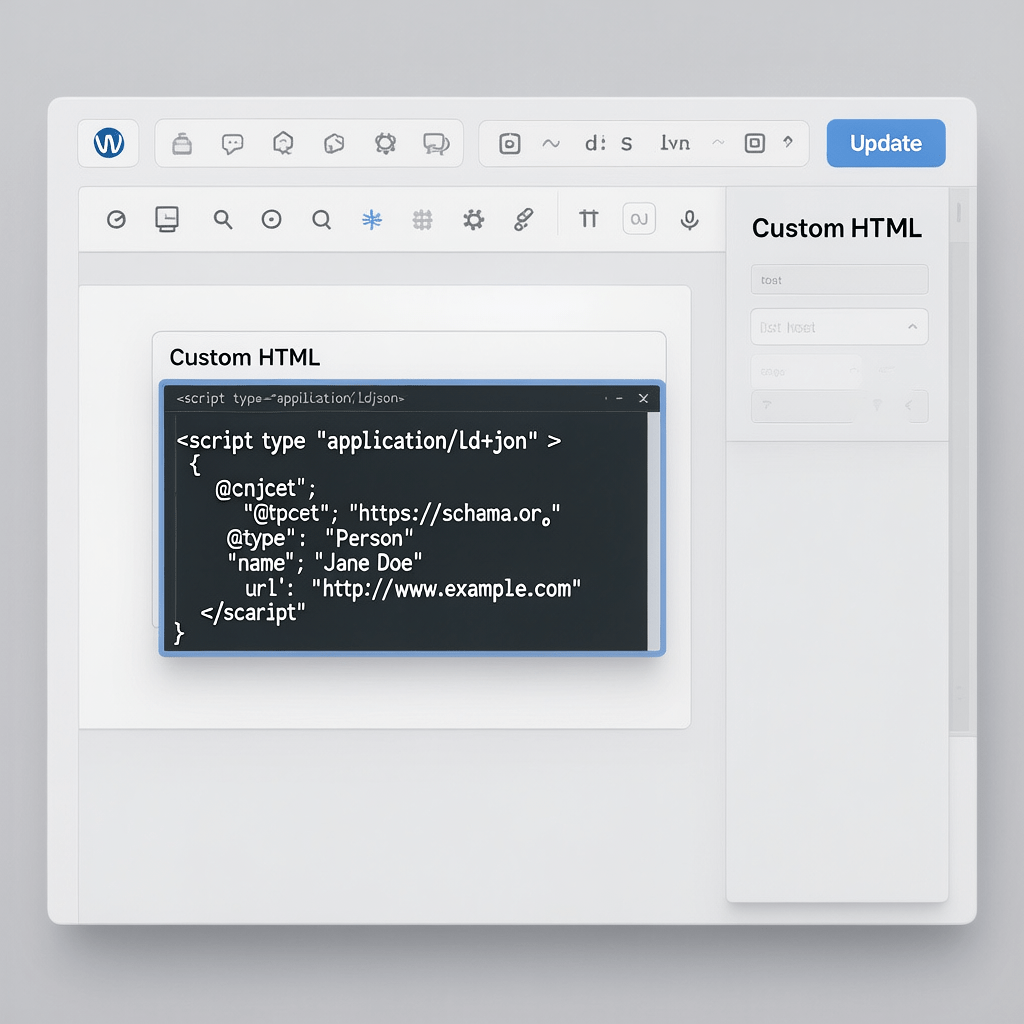
Method 2: Inject JSON-LD conditionally with functions.php
If you prefer to centralize code, you can add FAQ schema without plugin by injecting JSON-LD in functions.php only on the pages that need it. Use post IDs or URL checks to target the correct page.
/* Add FAQ schema without plugin conditionally */
add_action('wp_head', function () {
  if (is_page(123)) { // Replace 123 with your page ID
    ?>
<script type="application/ld+json">
{
  "@context":"https://schema.org",
  "@type":"FAQPage",
  "mainEntity":[
    {"@type":"Question","name":"Q1?","acceptedAnswer":{"@type":"Answer","text":"A1."}},
    {"@type":"Question","name":"Q2?","acceptedAnswer":{"@type":"Answer","text":"A2."}}
  ]
}
</script>
<?php
  }
});
Method 3: ACF driven JSON-LD for editors
When teams need repeatable governance, you can still add FAQ schema without plugin and let editors manage Q&As with Advanced Custom Fields. Generate JSON-LD dynamically from field values to ensure a perfect match with the visible FAQ.
<?php
$faqs = get_field('faqs'); // ACF repeater: question, answer
if ($faqs) :
  $entities = [];
  foreach ($faqs as $faq) {
    $entities[] = [
      "@type" => "Question",
      "name" => wp_strip_all_tags($faq['question']),
      "acceptedAnswer" => [
        "@type" => "Answer",
        "text" => wp_kses_post($faq['answer'])
      ]
    ];
  }
?>
<script type="application/ld+json">
{"@context":"https://schema.org","@type":"FAQPage","mainEntity": <?php echo wp_json_encode($entities); ?>}
</script>
<?php endif; ?>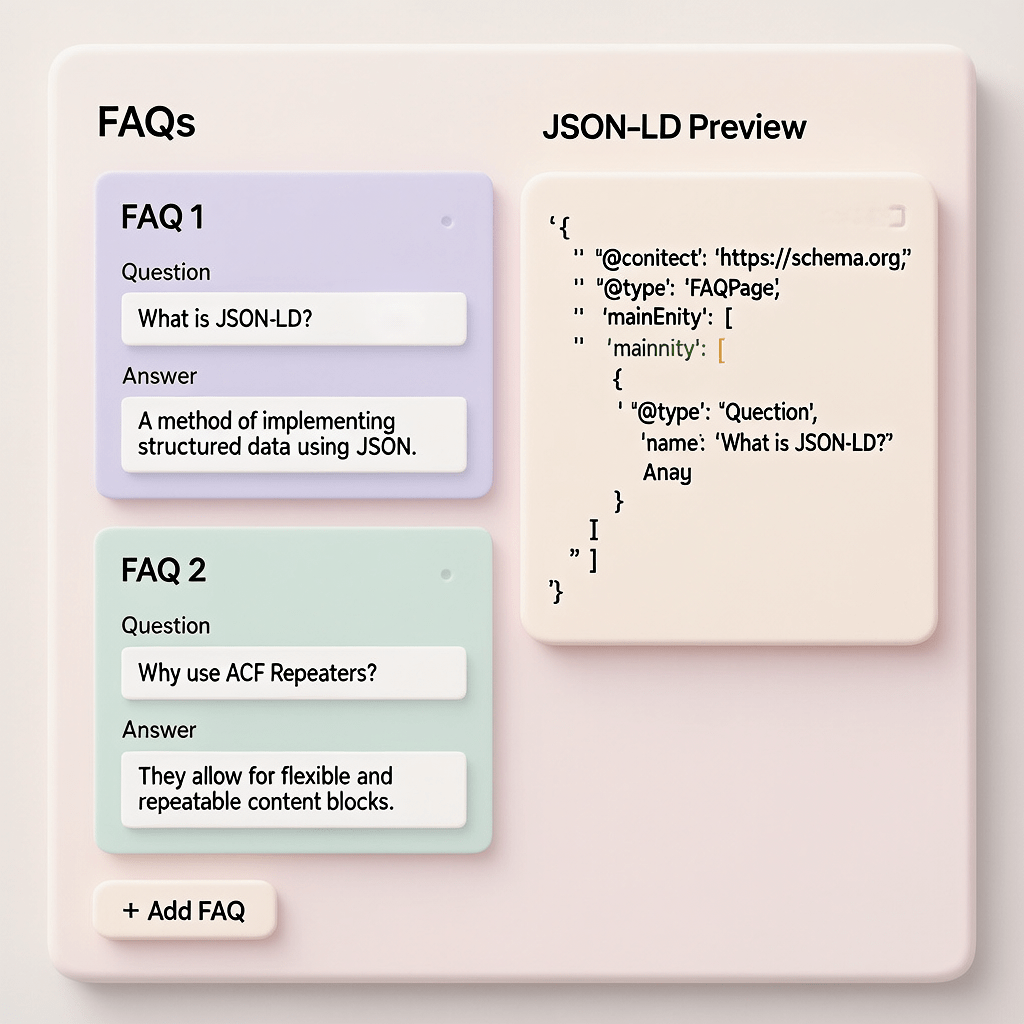
Method 4: Block pattern or reusable block
If your writers publish FAQs often, create a reusable pattern that includes a visible FAQ list and a placeholder JSON-LD block. This is another way to add FAQ schema without plugin at scale while maintaining consistency.
- Bundle a styled FAQ list with simple toggles
- Include a Custom HTML block for the JSON-LD script
- Document how to update both in one pass
How to add FAQ schema without plugin in other platforms
Even outside of WordPress, it is straightforward to add FAQ schema without plugin. The key is to paste JSON-LD on the page that contains the visible FAQ content.
Static HTML sites
Add a script tag with type application/ld+json right before the closing body tag, or wherever you manage per page scripts.
Shopify
Use a section or template file to place a JSON-LD snippet on the product or page template. You can still add FAQ schema without plugin by editing the theme code.
Webflow
Add the JSON-LD as an Embed element on the page. Make sure the visible FAQ section matches your markup, and you can add FAQ schema without plugin smoothly.
Validation checklist before you add FAQ schema without plugin
- The page contains a visible FAQ section that mirrors the markup.
- Questions are unique, helpful, and avoid promotional claims.
- Answers are concise, usually 1 to 3 short sentences.
- JSON syntax is valid and uses the FAQPage type.
- Script appears only on relevant pages where the FAQ is visible.
- Cache is warmed and images are compressed for page speed.
Performance tips when you add FAQ schema without plugin
One big benefit when you add FAQ schema without plugin is performance control. No extra JavaScript, no database queries, no unexpected CSS. Keep it lean and watch your metrics.
- Minify JSON where practical to reduce bytes.
- Use server side caching and a CDN to speed delivery.
- Compress images aggressively and serve responsive sizes.
- Avoid duplicate schema from multiple sources.
When you add FAQ schema without plugin, you also reduce update risk. Fewer moving parts means fewer regression surprises during core updates.
Governance and version control
Good process helps you add FAQ schema without plugin at scale. Store templates in your repo, document naming, and keep a short checklist for each publish.
- Template folder for JSON-LD blocks
- Change log entry whenever markup changes
- Validation step included in your QA checklist
- Periodic audits to remove stale or duplicate scripts
For teams, a brief SOP ensures every editor can add FAQ schema without plugin the same way each time.
Common mistakes and how to fix them
Mismatch between visible and structured content
If your JSON-LD answers do not match the on page text, you risk ineligibility. Always copy from the source to add FAQ schema without plugin without drift.
Sitewide injection
Do not inject the same FAQ on every page. Only add FAQ schema without plugin where the actual FAQ appears to keep the intent and policy alignment clean.
Promotional or abusive answers
Keep answers factual and helpful. Overly promotional answers may reduce eligibility even if you add FAQ schema without plugin correctly.
JSON syntax errors
Validate every time. Quotation marks, commas, and brackets are easy to miss when you add FAQ schema without plugin in a hurry.
Analytics and monitoring after you add FAQ schema without plugin
Once deployed, monitor impressions, clicks, and CTR for the affected page set. Adding annotations will help you attribute uplift to the decision to add FAQ schema without plugin.
- Track before vs after CTR within the same ranking band
- Monitor if the FAQ rich result appears consistently or intermittently
- Assess the impact on scroll depth and on page engagement
Tie your observations to a change log so you can refine how you add FAQ schema without plugin across similar pages.
If you want expert help, Brand Nexus Studios can support strategy and audits as part of our SEO services.
Security and maintainability
Never paste unvetted user generated content into JSON-LD. Sanitize inputs and escape outputs if you add FAQ schema without plugin dynamically from fields.
Use a child theme or custom plugin for code if you commit to functions.php. That way, your setup to add FAQ schema without plugin survives theme updates.
Advanced scaling patterns
Taxonomy based injection
Mark posts with a category or tag like has faq. Then conditionally add FAQ schema without plugin only to those posts by checking taxonomy at render time.
Reusable patterns with placeholders
Create a block pattern that includes a visible FAQ layout and a nearby JSON-LD block. Editors swap placeholders with real Q&As and you add FAQ schema without plugin with near zero friction.
Headless implementations
If you run headless, you can still add FAQ schema without plugin by rendering a server side JSON-LD payload per route based on your content model.
Need a partner to implement this cleanly across templates and environments without bloat? Our website design and development team can help.
Editorial best practices for FAQs
- Mine questions from real user intent and support logs
- Answer simply and directly in the first sentence
- Keep each answer scoped to one idea
- Revisit quarterly to retire outdated items
The editorial standard is what makes it worthwhile to add FAQ schema without plugin. The technology is easy. The words are what win clicks.
Implementation checklist to add FAQ schema without plugin
- Draft 3 to 8 Q&As aligned to the page topic.
- Create a clean FAQPage JSON-LD object.
- Insert via Custom HTML or inject conditionally in code.
- Validate for syntax and policy alignment.
- Purge cache and compress images for speed.
- Monitor impressions and CTR changes.
- Document what you learned and templatize it.
Troubleshooting when rich results do not appear
If rich results do not show after you add FAQ schema without plugin, do not panic. Eligibility is not guaranteed. Confirm your markup is valid, that your content is visible, and that it meets guidelines. Then give it time.
- Check for duplicate or conflicting schema from other sources
- Ensure the page is indexed and canonicalized correctly
- Ensure you did actually add FAQ schema without plugin to the correct page
- Reduce the number of questions to your strongest set
- Improve the clarity of the first sentence in each answer
Policy and eligibility reminders
Structured data should help users. Even if you add FAQ schema without plugin perfectly, search engines may suppress rich results when content appears promotional, duplicate, or not helpful.
Keep your implementation minimal, precise, and current. The simpler you add FAQ schema without plugin, the easier it is to keep it compliant over time.
To keep eyes on the data post launch, consider professional analytics and reporting support from Brand Nexus Studios.
Case style example: from plain Q&A to rich result eligibility
Here is a practical flow you can repeat any time you add FAQ schema without plugin. Start with the on page FAQ, then mirror it in JSON-LD, validate, and monitor.
- Write three sharp questions that match search intent.
- Answer each in two sentences with clear, non promotional language.
- Paste the JSON-LD script using the template above.
- Validate and fix errors quickly.
- Measure CTR change after 2 to 4 weeks.
This repeatable approach lets you add FAQ schema without plugin at scale while staying true to user needs and policy.
FAQ schema for product pages and support hubs
It often makes sense to add FAQ schema without plugin on support pages and knowledge base articles that already contain clear Q&As. For product pages, use it when the questions truly sit on the page and help buyers decide.
Do not attempt to add FAQ schema without plugin just to force an extra footprint. The content must be present, relevant, and useful.
Content design tips that complement your markup
- Use a short, scannable FAQ module that looks good on mobile
- Keep the reading level simple and direct
- Make the first sentence a complete answer
- Use clear question phrasing that mirrors search queries
These habits make every attempt to add FAQ schema without plugin more effective, because they sharpen the value of what you are marking up.
Hygiene: dedupe and maintain over time
When you add FAQ schema without plugin across many pages, content can drift. Establish an inventory so you do not repeat the same questions everywhere without cause.
- Quarterly review of all pages with FAQ JSON-LD
- Merge or retire duplicates and stale items
- Update answers when product or policy changes
Developer notes for stability
When you add FAQ schema without plugin in code, wrap your JSON-LD generation in functions and keep it testable. Unit test arrays before encoding to JSON. Escaping is your friend.
- Use wp_json_encode in WordPress to handle escaping
- Strip tags from questions, allow limited HTML in answers
- Gate output to the correct post type or template
When you should consider a plugin
You can almost always add FAQ schema without plugin. That said, if your organization demands a unified schema layer with editorial UI, a reputable schema plugin might save time. Compare the overhead to your needs and keep performance in mind.
FAQs
Can I add FAQ schema without plugin and still pass validation?
Yes. Validation depends on correct JSON-LD and policy alignment, not on how you inserted the code. Many teams prefer to add FAQ schema without plugin for control.
Does the FAQ need to be visible on the page?
Absolutely. You must display the questions and answers to users on that page. If you add FAQ schema without plugin but the content is hidden or absent, you risk ineligibility.
How many questions are too many?
Stick to your strongest 2 to 8. If you add FAQ schema without plugin to a long list, trim it so the best questions lead.
Will this slow down my site?
No, not if you keep the JSON small and compress images. One benefit when you add FAQ schema without plugin is avoiding heavy asset overhead.
Where should I put the script tag?
Place it in a Custom HTML block near the visible FAQ section, or inject it conditionally in your head or footer. Either way, you can add FAQ schema without plugin safely.
Can I add FAQ schema without plugin on multiple pages at once?
Yes. Use taxonomy flags or template logic to target the right pages, and generate JSON-LD from fields so each page’s markup matches its unique content.
References
About the Author




